Tips & tricks · Workflow · Mobile · better sleep · 3 min read
Bedtime mode: your phone goes to sleep before you do
Last reviewed:
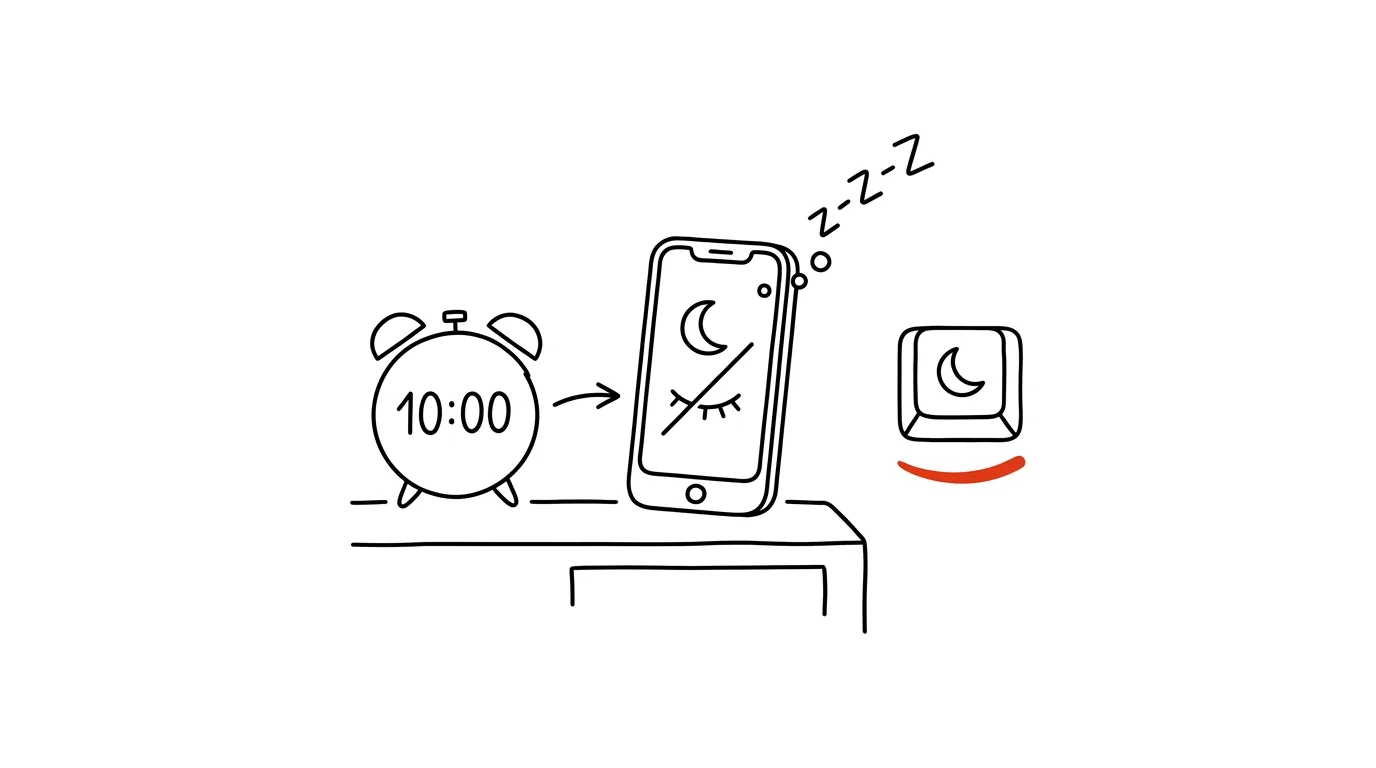
Your phone in bed at night is the number-one sleep thief. Your system can neutralize it. Blue light from the display, bright and colorful notifications, endless content with no natural stopping point — all of it is designed against sleep, not for it. Fortunately, both major platforms have a built-in mode that takes care of dialing down the phone's appeal during the hours you should already be asleep.
A typical scenario
Filip used to tell himself he'd just check his phone for a minute before bed — and it regularly turned into forty minutes of scrolling, after which he fell asleep later, worse, and with his head full of other people's content instead of calm. Turning the phone off completely felt too drastic, and he'd wake up to the same problem the next morning anyway.
After setting up bedtime mode to start an hour before his planned sleep time, the display dims and turns gray on its own, notifications go quiet, and even the apps that would normally lure him in look far less appealing in grayscale than in full color. It's not a ban — just a system that gently reminds him it's time to slow down, and it works remarkably reliably because it requires no extra decision-making once it's set up.
How to do it
- iOS: Settings → Focus → Sleep, or schedule times directly in the Health app under the Sleep section — that's where you set when bedtime mode should start and end based on your planned sleep schedule.
- Android: Digital Wellbeing → Bedtime mode — dims brightness, switches the screen to grayscale, and silences notifications according to your set schedule.
- Set the mode to start roughly an hour before your target bedtime, not right at the moment you want to close your eyes — give your body time to wind down gradually.
- Within the mode, you can allow exceptions for important contacts (family, calls) so real urgency can still reach you through a dimmed phone.
- In the morning, set the mode to end in sync with your alarm — the phone returns to normal exactly when you want to get up, not before.
The best tools
- iOS Sleep in the Health app — a built-in feature tied to your sleep schedule and, if you have one, your Apple Watch.
- Android Bedtime mode — a similar built-in feature under Digital Wellbeing, available on most Android phones.
- Sleep Cycle — an app for tracking sleep quality and waking you at the ideal point in your sleep cycle; useful if you also want data on how you sleep.
- Twilight — a blue-light filter that goes beyond the built-in features, with finer control over the display's color temperature based on time of day.
What you get out of it
- Sleep quality: less blue light and disruptive content before bed helps your body naturally kick-start melatonin production.
- Faster to sleep: a dimmed, less tempting phone means less time spent scrolling instead of sleeping.
- Peace of mind: exceptions for important contacts mean you won't lose reachability for real emergencies.
- Automation: a schedule you set once runs itself every night, without having to remember “I should really put the phone down now.”
Pro tip
The strongest version of this tip goes one step further: move the charger outside the bedroom and get a plain, cheap alarm clock. Mornings then don't start with scrolling the second you wake up, because the phone simply isn't within reach.
Want to go deeper? The handbook has a whole chapter on it — Core systems: inbox, priorities, reviews.
Similar tips
Widgets: information without opening apps
Calendar, tasks, and weather on your home screen mean you open your phone, glance, and close it — instead of a tour through your apps.
In-depth guide · 19 min
AI voice mode: think out loud while you walk
A complete guide with prompts: when talking to AI beats typing, how to run a conversation that resolves something, and where voice mode hits hard limits.
Recipe for Four, Seven Guests Are Coming: Let AI Do the Math
Servings, cups to grams, Fahrenheit to Celsius, and a shopping list to go with it. One prompt solves the kitchen math nobody wants to do.
Was this helpful?
Liked this tip?
I send one like it every week by email. Two minutes to read, hours saved.
The Top 30 tips e-book, free — it lands in your inbox right away.
Then 1 tip a week · no spam · unsubscribe in one click
Prefer a system to single tips? The free email course — seven days, seven emails, one skill a day.