Tips & tricks · AI · Everywhere · ~15 min a week · 2 min read
Two Lists Side by Side: AI Finds What's Missing
Last reviewed:
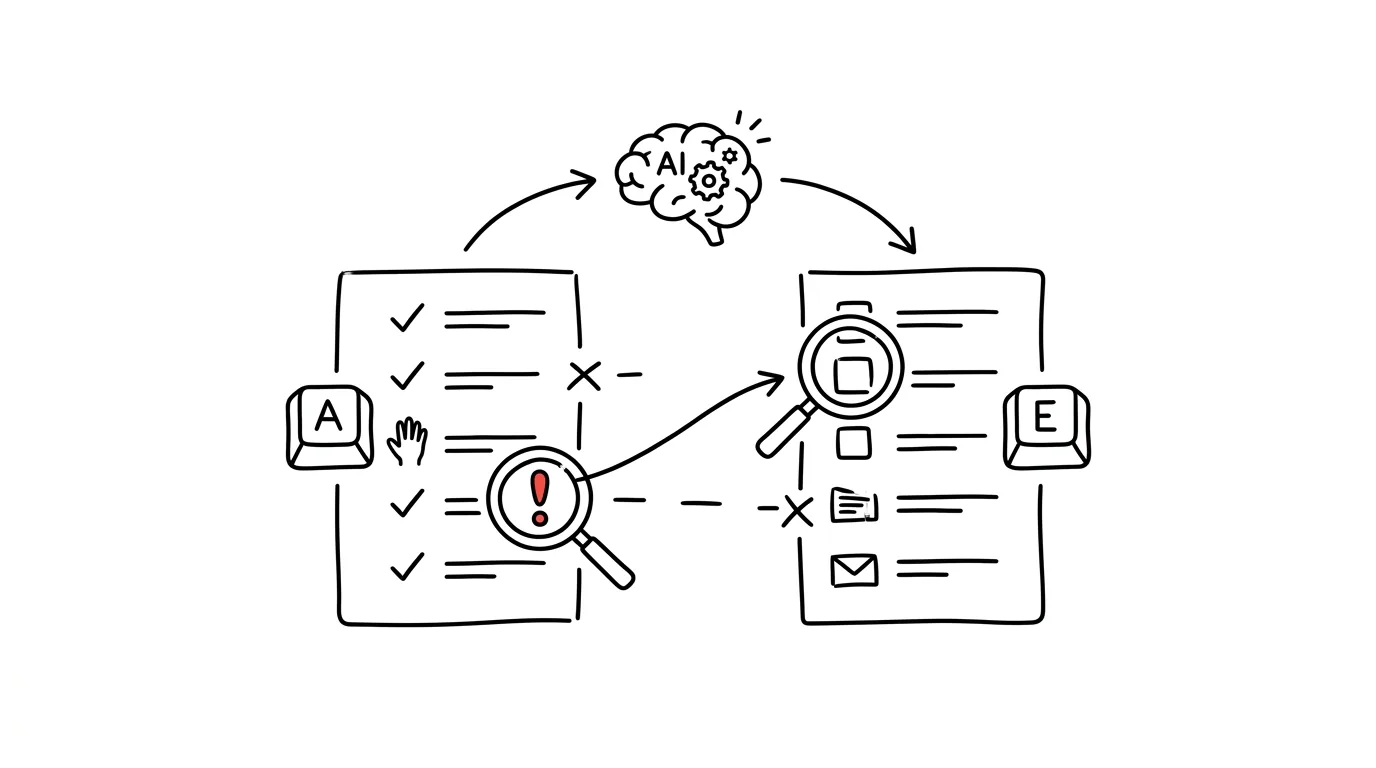
Comparing two lists is one of the most tedious office jobs there is: who signed up but didn't pay; which invoices have no matching order; who's on the attendance sheet but not in the system. In Excel you can use VLOOKUP or conditional formatting, but the formulas break on exactly what happens most often: typos, first-and-last-name order flipped, missing accents. This is precisely a job for AI — it compares lists "the human way" and recognizes that a name with a typo or a missing accent is the same person.
How to do it
- Copy both lists — straight from Excel, an email, or a PDF, formatting doesn't matter.
- Paste them into a chat (Claude, ChatGPT, or Gemini) with this prompt:
Here are two lists. Compare them and return three separate
lists:

1. Items that are in list A and missing from list B.
2. Items that are in list B and missing from list A.
3. Items that are probably the same thing written
   differently (typo, name order swapped, missing accent) —
   show both versions side by side.

At the end, give counts: how many items in A, how many in
B, and how many match. Don't guess — when you're not sure,
put the item in list 3 with a question mark.

LIST A:
[paste]

LIST B:
[paste]
- Check the third list especially — those are the disputed cases you have to settle yourself.
- Verify the counts at the end against the actual length of the lists. If they don't match, the model skipped something and you want to know that.
A typical scenario
Teacher Hana is collecting payment for a school trip. She has a class list from the school system and a payment export from the bank account — but the payment export has parents, not kids, plus "Novakova Anna" with no accents and one payment with the note "for Kubík." Manually checking things off means twenty minutes of concentration that one interruption ruins, forcing her to start over.
She pastes both lists in with a note that the payments are from parents and names won't match exactly. In half a minute she has four kids without a payment, one extra payment (a sibling from a different class), and three disputed cases to verify by hand. She checks the counts, resolves the disputed cases, and sends reminders — three minutes total.
What you get out of it
You save a few dozen minutes a week, but more importantly you stop doing the kind of work human attention is proven to fail at — an overlooked entry in a long list is a classic fatigue error. AI proposes the matching, you approve the disputed cases; for lists with personal data, the usual rule applies — only in a paid account where data isn't used for training, or replace names with numbers before pasting. For lists longer than a few hundred entries, analyzing data with a script is more reliable; this trick is for everyday, smaller comparisons.
Want to go deeper? The handbook has a whole chapter on it — AI and automation.
Similar tips
Take calls on your Mac — even when the iPhone's in another room
Your Mac can receive and dial calls from your iPhone. The phone can stay on the charger in the hallway while you talk through your computer's headset.
Bulk rename files right inside Finder
Select files, right-click, Rename — Finder can replace text, add sequence numbers, and format names with numbering.
Turn on your iPhone's hotspot from your Mac — the phone stays in your bag
Your Mac sees your iPhone's hotspot right in the Wi-Fi menu, even when it's off on the phone. One click and you're online — no touching your phone.
Was this helpful?
Liked this tip?
I send one like it every week by email. Two minutes to read, hours saved.
The Top 30 tips e-book, free — it lands in your inbox right away.
Then 1 tip a week · no spam · unsubscribe in one click
Prefer a system to single tips? The free email course — seven days, seven emails, one skill a day.