Handbook · Tools · 12 min read
AI and automation: let the work work for you
Last reviewed:
Pasting text into a chatbot is so 2023. The real leverage is in automation: AI that reads your email, prepares drafts, captures the promises made in meetings, and sets up projects — while you just approve.
In this article
- From chat to automation: five levels
- The golden rule: AI proposes, you approve
- Routine 1: morning email reply drafts
- Routine 2: an evening recap — email, promises, projects
- Routine 3: meetings that take their own notes
- Routine 4: a calendar that defends itself
- Where to start: tools by strength
- Safety: automation ≠ carelessness
- How to start this week
Most people use AI as a smarter search engine: they open a chat, paste something in, copy the answer back out. That works — but it's like buying a washing machine and then doing the laundry by hand inside it. The real jump in productivity comes when you stop feeding AI and start delegating to it: you connect it to your data and let it work on its own. Then all you do is approve the results.
From chat to automation: five levels
- 1ChatYou ask, you copy answers. Useful, but manual.
- 2ContextAI knows your projects and your style — projects, custom instructions.
- 3ConnectionAI can see straight into your email, calendar, and documents.
- 4RoutinesAI runs on its own at a set time and prepares the output.
- 5AgentAI carries out multi-step tasks; you approve the result.
Most guides on the internet revolve around levels 1–2. This chapter is about levels 3–5, because that's where you save hours, not minutes. The principle is always the same: automate the flow, not the individual action — and put a single checkpoint between the AI and the world: you.
The golden rule: AI proposes, you approve
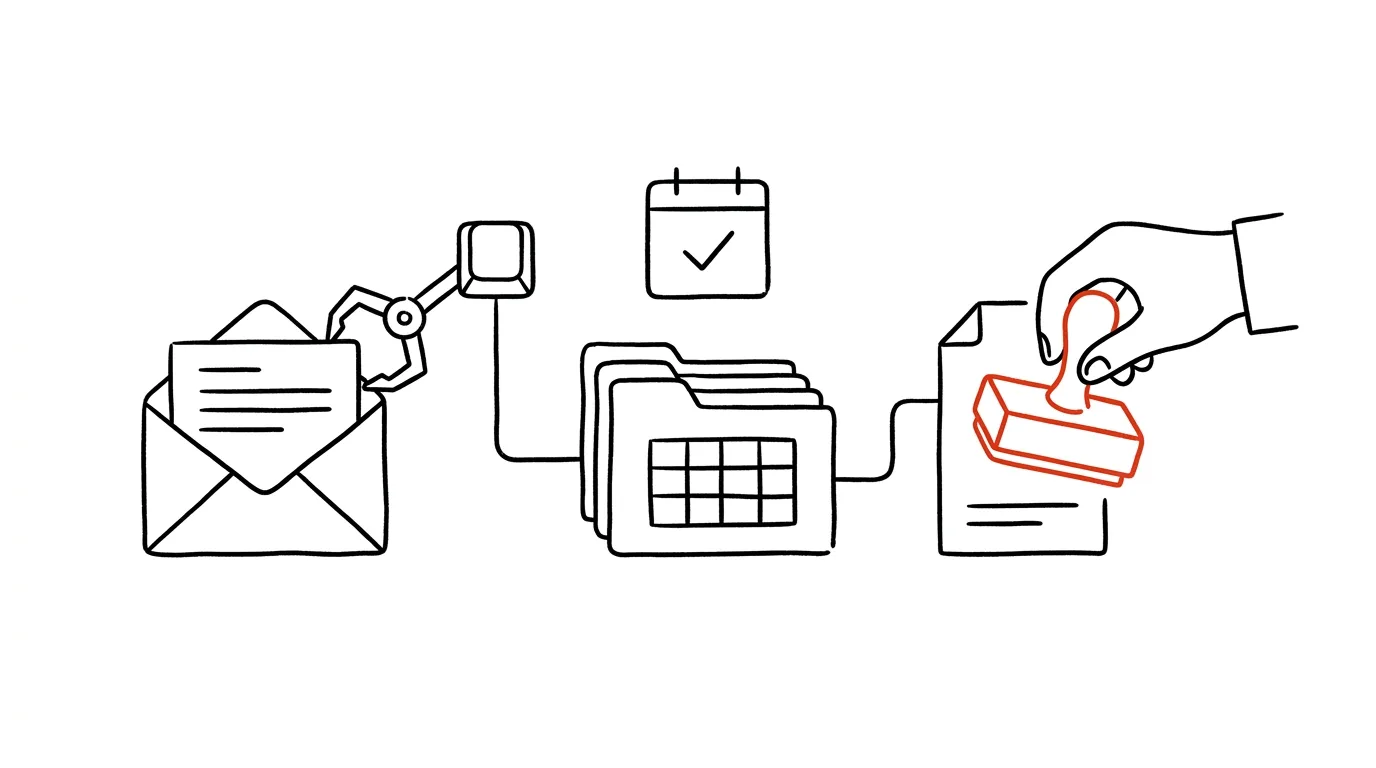
Before we get into specific routines, one rule that applies to all of them: a well-built automation never sends, deletes, or promises on your behalf. It prepares a proposal — a draft, a summary, a created task — and waits for your approval. This is called “human in the loop”, and it's the difference between an assistant and a liability:
- A draft reply to an email ≠ a sent reply.
- A proposed project ≠ a commitment in the team plan.
- Meeting notes get read before they go out.
Approving costs you seconds. An unapproved mistake can cost you a client's trust.
Routine 1: morning email reply drafts
The most valuable email automation doesn't look like “AI summarizes an email I've already read anyway.” It looks like this: you open your inbox in the morning and every email waiting for a reply already has a draft — in your tone, with real dates from your calendar. You just go through them: good → send, bad → two edits → send.
How to build it:
- The simplest route: AI assistants right inside your mail client — Gemini in Gmail, Copilot in Outlook — can propose replies in one click. Zero setup, but drafts only appear once you open the email.
- The stronger route: an automation platform (Zapier, Make, n8n) with a rule: new email → the AI model gets the email text plus your instructions (tone, signature, rules) → it creates a draft in your mailbox. In the morning you find half-written replies in your Drafts folder.
- The strongest route: an agentic tool (e.g. Claude with access to your email, or Claude Code connected to Gmail) that you describe your rules to once: “Ignore newsletters. Answer scheduling questions from my calendar. Use this template for inquiries. Save everything as drafts.” The routine then runs automatically.
From experience: the rule that worked for me is this: AI may prepare a draft for anything, but I'm the only one who hits send. Even so, it turned my morning email hour into twenty minutes — I read and approve, I don't write.
Routine 2: an evening recap — email, promises, projects
The second routine addresses the sneakiest hole in your productivity: promises scattered across conversations. “I'll send it by Friday.” “I'll take a look.” “Let's sort it out next week.” Every one of those is a commitment nobody wrote down.
A routine at the end of the day goes through your sent and received mail (and meeting notes, if you have them) and generates a single overview:
- 1What I promised, and to whomcommitments pulled from sent emails — with dates
- 2What people promised meand how long I've been waiting — the basis for follow-ups
- 3Proposed tasks and projectsAI creates them straight away as drafts in your task manager
- 4What I haven't replied toemails older than X days that are still waiting for a response
You go through that overview in three minutes, approve the created tasks (or delete the ones that don't fit) — and leave work with a clear head. No promise gets lost.
How to build it: an automation platform with scheduled runs (every day at 5:30 p.m.) → pull today's mail → an AI prompt along the lines of “extract commitments, deadlines, and unanswered emails; format: …” → send the output by email or to Slack and create the tasks via your task manager's API (Todoist, Notion) with a “needs approval” label. Agentic tools can handle this without any of the glue — you describe the routine once in plain language.
Routine 3: meetings that take their own notes
A meeting transcript is a commodity these days — Teams, Meet, and Zoom transcribe on their own, and tools like Granola, Fireflies, or tl;dv work across platforms. The real value is in what happens automatically after the meeting:
- Transcript → AI extracts decisions, tasks (who–what–by when), and open questions.
- The tasks land in your task manager — as proposals for approval.
- The notes are filed with the project and (once you've signed off) sent to the participants.
Your role in the meeting changes: you don't have to write, you can think. And there's no “who was supposed to take that?” a week later.
Don't forget: recording a meeting requires the participants' consent — and internal meetings with sensitive content belong only in tools your company has approved.
Routine 4: a calendar that defends itself
AI schedulers (Reclaim, Motion, or rules in Google Calendar) handle what people lack the discipline for: they automatically block time for focused work, move blocks when someone drops a meeting on top of them, and protect lunches and travel time. You set your priorities once — and the calendar maintains itself from there.
Where to start: tools by strength
- The AI built into tools you already have — Gemini in Gmail/Workspace, Copilot in Microsoft 365, the AI in Notion or Todoist. Least friction, a good first level.
- Meeting notes — Granola, Fireflies, tl;dv, or the built-in transcription in Teams/Meet. The fastest tangible win.
- Automation platforms — Zapier and Make (no coding), n8n (self-hosted, your data stays with you). The glue between email, AI, and your task manager.
- Agentic tools — Claude (projects plus connections to your tools), Claude Code for the more technically inclined. You describe routines in plain language and the agent carries them out.
Safety: automation ≠ carelessness
The more of your data AI can see, the more the rules from the rest of this guide count double:
- Connect AI through company accounts with data protection, not personal chat accounts.
- Sensitive documents and client data go only into tools your company has approved; limit read-only routines to folders where sensitive data never lands.
- Don't set up automations with the right to send or delete — always keep the approval step (drafts, proposals, a “needs approval” label) for yourself.
- Every so often, check what the AI has access to — permissions have a way of piling up.
How to start this week
- Pick one routine — meeting notes have the easiest payoff, email drafts the biggest savings.
- Build the simplest version — the built-in AI in your mail client is fine. You can improve it later.
- Spend a week approving and tuning your instructions — every correction to a draft is one more sentence for the rules (“only offer slots Tuesday through Thursday”).
- Once a routine has run smoothly for a week, add another. The goal isn't AI everywhere — the goal is to stop doing by hand anything a machine can prepare and you can simply sign off.
Productivity with AI isn't about typing more into a chat window. It's about touching fewer things that don't require your brain — and putting the capacity you free up back into the work nobody else can do for you.
Related tips
In-depth guide · 62 min
AI automation: the complete guide
Automation in plain language: triggers, actions, runs; Zapier vs. Make vs. n8n vs. Power Automate; ten scenarios with prompts, and when not to automate.
In-depth guide · 19 min
Morning routine: reply drafts are waiting before you arrive
A complete guide with prompts: connect your mail, write rules in plain language, and cut morning email to fifteen minutes. AI drafts — only a human sends.
In-depth guide · 21 min
Evening routine: AI pulls every promise you made out of your inbox
A guide with prompts: the routine tells a promise from a pleasantry, sweeps mail and meetings each evening — five minutes to approve. A human confirms.
In-depth guide · 19 min
Data Analysis with AI: From CSV to a Conclusion You Can Defend
A guide with prompts: why a language model must not do the math in chat, how to turn a table into a script that recalculates, and how not to overreach.
Want to keep the momentum?
One tip from the handbook by email each week — in an order that makes sense.
The Top 30 tips e-book, free — it lands in your inbox right away.
Then 1 tip a week · no spam · unsubscribe in one click
Prefer a system to single tips? The free email course — seven days, seven emails, one skill a day.