Tips & tricks · AI · Everywhere · ~5 min a day · 3 min read
Word on the Tip of Your Tongue: AI as a Reverse Dictionary
Last reviewed:
In this article
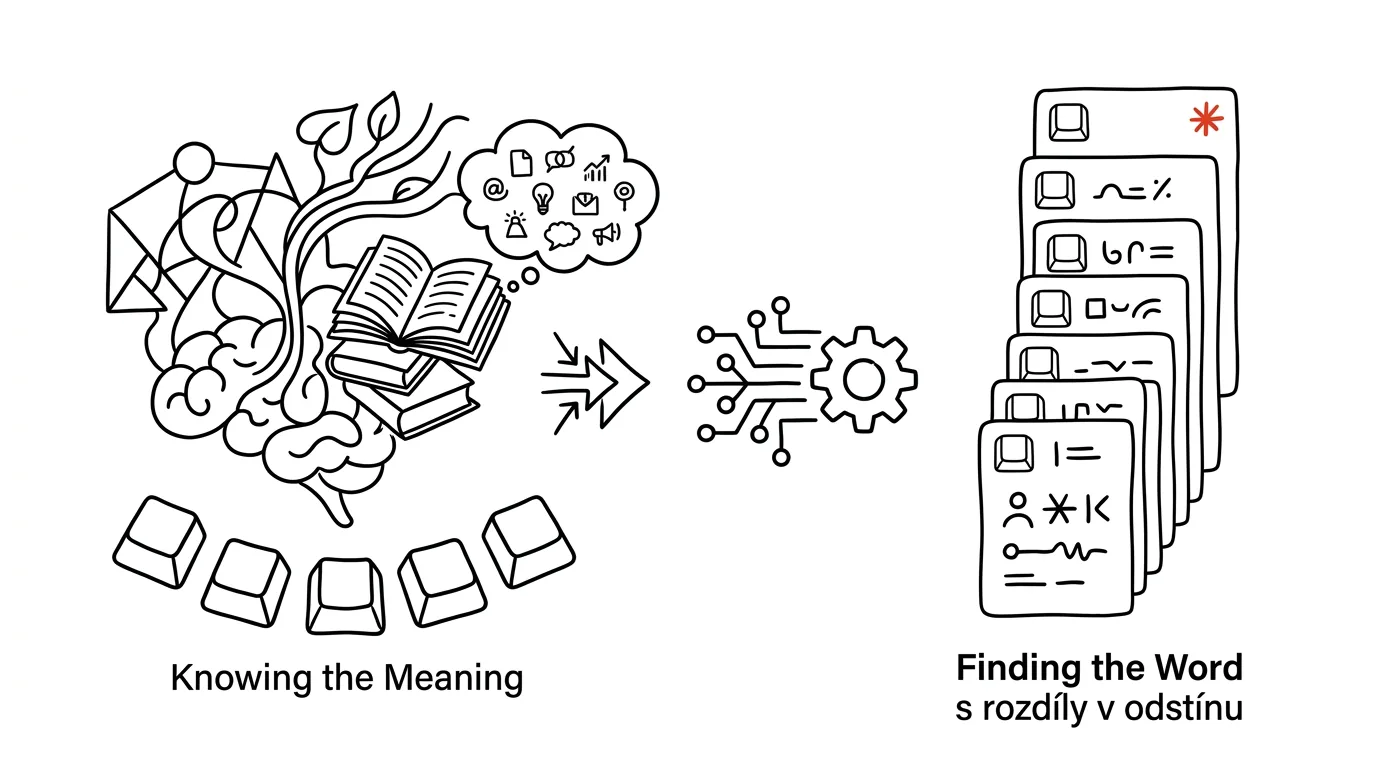
A classic dictionary only works in one direction: you know the word, you look up the meaning. But when writing, you often need the opposite direction — you have the meaning in your head and you're hunting for the word that captures "it." "You know, that thing when someone pretends not to see a problem…" A thesaurus helps once you already have some word; when all you have is a feeling and a context, you have nothing to type in. A language model is the first tool that genuinely handles the reverse direction: you describe the meaning in a sentence and it returns candidates — including the differences between them that decide whether a word actually fits.
How to do it
- Describe the word you're looking for the way you'd explain it to a colleague: the meaning, the sentence context, and possibly what it isn't.
I'm looking for a word. Meaning: to deliberately overlook a
problem and act like it doesn't exist. Context: formal text
for company leadership, a verb. Not "ignore" — that's too
neutral, I need the shade of deliberateness.

Give me 10 candidates ranked from best fit. For each, one
sentence on how it differs from the others and which
register it belongs to (informal / neutral / literary).
- Don't just take the first suggestion — read through the descriptions of the nuances, that's the whole point of doing this.
- The same approach works for technical terms ("what's it called when a bank…"), foreign-language terminology, and the reverse problem too: "I found the word X, confirm it means what I think it does, and give me an example sentence."
- If nothing fits, add the sentence the word needs to go into — context narrows the field better than another description of the meaning.
A typical scenario
Copywriter Marek is writing a case study and needs a verb for a company that put off modernizing its systems for years. "Neglected" is too strong, the client will be reading this. "Delayed" is too weak. He stares at the wall for ten minutes trying out sentences.
He describes the shade he wants in a chat — "something between delayed and neglected, no blame, formal text" — and gets a list: procrastinated on, let slide, deprioritized, put on the back burner, with a note on each. "Deprioritized" is exactly it: it says other things took priority, with no judgment. The sentence fits, the client crosses nothing out.
What you get out of it
No more ten minutes staring at the wall over one word — and text that reads more precisely, because you're choosing from ten shades of meaning instead of the first thing that came to mind. For technical terms, the usual safeguard applies: before using a term in text that's going out, verify it against a source in the field — how to check what to trust from AI is covered in the tip AI makes things up with total confidence. For everyday words, you don't need to verify anything: you'll know if the word fits the moment you see it.
Pro tip
It works for objects too, not just words for writing: "what's that plastic tip on the end of a shoelace called" or "the bracket thing that holds books upright on a shelf." Ideal when you need to buy something and don't know what to search for on a shopping site — AI gives you the name that will actually find it.
Want to go deeper? The handbook has a whole chapter on it — AI and automation.
Similar tips
In-depth guide · 18 min
Flashcards and Review: Anki + AI at Full Power
A complete guide with prompts: why spaced repetition works, how to turn your notes into flashcards you can actually learn from, and Anki import via CSV.
In-depth guide · 37 min
From pencil sketch to computer: what you can actually turn into vectors, CAD, and 3D today
A complete guide with 18 prompts: how to turn a hand sketch, a photo, or an old floor plan into an editable file that CAD, 3D, or layout software can actually work with — including scale calibration, an overview of MCP connectors (official vs. community), and a hard line between reference material and an actual project.
In-depth guide · 29 min
A Bachelor's Thesis with AI: The Complete Honest Workflow from Assignment to Defense
A guide with 30+ prompts: from research question through lit review and data analysis to a mock examiner. The thinking stays yours — AI does the mechanics.
Was this helpful?
Liked this tip?
I send one like it every week by email. Two minutes to read, hours saved.
The Top 30 tips e-book, free — it lands in your inbox right away.
Then 1 tip a week · no spam · unsubscribe in one click
Prefer a system to single tips? The free email course — seven days, seven emails, one skill a day.