Tips & tricks · AI · Everywhere · ~20 min per test · 2 min read
Test Data on Demand: Fictional but Realistic
Last reviewed:
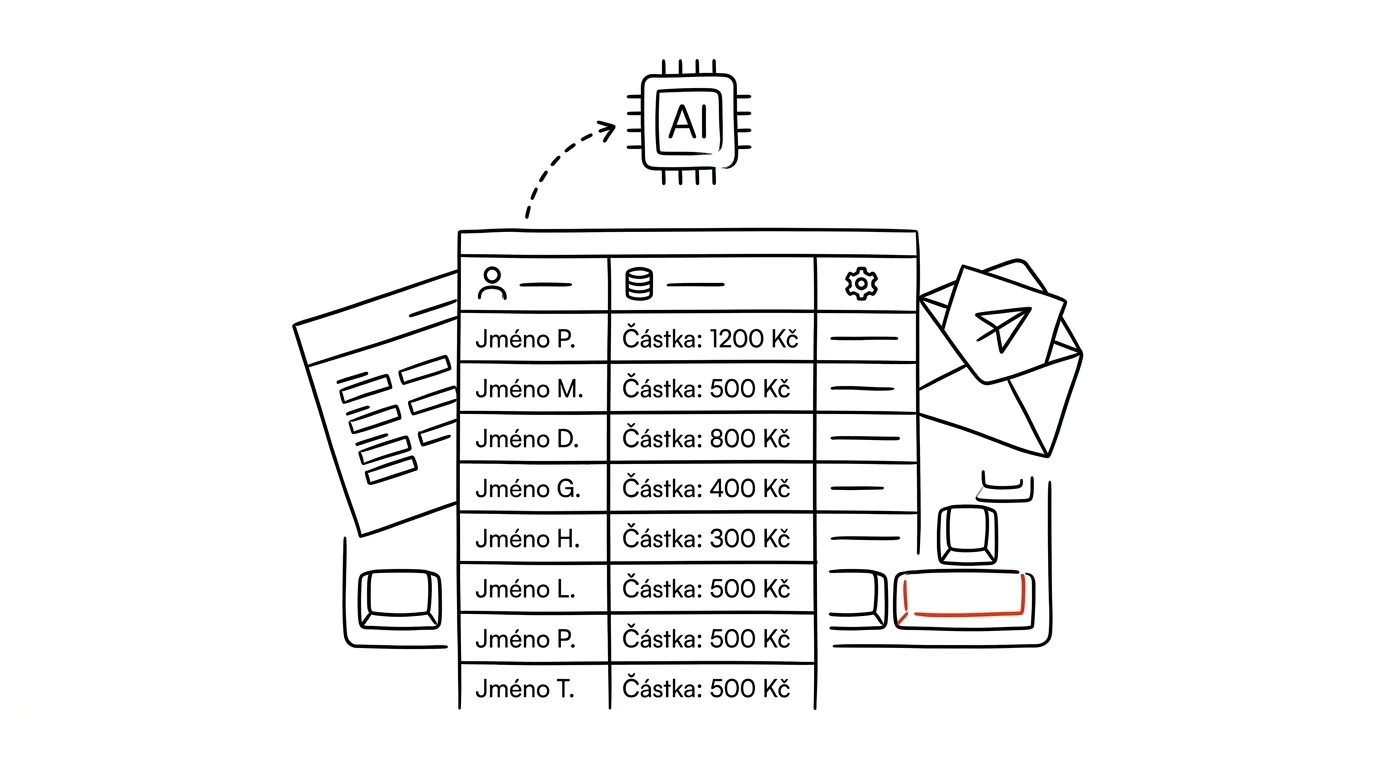
Whenever you're testing something that works with data — a formula in Excel, a mail merge, a form, training materials for colleagues — you need data to demonstrate it with. And this is where a quiet mistake happens: people reach for a live export with real customer names because it's handy. The test file then travels by email, sits in a shared folder, shows up on a projector screen. Yet generating realistic fictional data today is a matter of one prompt — and fictional data has a practical advantage too: you can order up exactly the edge cases you want to test.
How to do it
- Describe the structure and ask for deliberate edge cases — those are exactly what reveals whether your formula or template survives production use:
Generate 50 rows of fictional test data as CSV. Columns:
first name, last name, email, city, order date, amount in
USD.

Make it look realistic (common and less-common names), but
obviously fictional: emails only on the domain example.com.

Deliberately add common edge cases: two hyphenated
surnames, one name with an unusual accent character, one
missing amount, one date in a different format, and two
duplicate rows.
- Save the output as CSV or paste it into a spreadsheet and test: formulas, filters, a mail-merge template, an import into a system.
- For forms and apps, ask for edge cases too: an extremely long name, an apostrophe in a surname, a negative sign in the amount.
- Keep the file — a test set generated once is useful again and again, and you're free to share it with anyone.
A typical scenario
Trainer Jana teaches colleagues how to use pivot tables. She used to bring last year's order export and hope nobody noticed the client names on the screen. Now she generates three hundred fictional orders instead — deliberately with duplicates and a missing value, because that's exactly what she wants to demonstrate a pivot table doing with dirty data.
Developer Petr, meanwhile, is testing a contact import: he generates a set with accented characters, hyphenated surnames, and broken dates, and within a few minutes knows exactly where the import breaks — before the first real user finds out.
What you get out of it
Testing and training without the risk of real names and amounts turning up somewhere they shouldn't — a fictional set can be emailed, projected, and uploaded anywhere. And, paradoxically, you test more than with real data, because you order up edge cases on purpose instead of waiting for them to occur naturally. Just skim the output to confirm it has the properties you ordered: AI proposes, the human approves. Once you're building formulas on top of data, the tip Excel and Sheets with AI follows on from this.
Want to go deeper? The handbook has a whole chapter on it — AI and automation.
Similar tips
In-depth guide · 76 min
AI in the company: the complete rollout guide — from data to measurable results
Our most comprehensive guide: AI rollout from the data foundation through tools and policy to self-monitoring meetings. 50+ prompts and a 90-day plan.
In-depth guide · 17 min
Custom instructions: set up AI once, it applies forever
A complete guide to standing instructions: what belongs in them, how they differ from a Project, testing them — and ready sets for common professions.
Ask AI What It Assumed
Gaps in your prompt get silently filled with the model's own assumptions. Have them listed out — see what the answer is standing on before you build work on top of it.
Was this helpful?
Liked this tip?
I send one like it every week by email. Two minutes to read, hours saved.
The Top 30 tips e-book, free — it lands in your inbox right away.
Then 1 tip a week · no spam · unsubscribe in one click
Prefer a system to single tips? The free email course — seven days, seven emails, one skill a day.