Tips & tricks · Workflow · Everywhere · ~2 h per incident · 3 min read
A Digital First-Aid Kit: Insurance and Warranties in One Shared Folder
Last reviewed:
In this article
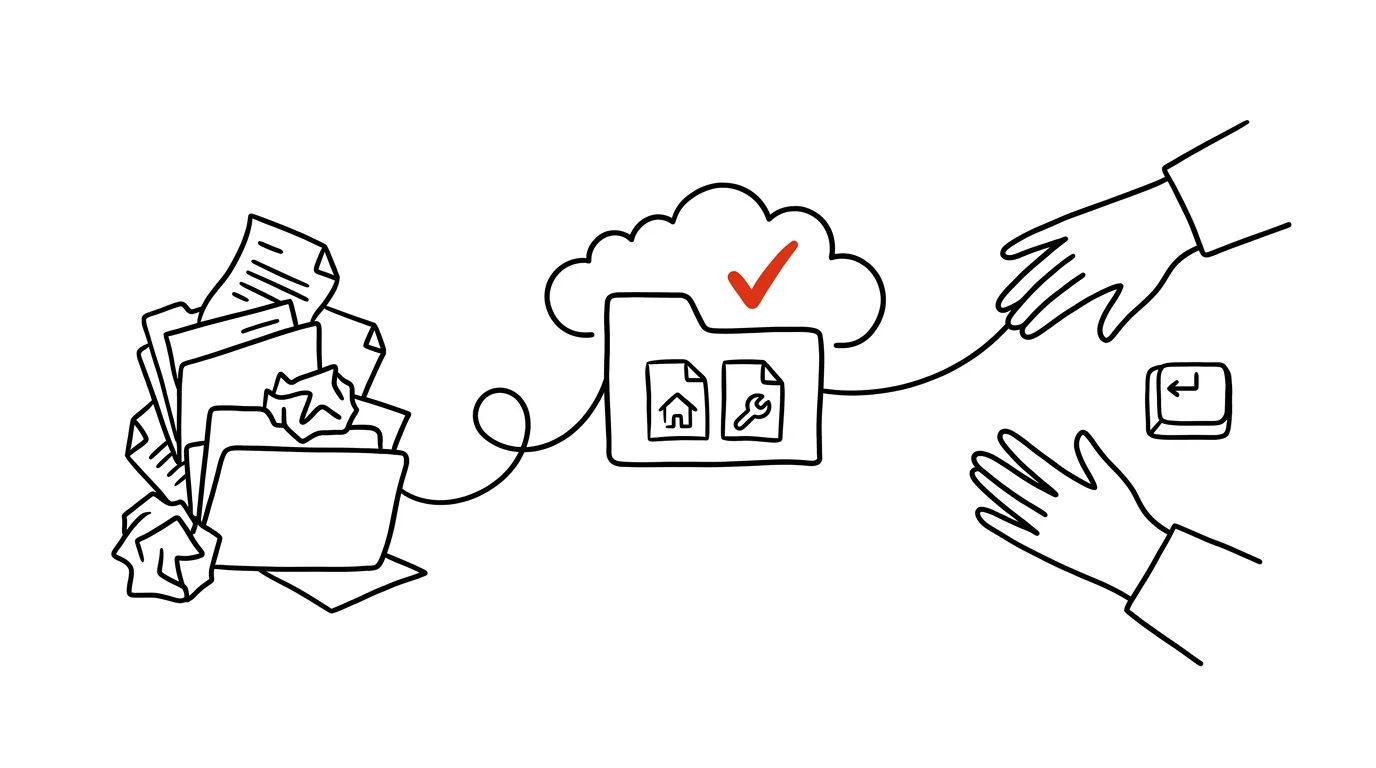
An insurance policy, a warranty card for the washing machine, a boiler inspection report, a lease, a vehicle title. Documents you need once a year — but when you need them, it's urgent: water's leaking, the fridge broke, the insurer is on the phone. And that's exactly why you can never find them; the other person saw them last, sometime last year. The fix is a digital first-aid kit: one cloud folder both partners can see, where every new document goes the moment it exists.
How to do it
- In Google Drive, OneDrive, or iCloud, create a folder called Household with four subfolders inside: Insurance, Warranties & Receipts, Housing (lease, utilities, inspections), Car.
- Share the folder with your partner with edit rights — the whole folder, not individual files. Whatever either of you adds, both of you see.
- Fill it once, in one go: pull out the binder and spend half an hour scanning with your phone — see the tip scan paperwork on the spot for how. You don't need to scan everything, just what you'd be searching for in a crisis.
- Name files using a year–thing–detail pattern: "2026-washer-warranty-card," "2025-home-insurance-policy." That way search still works years later.
- From then on, one rule applies: a new contract, a receipt for a pricier appliance, or an inspection report gets scanned the day it arrives. Feel free to leave the paper original in the binder — you'll never need to hunt for it again.
For appliances, one file per item works well: the receipt and warranty card photographed into a single PDF. For a claim, you then send a single attachment.
A typical scenario
On a Saturday evening the boiler stops heating. The technician on the phone wants the model, install year, and date of the last inspection. It used to mean digging through the binder, arguing over who last saw the inspection report, and finally giving up. Now you open Household → Housing on your phone, and a minute later you're reading the technician the details from the inspection report — and forwarding it to him on the spot.
Same scenario: a flooded apartment, and the insurer wants the policy and photos of the damaged items with receipts. All three taps away, even if you're on a business trip and only your partner is home.
What you get out of it
Crisis situations shrink from hours of searching to minutes. Claims stop falling apart because "we don't have the receipt anymore." And the household stops depending on the one person who's the only one who knows where everything is — which you'll appreciate most exactly when that person can't be reached. The chapter Running a household like an operation covers the broader approach to running a household reliably.
Pro tip
Promote a few documents to "always carry with me": your insurance card, kids' vaccination records, your car insurance policy number. Star them in your cloud app or make them available offline — in an accident or at the doctor's, you'll have them even without signal, no searching required.
Want to go deeper? The handbook has a whole chapter on it — Core systems: inbox, priorities, reviews.
Similar tips
Aliases and scripts: automate what you type three times
Long commands, build sequences, switching environments — all of it belongs in aliases and scripts. Ten characters instead of eighty.
A developer's calendar: mornings with no meetings
Coding needs 2+ uninterrupted hours — one meeting in the middle kills the whole morning. Protect your blocks as a team.
Commit messages for future you: why, not what
“Fix bug” tells you nothing six months later. One sentence about the reason for a change saves an hour of git blame archaeology.
Was this helpful?
Liked this tip?
I send one like it every week by email. Two minutes to read, hours saved.
The Top 30 tips e-book, free — it lands in your inbox right away.
Then 1 tip a week · no spam · unsubscribe in one click
Prefer a system to single tips? The free email course — seven days, seven emails, one skill a day.