Tips & tricks · Workflow · Everywhere · ~15 min a day · 3 min read
Aliases and scripts: automate what you type three times
Last reviewed:
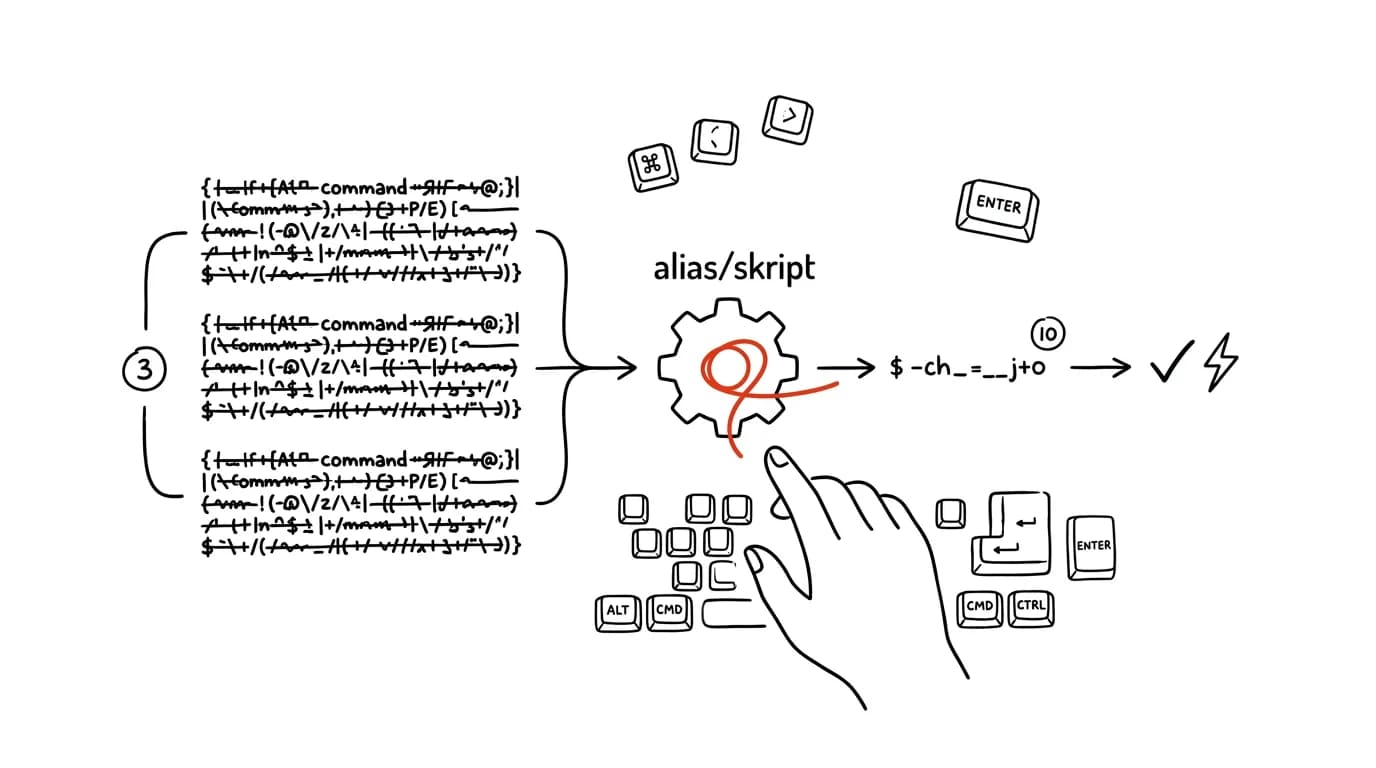
A terminal history full of the same long commands is a shortlist of alias candidates. If you notice you keep typing the same combination of flags, paths, and switches over and over, that's a reliable sign this work could have been handled by one short command a long time ago.
A typical scenario
Tomáš, a developer, runs the same sequence before every push: lint first, then tests, then a build, and only once everything passes, git push. Each command typed out separately, with the full script name and parameters — that's easily fifty to eighty characters per step, four times in a row, and a single typo means starting over.
With an alias or script, he types deploy-check and he's done — the sequence runs automatically in the right order and stops the moment something fails. Instead of remembering the exact order of four commands, he has one word in his fingers.
How to do it
- Look through your command history — running
history | sort | uniq -c | sort -rn | headin the terminal produces a list of your most-used commands, sorted by how often you repeated them. - Look for what keeps recurring: what do you run over and over, and what's worth shortening?
- Short, simple commands belong in aliases — you define them in your shell config (e.g.
.bashrcor.zshrc), so they load every time you open a terminal and just keep working. - Longer sequences with multiple steps or conditions (do this first, then that depending on the result) belong more in a script stored directly in the repo — it shows up in version history, can be edited alongside the code, and doesn't depend on any one machine's setup.
- Name the script or alias so the name itself hints at what it does —
deploy-checkis clearer than an abbreviation nobody will remember in a month. - Share it with the team — a good script committed to the repo saves everyone time, not just you, and it standardizes the process across the team so nobody has to ask “how did we run that again.”
The best tools
- Aliases in your shell config (
.bashrc,.zshrc, a PowerShell profile) — a built-in feature of every shell, no extra installation. - Scripts in the repo (e.g. a
scripts/folder with shell or Node scripts) — shared with the whole team via version control, always up to date with the state of the project. - Makefile or npm/yarn scripts — a standardized way to name and run repeating tasks across a project, readable by anyone who opens the repo.
- Shell configuration management tools (e.g. a dotfiles repo on GitHub) — when you want the same aliases on all your machines automatically.
What you get out of it
- Time: minutes saved on every run of a repeated sequence add up to tens of minutes a day, especially for multi-step builds.
- Fewer mistakes: manually retyping long commands is a source of typos — an automated sequence runs the same way every time.
- Team consistency: a shared script ensures everyone runs the same steps in the same order, instead of everyone relying on their own memory.
- A lower bar for new teammates: a newcomer doesn't need to know the exact commands, just that
deploy-checkexists.
Pro tip
Give an alias that deletes files or rewrites history (rm, git push --force) a name distinctly different from its normal, safe counterpart — so terminal autocomplete never lets you accidentally trigger the dangerous version just because the name starts the same way.
Want to go deeper? The handbook has a whole chapter on it — Core systems: inbox, priorities, reviews.
Similar tips
Clipboard with history: paste anything you've ever copied
Win+V
Windows can remember everything you copy. Just press Win+V instead of Ctrl+V.
Win+X: the hidden power-user menu
Win+X
Right-click the Start button (or press Win+X) to open a menu with Device Manager, Settings, Terminal — all two keystrokes away.
Quake mode: a terminal that slides out from anywhere on Win+`
Win+`
Windows Terminal has a mode like an old game console: Win+` slides it down over the top half of the screen, press it again to hide it. Always at hand, never in the way.
Was this helpful?
Liked this tip?
I send one like it every week by email. Two minutes to read, hours saved.
The Top 30 tips e-book, free — it lands in your inbox right away.
Then 1 tip a week · no spam · unsubscribe in one click
Prefer a system to single tips? The free email course — seven days, seven emails, one skill a day.