Tips & tricks · Workflow · Everywhere · ~5 min a week · 2 min read
git commit --amend: Fix the Last Commit Instead of Committing a “Fix”
Last reviewed:
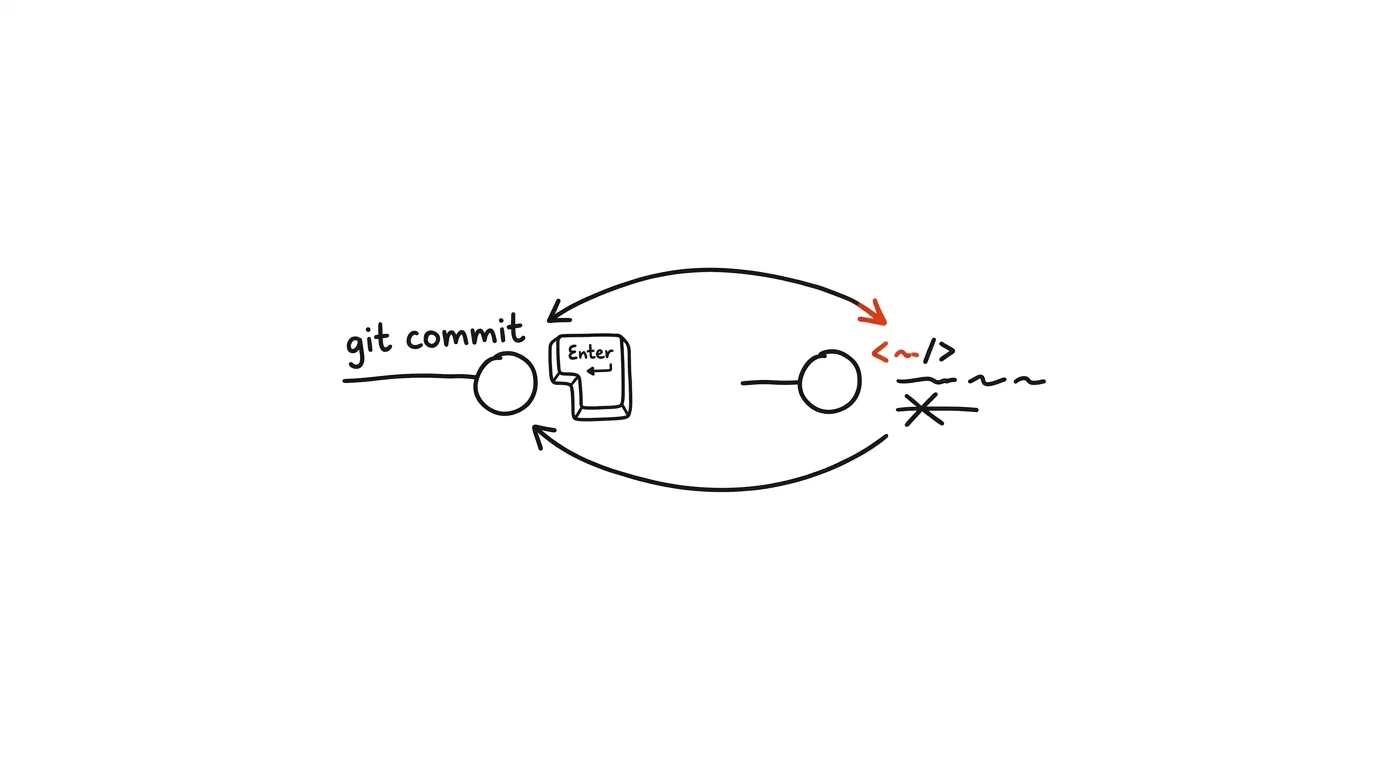
You commit, and a second later you see it: a typo in the message, or worse — you forgot to add a file. The reflex is to make a second commit named "fix," "oops," or "actually fix this time." But a history full of patches like that is hard to read and just gets in the way when you're hunting for a bug. Git has a cleaner tool for this: git commit --amend doesn't create a new commit, it rewrites the last one — folding in what you forgot, or fixing the message. The result looks like you got it right the first time.
How to do it
- Typo in the message: run
git commit --amend -m "correct message"— the commit stays, just gets a new message. Without-m, an editor opens with the original text to edit. - Forgotten file: add it as usual (
git add forgotten.js) and rungit commit --amend --no-edit. The file gets folded into the last commit, and--no-editkeeps the original message — no extra prompts. - It works in reverse too: if you accidentally folded an extra file into a commit,
git reset HEAD~ file.txtpulls it back out of the last commit (the changes stay in your working directory) — then just amend. - One key rule: amend rewrites history, so only use it on commits you haven't pushed yet. Once a commit is on a shared server and colleagues might have pulled it, fix the mistake with a new commit instead.
- If you do amend an already-pushed commit on your own working branch, you'll need
git push --force-with-lease— and only when nobody else is working on that branch.
A typical scenario
A developer commits an API change and immediately realizes she forgot to add the test file — classic, because the test lives in a different folder. It used to mean the history getting a pair of commits: "update API endpoint" + "add forgotten test." Now: git add tests/api.test.js, git commit --amend --no-edit — and the history has one complete commit where the change and its test live together. Anyone who looks at it later sees the whole thing, not half of it. She repeats the same move twice more that day — once for a typo in a message, once for a forgotten changelog line — and each time it's a five-second job, because --amend --no-edit has become second nature.
What you get out of it
The history stops filling up with noise commits like "fix typo" and "forgot a file" that nobody cares about and just get in the way when browsing. Every commit is self-contained, which colleagues appreciate during review and you appreciate when searching history later. And small slip-ups stop being public — you fix them before anyone sees them. It pairs with the tip commit messages for future you.
Want to go deeper? The handbook has a whole chapter on it — Core systems: inbox, priorities, reviews.
Similar tips
A shortcut for resizing images: right-click instead of online tools
Build your own Quick Action in the Shortcuts app in five minutes — select photos, right-click, and they're the right size for email.
A written status instead of a status meeting
Three questions in a form on Friday: what went well, what's in progress, what's stuck. Suddenly the 45-minute status meeting is unnecessary.
Delegate the outcome, not the process
A good assignment has four parts: what needs to exist, why, by when, and how you'll know it's done. Leave the process to the person doing it.
Was this helpful?
Liked this tip?
I send one like it every week by email. Two minutes to read, hours saved.
The Top 30 tips e-book, free — it lands in your inbox right away.
Then 1 tip a week · no spam · unsubscribe in one click
Prefer a system to single tips? The free email course — seven days, seven emails, one skill a day.