Tips & tricks · Workflow · Everywhere · ~1 h a month · 3 min read
Commit messages for future you: why, not what
Last reviewed:
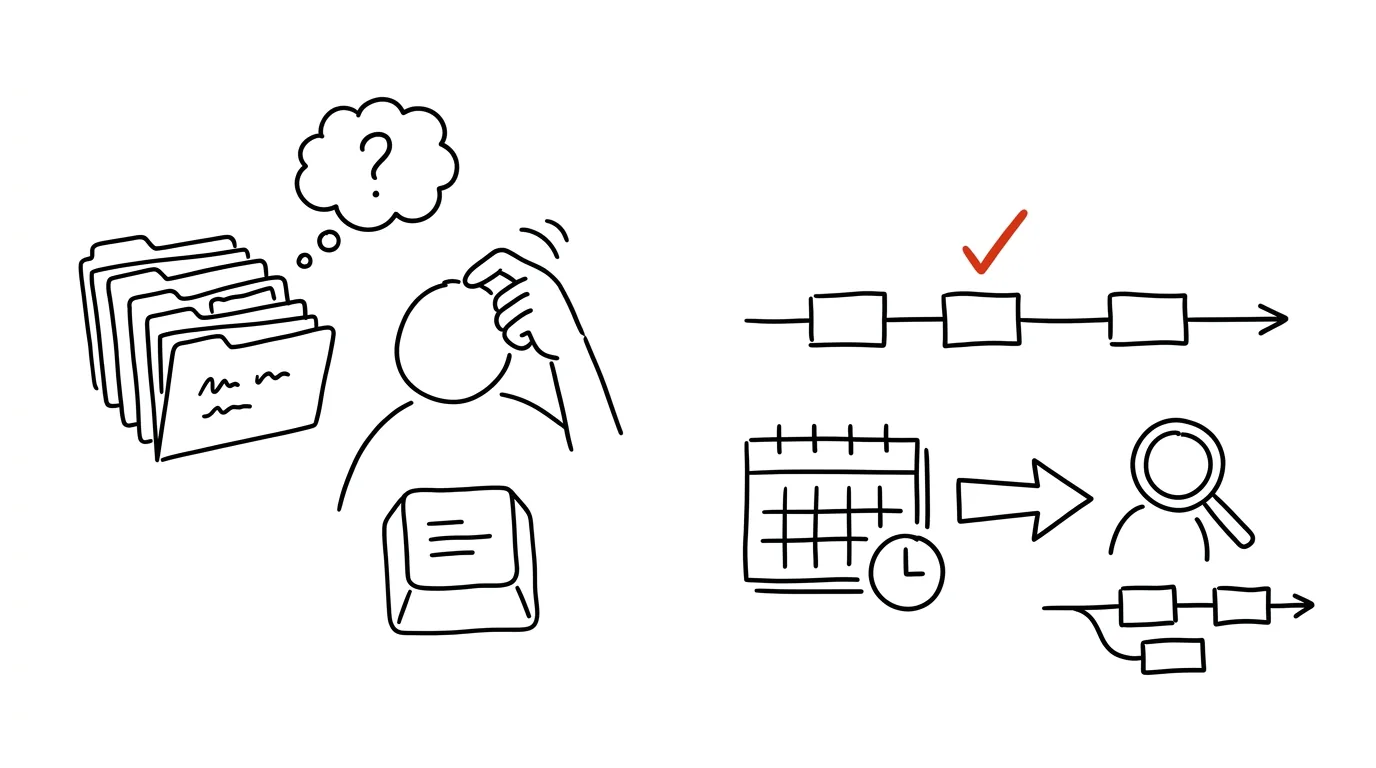
A diff tells you what changed — you can see that at a glance, line by line. A commit message is supposed to tell you why, and that's information you can never read out of the code itself. Six months from now, when the same piece of code gets touched again, the why is the most valuable thing you'll have left behind.
A typical scenario
A developer runs into a strange condition in the code that doesn't make sense at first glance — it looks like a bug that could safely be deleted. They run git blame, find a commit labeled “fix bug” with no explanation of what the bug actually was. They delete the condition, since there's nothing else to go on, and a week later the same bug reappears in production — because that “nonsensical” condition was handling an edge case nobody remembered.
If the commit had included one extra sentence — “without this condition, export fails on an empty cart, see #482” — the developer would have known exactly what could and couldn't be changed, without lengthy digging and without the risk of reintroducing the same bug.
How to do it
- Write the first line of the message as a short summary of the change, ideally under 50 characters — it should work like a headline, readable at a glance in the history overview.
- In the body of the message (a separate paragraph, set off by a blank line), describe why the change was needed — what specifically wasn't working or needed to be solved.
- Mention alternatives you considered and rejected, if there were any — a future reader (often you) won't have to retrace the same path and wonder why the chosen solution isn't the obvious one.
- Add a link to the ticket or issue if the change relates to a specific task — the context survives even after you yourself have forgotten the commit message's details.
- For smaller, self-explanatory changes (a typo, formatting), the first line is enough — the body is worth writing where the decision isn't obvious from the diff alone.
The best tools
- Git commit templates (
git config commit.template) — a built-in Git feature that reminds you of the structure (summary, body, issue link) on every commit. - Conventional Commits — a widely used convention for the first line's format (e.g.
fix:,feat:), makes changelog generation and history navigation easier. - Issue-tracker integration (Jira, Linear, GitHub Issues) — automatically links a commit to a ticket via its number in the message text.
- Pre-commit hooks (e.g. via commitlint) — check that a message follows the agreed format before the commit is even created.
What you get out of it
- Time: one thoughtful sentence at commit time can easily save an hour of digging through
git blameand issue history a few months later. - Lower regression risk: when it's clear why a condition or exception was added, nobody deletes it by accident as “unnecessary.”
- Faster code review: the reviewer understands the intent of the change and doesn't have to ask in comments about something the message could have said directly.
- Better onboarding for new teammates: anyone new to the team learns not just what happened from the commit history, but why — faster ramp-up without having to ask around.
Pro tip
Before you send a commit, read the message as if you were seeing it for the first time, a year from now, with zero context — if it wouldn't make sense to you then, add to it now, while the reason is still fresh in your head.
Want to go deeper? The handbook has a whole chapter on it — Core systems: inbox, priorities, reviews.
Similar tips
Three tasks for the day: pick in the morning, check in the evening
Not a list of twenty items, but three things that absolutely must get done today. Everything else is a bonus.
The weekly review: 30 minutes that run your whole week
On Friday or Sunday, go through your calendar, tasks, and notes — close out loose ends, plan three priorities. Monday starts with clarity.
Focus sessions: built-in Pomodoro in Windows
The Clock app in Windows 11 has Focus sessions — a timer, task linking, and an overview of how much focused work you got done today.
Was this helpful?
Liked this tip?
I send one like it every week by email. Two minutes to read, hours saved.
The Top 30 tips e-book, free — it lands in your inbox right away.
Then 1 tip a week · no spam · unsubscribe in one click
Prefer a system to single tips? The free email course — seven days, seven emails, one skill a day.