Tips & tricks · Workflow · Everywhere · ~30 min a week · 3 min read
The weekly review: 30 minutes that run your whole week
Last reviewed:
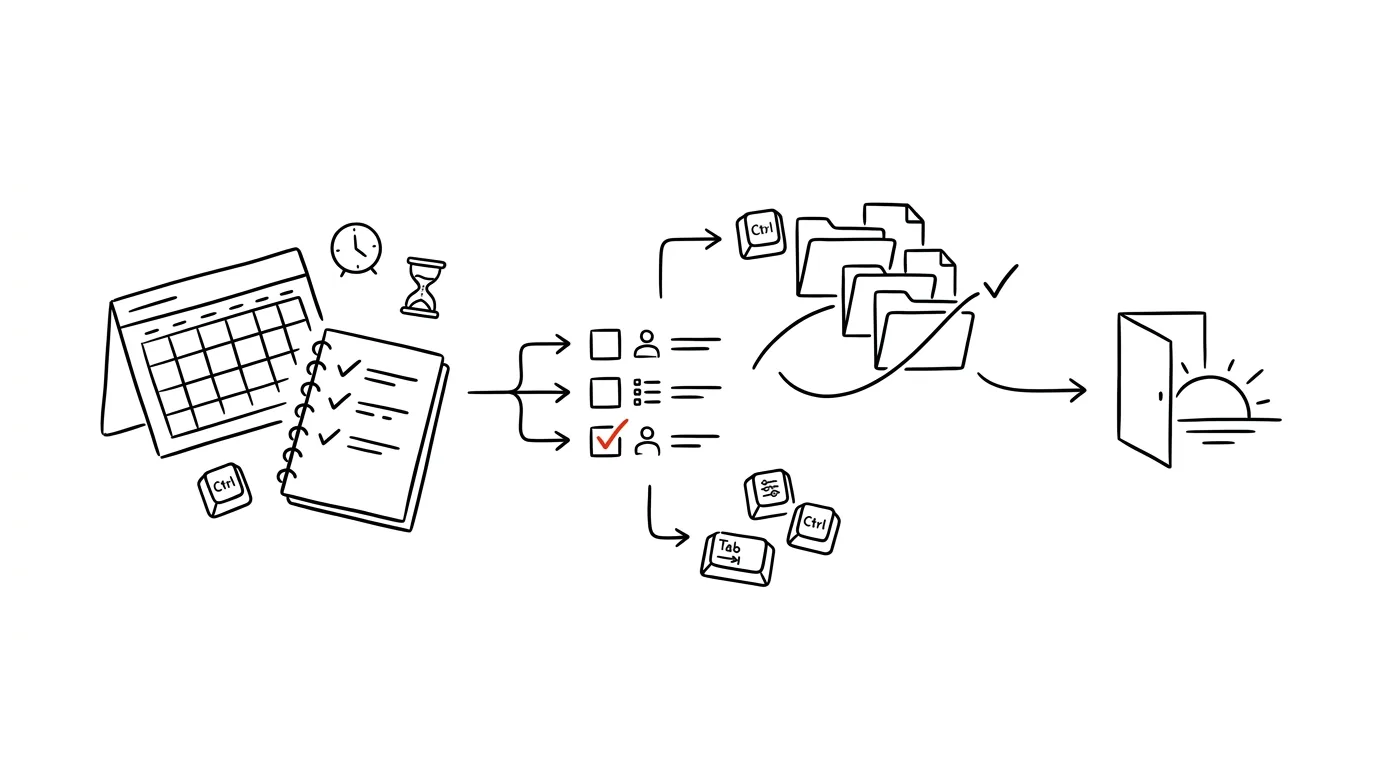
Without a weekly review, your inbox and other people's requests run your week — you react to whatever comes in, instead of sticking to what you decided for yourself. Thirty minutes once a week, spent on calm reflection and planning, can flip this entire pattern: instead of a reactive week, you get one with a clear direction.
A typical scenario
Monday morning without a weekly review looks like this: you open email, you open your task manager, something urgent is waiting in both, and you spend the next two hours putting out small fires without ever pausing to ask what actually matters this week. By the end of the week you realize you were constantly busy, but the main project hasn't moved an inch.
With a regular weekly review, that same Monday looks different: you know exactly what you decided on Friday as this week's three priorities, your calendar has them blocked off, and email gets handled after them, not instead of them.
How to do it
- Pick a fixed time for your weekly review and stick to it as a solid ritual — Friday around 3 p.m. (before you leave work with a clear head) or Sunday evening tend to work best. Set aside about 30 minutes without interruptions.
- Review last week: what got done, what's still hanging unfinished, whether there's anything that needs handling right at the start of the new week before it's forgotten.
- Review the upcoming calendar: what meetings and deadlines are coming up, what needs advance preparation (materials, documents, calls beforehand), so no event catches you unprepared.
- Go through your entire task manager across all projects: what's still relevant, what's outdated and worth deleting or moving outright — dead items just clutter the overview and make planning harder.
- Based on this review, pick 3 priorities for the week — similar to a daily plan, but at a weekly scale. Ask yourself: if only these three things got done this week, was it a good week?
- Give these three priorities specific blocks in your calendar right away, not just an entry on a task list — without dedicated calendar time, weekly priorities easily dissolve among meetings and other people's urgent requests.
The best tools
- The calendar you already use (Google Calendar, Outlook) — the basic tool for reviewing the week ahead and blocking time for priorities.
- Todoist or another task manager with a view across all projects at once — makes it easy to quickly inventory what's active and what's stale.
- A simple note or template (Notion, Obsidian, or a plain document) with a fixed set of questions you go through at every weekly review — a template speeds up the ritual and prevents anything from being forgotten.
- A calendar reminder for the weekly review itself — ironically, it's one of the first rituals people drop once there's no reminder for it.
What you get out of it
- Time: the 30 minutes invested pay off in clearer direction and fewer chaotic Mondays spent firefighting.
- Peace of mind that nothing slipped through: a systematic pass through your calendar and tasks acts as a safeguard against forgotten deadlines and loose ends.
- Less reactivity: a week driven by your own priorities instead of other people's requests means more progress on things that actually matter.
- A clearer system going forward: regularly clearing out dead tasks and projects keeps your task manager from turning into an opaque pile nobody wants to open.
Pro tip
Do your weekly review somewhere calm, without notifications, and ideally away from the work computer where new email keeps arriving while you're writing down tasks. Even a short interruption in the middle of a review breaks the main thing the ritual is meant to deliver — distance and a clear head, not one more task checked off in a rush.
Want to go deeper? The handbook has a whole chapter on it — Core systems: inbox, priorities, reviews.
Similar tips
Speed up Windows startup: turn off apps that launch themselves
Your computer takes minutes to boot because a dozen apps you don't need wake up with it. Turning them off in Settings takes five minutes — and it's permanent.
Nearby Share: the AirDrop Windows has had all along
Send a file to the computer next to you without a cable, email, or a flash drive: Nearby Share sends it directly, over Bluetooth and Wi-Fi. Most people don't know it exists.
Virtual desktops: keep work and communication apart
Win+Ctrl+→
Win+Ctrl+D creates a new desktop, Win+Ctrl+arrows switch between them. Slack on one, focused work on the other.
Was this helpful?
Liked this tip?
I send one like it every week by email. Two minutes to read, hours saved.
The Top 30 tips e-book, free — it lands in your inbox right away.
Then 1 tip a week · no spam · unsubscribe in one click
Prefer a system to single tips? The free email course — seven days, seven emails, one skill a day.