Tips & tricks · Workflow · Everywhere · no surprise charges · 2 min read
Free trial? Cancel it right away — it runs the full course anyway
Last reviewed:
In this article
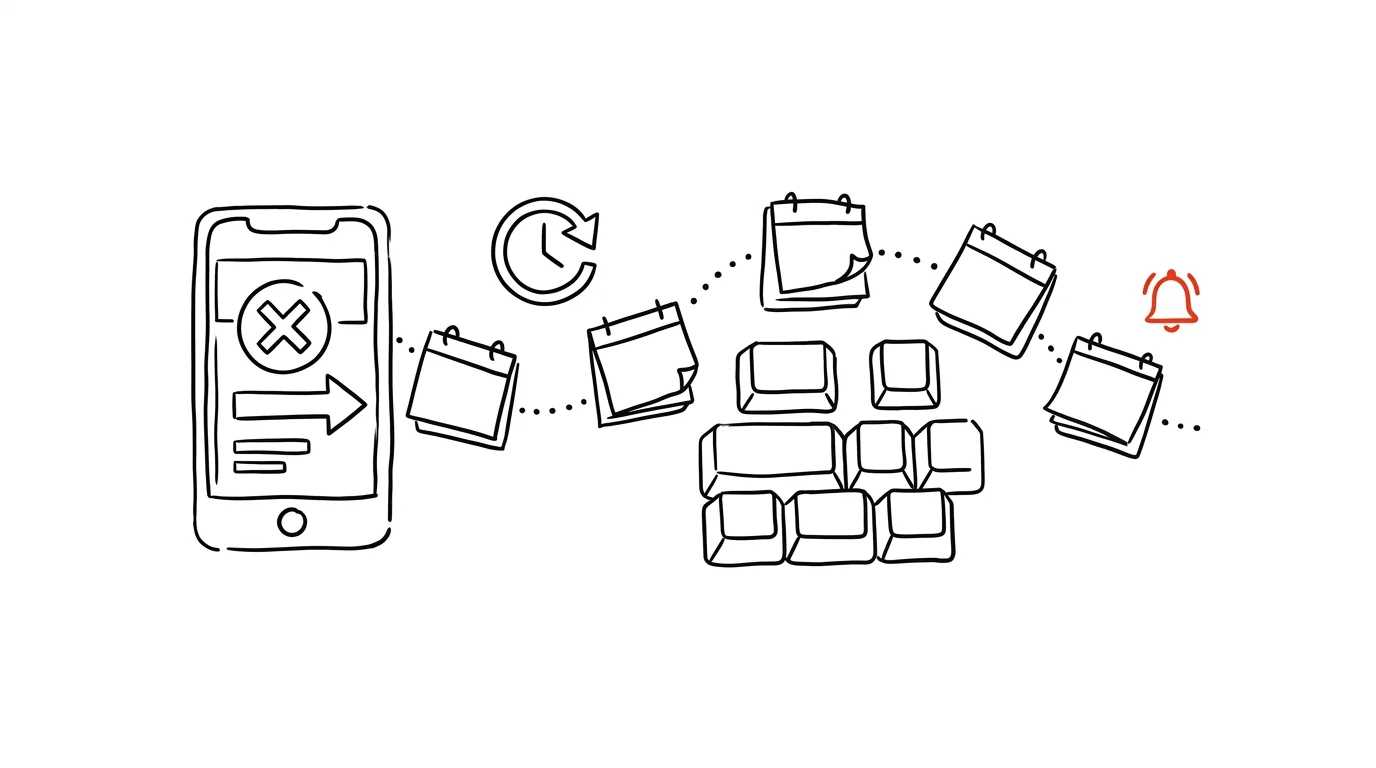
The business model behind free trials rests on one assumption: that you'll forget. Seven or thirty days pass, the card gets charged, and you end up paying for a service you may have opened twice. A little-known defense for subscriptions set up through the App Store or Google Play: you can cancel immediately after activating. The trial still runs its full course to the very last day — it just won't automatically flip over into a paid subscription afterward. You try everything, pay nothing, and don't have to remember a thing.
How to do it
- Activate the trial through the App Store or Google Play, and immediately after, cancel it: on iPhone, Settings → your name → Subscriptions; on Android, Play Store → profile → Payments & subscriptions → Subscriptions → select the service → Cancel. Access keeps running until the trial ends.
- If the service wins you over, subscribe with one tap in the same place — this time as a deliberate decision, not a result of forgetting.
- For trials set up directly on a service's own website, canceling immediately often cuts off access right away. That's where plan B kicks in: the minute you activate, create a calendar reminder for two days before the trial ends, with a note on exactly where to cancel (the URL for the account settings page — otherwise it's a nightmare to hunt down later).
- Phrase the reminder as a decision, not an alarm: “Decide: keep or cancel XY (cancel at …/account/billing).”
A typical scenario
A student activates a thirty-day trial of a photo-editing app for a single school project. He cancels it right in the subscription settings on the spot — the app keeps working for the full month, he finishes the project, and never opens it again. A month later, nothing gets charged and there's nothing to dispute. His classmate activated the same trial on the website, never canceled, forgot about it — and only noticed after the third monthly charge.
What you get out of it
Trials start doing what they promise: letting you try a service risk-free. The decision to pay or not stops being made by your forgetfulness and starts being made by you. And because cancellation happens the minute you activate, there's nothing left to watch, dispute, or refund. For the charges that slip through anyway, a notification for every card payment catches them.
Pro tip
For web-based trials, do one more thing the minute you sign up: a screenshot of the terms — the trial length, what happens when it ends, the cancellation notice period. Services occasionally change the text on their site, and support “doesn't recall” what the page promised at signup. A screenshot with the date in the filename is your best argument when disputing an unwanted charge.
Want to go deeper? The handbook has a whole chapter on it — Core systems: inbox, priorities, reviews.
Similar tips
One-handed keyboards and reachability
Big phones have one-handed typing modes — a compressed keyboard and pulling the screen down within thumb's reach.
Batched notifications: a summary instead of a drip
iOS and Android can both hold non-urgent notifications and deliver them as a summary at times you choose. Your phone stops yanking at your attention.
Hold an app icon: quick actions without opening it
A long press on an icon opens a shortcut menu: new email, selfie, private tab, navigate home. One tap instead of hunting inside the app.
Was this helpful?
Liked this tip?
I send one like it every week by email. Two minutes to read, hours saved.
The Top 30 tips e-book, free — it lands in your inbox right away.
Then 1 tip a week · no spam · unsubscribe in one click
Prefer a system to single tips? The free email course — seven days, seven emails, one skill a day.