Handbook · Tools · 8 min read
Choosing and setting up your tools: from chaos to a system
Last reviewed:
An audit of what you already have, criteria for picking anything new, and the minimum effective set of four tools that covers most people.
In this article
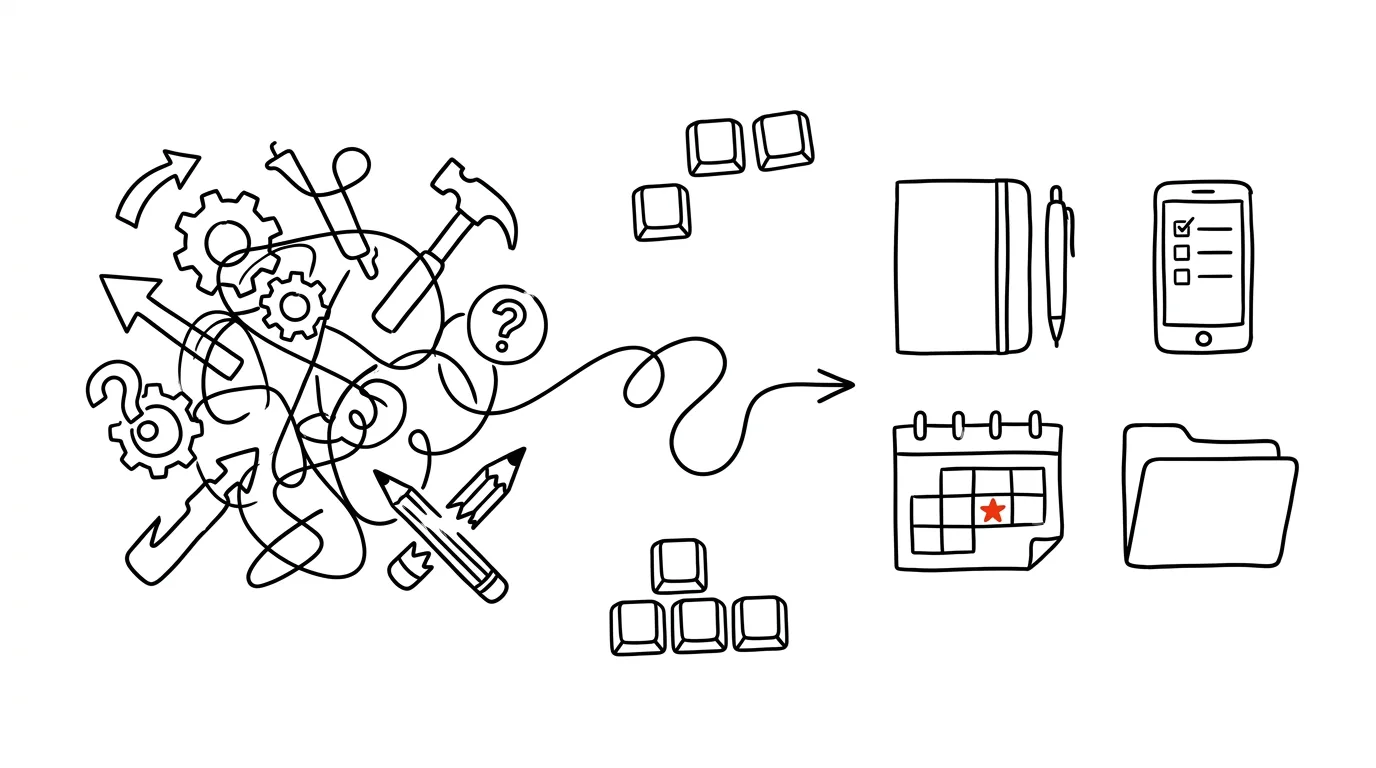
Most people don't have too few tools — they have too many, badly connected. Three note-taking apps, two task managers, four places files end up in, and five channels work arrives through. Which is why the road to a system starts, paradoxically, with cutting rather than installing.
Step 1: Audit where you are now
Before you pick anything, take an honest inventory. Write down:
- Every installed app — on your computer and your phone, including the ones you forgot about.
- Every online service you use — everything you log into, even if it's once a quarter.
- Every place data lives — cloud, local drive, email attachments, shared folders, USB sticks.
- Every communication channel — email, chat, SMS, social media, project tools.
Rating what you actually use
For each item on the list, note three things:
- Frequency — daily / weekly / monthly / rarely.
- Real value — indispensable / useful / nice to have / pointless.
- Overlap — unique function / partial overlap / complete duplicate.
That simple table does most of the work for you. Anything you rarely use, that adds nothing and fully duplicates something else, is a candidate for removal. No deliberation needed.
From experience: on my first audit I found four note-taking apps. One held work notes, another recipes, a third an unfinished project from two years ago, and the fourth nothing at all. One won and the rest got exported to an archive — and I've known where to look for things ever since.
Spotting the problems
An audit almost always surfaces three kinds of problems:
- Duplicate tools — several note apps, competing task managers, overlapping communication channels. The result: you never know where a given piece of information lives.
- Unused tools — forgotten subscriptions, stale data, dead projects. The result: you're paying for distraction.
- Missing capabilities — gaps in your workflow, needs nobody solved, improvised workarounds. The result: the most important things live in your head or in your inbox.
Step 2: Selection criteria
Must-have — without these five, don't take the tool:
- available across platforms (desktop and phone, ideally web too),
- cloud synchronization,
- data export to an open format,
- active development (when did the last update ship?),
- reliability — a tool that loses data once a month is worse than paper.
Nice-to-have — pleasant, but not decisive: offline mode, an API and integrations, a lively user community, plugin extensibility, an interface in your own language.
On top of that, add criteria specific to what you want the tool for:
- Productivity: speed, keyboard shortcuts, automation, templates. You will not keep using a tool where creating a task takes ten seconds.
- Collaboration: sharing, comments, version history, permissions and roles.
- Security: encryption, two-factor authentication, privacy compliance, backups. Always work through this when company or client data will go into the tool — and ask where the service physically stores that data.
Step 3: The minimum effective set
Most people need four tools:
- 1Task managerTasks, projects, deadlines, reminders.
- 2NotesNotes, documentation, reference — your second brain.
- 3CalendarMeetings, events, time-blocking.
- 4Cloud storageFiles, backups, sharing.
That's the necessary minimum. Once four tools cover tasks, knowledge, time and files, you have a working system — everything else is an add-on.
Extend the stack only when you hit a genuine obstacle:
- Communication — team chat, video calls, an email client.
- Specialized tools for your profession — design, development, project management.
- Automation — Zapier, IFTTT, Make, or your own scripts.
The golden rule: add a new tool only once a specific pain has existed for at least a month. Not sooner.
Step 4: Connecting the tools
Tools without integration mean retyping things by hand — and retyping by hand means you'll abandon the system sooner or later. There are three basic connection strategies:
- Hub and spoke — one central tool (Notion, say) with specialized services attached around it. The clearest option, because you always know where to start looking.
- Pipeline — data flows in one direction: email → task manager → calendar. Excellent for processing incoming work.
- Mesh — everything connected to everything, with shared data; a fully integrated Google Workspace, for instance. The most powerful, and the hardest to debug.
- 1NativeBuilt-in, official connections. Stable, supported, no maintenance.
- 2MiddlewareZapier, Make, Power Automate. Quick to set up, but you depend on a third party.
- 3APIs and webhooksYour own scripts. Maximum control, maximum maintenance.
Always start from the top. Native integrations are boring and work for years; custom scripts are fun and break with the first API update.
Step 5: Switching without the chaos
- Week 1Preparationaudit, tool selection, migration plan — and a backup of your existing data
- Weeks 2–3Implementationsetup, data transfer, basic workflows
- Month 1Stabilizationdaily use, tuning the process, fixing problems
- Month 2+Optimizationadvanced features, automation, integrations
Checklist before you go live:
- back up your existing data — always, even when it seems like there's nothing at stake,
- run a test on one small project, not on your whole workload,
- document how things work — even a few lines about what goes where,
- train the people affected (for a team rollout).
Checklist after you go live:
- monitor actual usage — is it being used, or just sitting there?
- collect feedback from yourself and from the team,
- adjust as reality demands, not as the original plan demands,
- review regularly, ideally monthly for the first six months.
Remember: the goal isn't to own the most tools, it's to have an effective system that helps you get more done. Less really is more — as long as that less works well and is properly connected.
Related tips
Gboard Has a Clipboard History — Win+V in Your Pocket
The Gboard keyboard remembers what you last copied, and you can pin important items permanently. Just turn it on.
Swiped Away a Notification by Accident? Android Has a History
Notification history shows everything from the last 24 hours — including notifications you swiped away before you had a chance to read them.
Quick Share: Files From Android to Windows, No Cable
AirDrop's counterpart is built into every newer Android phone — and with a free app from Google it sends photos and files to Windows too.
Anki: learn in half the time with spaced repetition
Flashcards with an algorithm that quizzes you right when you're about to forget. For languages, exams, and professional knowledge alike.
Want to keep the momentum?
One tip from the handbook by email each week — in an order that makes sense.
The Top 30 tips e-book, free — it lands in your inbox right away.
Then 1 tip a week · no spam · unsubscribe in one click
Prefer a system to single tips? The free email course — seven days, seven emails, one skill a day.