Tips & tricks · Workflow · Everywhere · ~2 h a week · 4 min read
The Friday admin block: invoicing, timesheets, mail
Last reviewed:
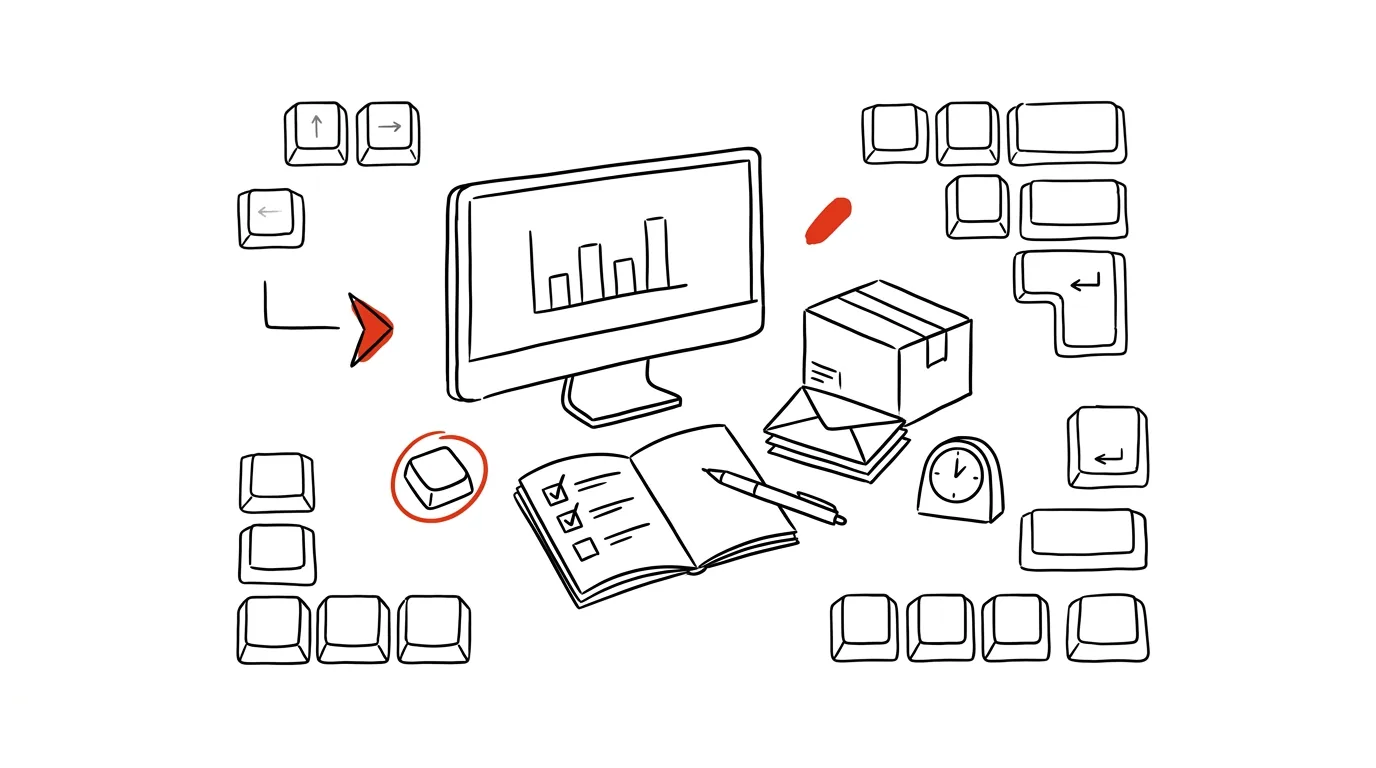
Batched admin is half the work — and more importantly, it stops haunting your head for the rest of the week. When you know you have a fixed time set aside for invoicing, timesheets, and paperwork, you stop thinking about them at moments when you should be thinking about something else. Switching between creative work and paperwork costs more than just the time the admin itself takes — every time your attention returns to unfinished work, that return has its own cost.
A typical scenario
Designer Petra used to handle admin whenever it came up — an invoice right after finishing a job, a timesheet whenever she remembered, receipts scattered across projects. The result was a few minutes every day of annoyingly switching between creative work and paperwork, plus the nagging feeling that a list of unfinished admin tasks was constantly running in the back of her mind.
Petra set up a fixed Friday block. Now she just collects admin items into one folder during the week without dealing with them — she knows she'll have time for them Friday afternoon. Her head stays clear during the week because she knows nothing will fall through the cracks.
How to do it
- Block off a recurring event every Friday, ideally 1:00–2:30 PM in your calendar — ninety minutes is usually enough for a week's batch.
- Everything administrative goes into this block at once: invoicing, timesheets, sorting receipts, follow-ups on proposals nobody has responded to yet.
- Prepare a checklist in your notes (a simple list of steps like "check unpaid invoices," "send the client a timesheet," "follow up on a proposal") — on Friday you won't have to think about what needs doing, just work through it item by item.
- During the week, just collect admin items instead of dealing with them right away — one shared folder or a "Friday" label where everything piles up is enough.
- If you don't finish the block on Friday, extend it, but don't scatter admin back across the rest of the week — that defeats the whole point of batching.
- Protect the block the same way you'd protect a client meeting — don't schedule calls or other appointments for Friday 1 PM that would regularly break it up.
- Once a month, use part of the block for a broader review too: go through open proposals that haven't gotten a response in a while and decide whether to follow up again or close them out.
The best tools
- A calendar with a recurring event (Google Calendar, Outlook) — the foundation; the built-in feature is enough without installing anything.
- An invoicing tool with recurring templates — speeds up batch invoicing.
- A note-taking tool with checklists (Todoist, Notion, or plain notes on your phone) — for the step list you just check off on Friday.
- A shared folder or label for receipts (in email, on Google Drive) — where everything that can wait for Friday processing lands during the week.
- A receipt-scanning app (e.g., straight from your phone into cloud storage) — photograph the receipt the moment you get it, then process it from the collected folder on Friday.
What you get out of it
- Time: roughly 2 hours a week, thanks to handling admin in one focused block instead of dozens of short, inefficient interventions.
- Peace of mind: knowing nothing will fall through the cracks — because it has a fixed time — frees up attention for creative or client work during the week.
- Fewer mistakes: admin done all at once following a checklist has fewer forgotten steps than admin done in a rush between other tasks.
- A better overview of your business: a regular Friday look at invoices and proposals gives you a weekly rhythm where you'll notice an unpaid invoice sooner than a month later.
- A cleaner transition into the weekend: admin wrapped up Friday afternoon doesn't follow you into Saturday and Sunday as an unfinished task in your head.
Pro tip
If Friday doesn't work because of vacation or a project with a hard deadline, pick another fixed day — what matters isn't the specific Friday, but that admin has an unchanging slot in the week and never drifts anywhere else.
Want to go deeper? The handbook has a whole chapter on it — Core systems: inbox, priorities, reviews.
Similar tips
A distraction blocker: stronger than your willpower
Apps like Cold Turkey or Freedom block chosen websites for a set period. Decide once, and it holds for the whole morning.
Screenshot the Whole Page — Even the Part You Have to Scroll To
Ctrl+Shift+S
Edge and Firefox capture an entire web page from header to footer with a single command. No extensions, no stitching pieces together.
In-depth guide · 20 min
Artifacts: mini-apps without coding
A guide with prompts: how a plain description becomes a working calculator, quiz, or prototype, refining and sharing it — and when you need a real app.
Was this helpful?
Liked this tip?
I send one like it every week by email. Two minutes to read, hours saved.
The Top 30 tips e-book, free — it lands in your inbox right away.
Then 1 tip a week · no spam · unsubscribe in one click
Prefer a system to single tips? The free email course — seven days, seven emails, one skill a day.