Tips & tricks · Workflow · Everywhere · ~15 min a day · 3 min read
The parking file: unfinished work survives every interruption
Last reviewed:
In this article
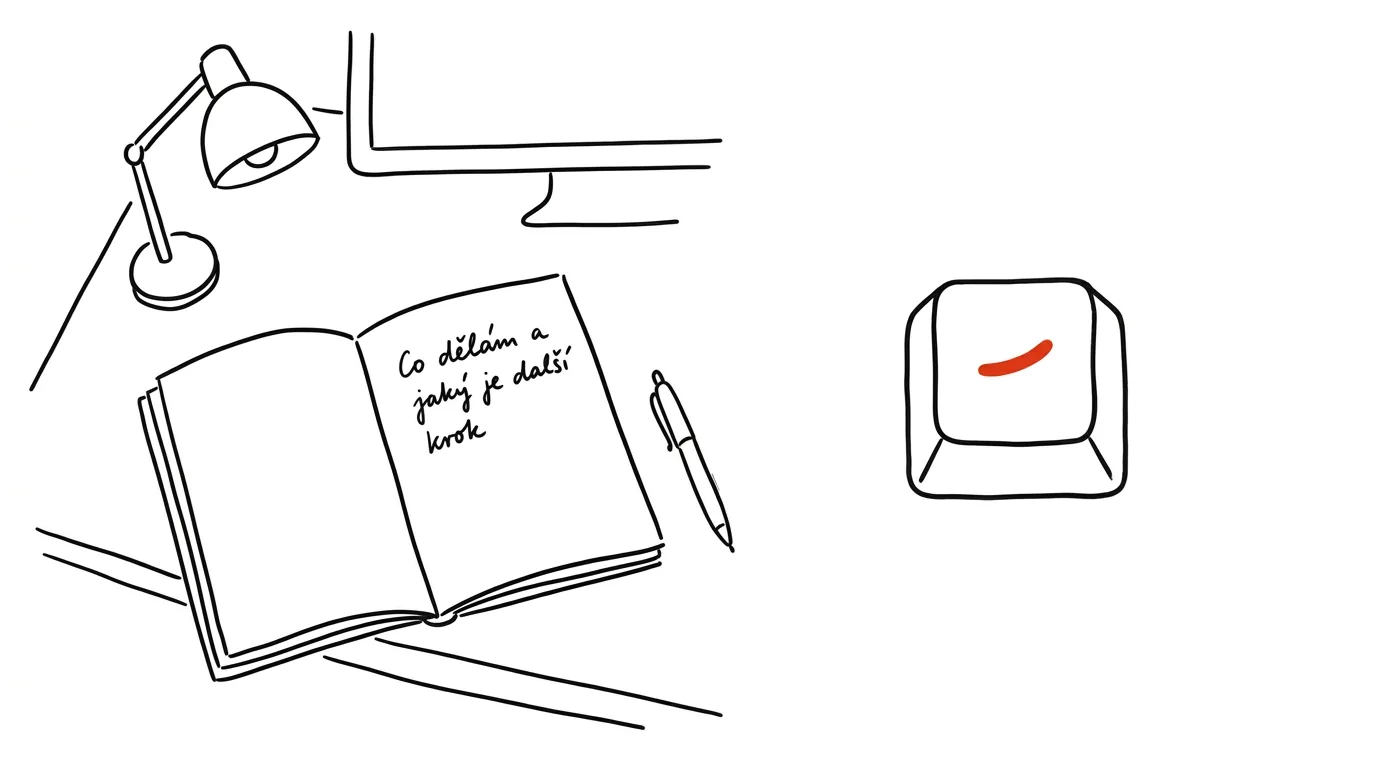
The most expensive part of any interruption isn't the five minutes it takes — it's the comeback. You sit back down to unfinished work and spend a quarter hour reconstructing: what was I even doing, where did I leave off, what's next? A parking file cuts exactly that cost: one always-the-same text file or note where you jot down one or two sentences right before you get pulled away. What you're doing, what the concrete next step is, maybe where to find things. It takes twenty seconds — and future-you launches straight back in instead of reconstructing anything.
How to do it
- Set up one permanent file and keep it within easy reach: a pinned note in your notes app, a
park.txton the desktop, or a quick note on a Mac. The important thing is that it's always one press or click away — otherwise you'll stop using it. - Whenever you have to step away from unfinished work (a meeting, lunch, a coworker in the doorway, end of day), write three lines: what you're doing (“price quote for the Smiths”), next step (“fill in the prices on sheet 2, then export PDF”), context (“source materials in Tuesday's email from Petra”).
- Phrase the next step concretely enough that you can start without thinking. “Continue with the report” is useless; “finish the paragraph on costs, the numbers are in cell B12” gets you moving instantly.
- When you come back, open the file before anything else — especially before email. Read the sentence, do the described step, and you're back in the work, instead of letting your inbox drag you off somewhere else entirely.
- Don't delete old entries right away — they naturally grow into a work diary, handy for timesheets or for those moments a week later when you can't remember why you did something a certain way.
A typical scenario
Developer Eva is in the middle of debugging when an hour-long meeting starts. She used to come back and stare at the code, hunting for the lost thread. Now, before leaving, she writes: “bug is somewhere in the VAT calculation, next step: check the rounding in invoice.py, line 84.” After the meeting, she reads the sentence, opens line 84, and is back at full speed within a minute. Writers call this the Hemingway trick — stopping mid-thought, with a clearly visible next step, is much easier to pick back up than starting cold from a blank page.
What you get out of it
Interruptions and task-switching get cheaper, dropping from fifteen minutes to one — and there are a lot of those switches in an ordinary day. It also lowers the background tension of unfinished things: your head doesn't have to hold onto them, because it knows the thread is safely parked. At the end of the day, the parking file naturally leads into a shutdown ritual.
Pro tip
Park even before planned breaks: the last two minutes before lunch or a meeting won't get you as far on real work as they will on a good parking note. It's the best two-minute investment you can make in that moment.
Want to go deeper? The handbook has a whole chapter on it — Core systems: inbox, priorities, reviews.
Similar tips
In-depth guide · 20 min
Entrance Exams with AI: A Plan, Practice, and Mistake Analysis
A guide with prompts: a schedule built backward from exam day, official practice tests, mistake analysis by cause, and a parent role without pressure.
Browser profiles: work and personal, kept apart
Two profiles means two sets of bookmarks, logins, history, and extensions. No more signing out and mixing work with personal.
The middle mouse button: opens and closes tabs too
Middle-clicking a link opens it in a new background tab. Middle-clicking a tab closes it — no need to hit the tiny X.
Was this helpful?
Liked this tip?
I send one like it every week by email. Two minutes to read, hours saved.
The Top 30 tips e-book, free — it lands in your inbox right away.
Then 1 tip a week · no spam · unsubscribe in one click
Prefer a system to single tips? The free email course — seven days, seven emails, one skill a day.