Tips & tricks · Apps · Everywhere · ~20 min a week · 3 min read
Set up a “Family” calendar — a layer both parents can see
Last reviewed:
In this article
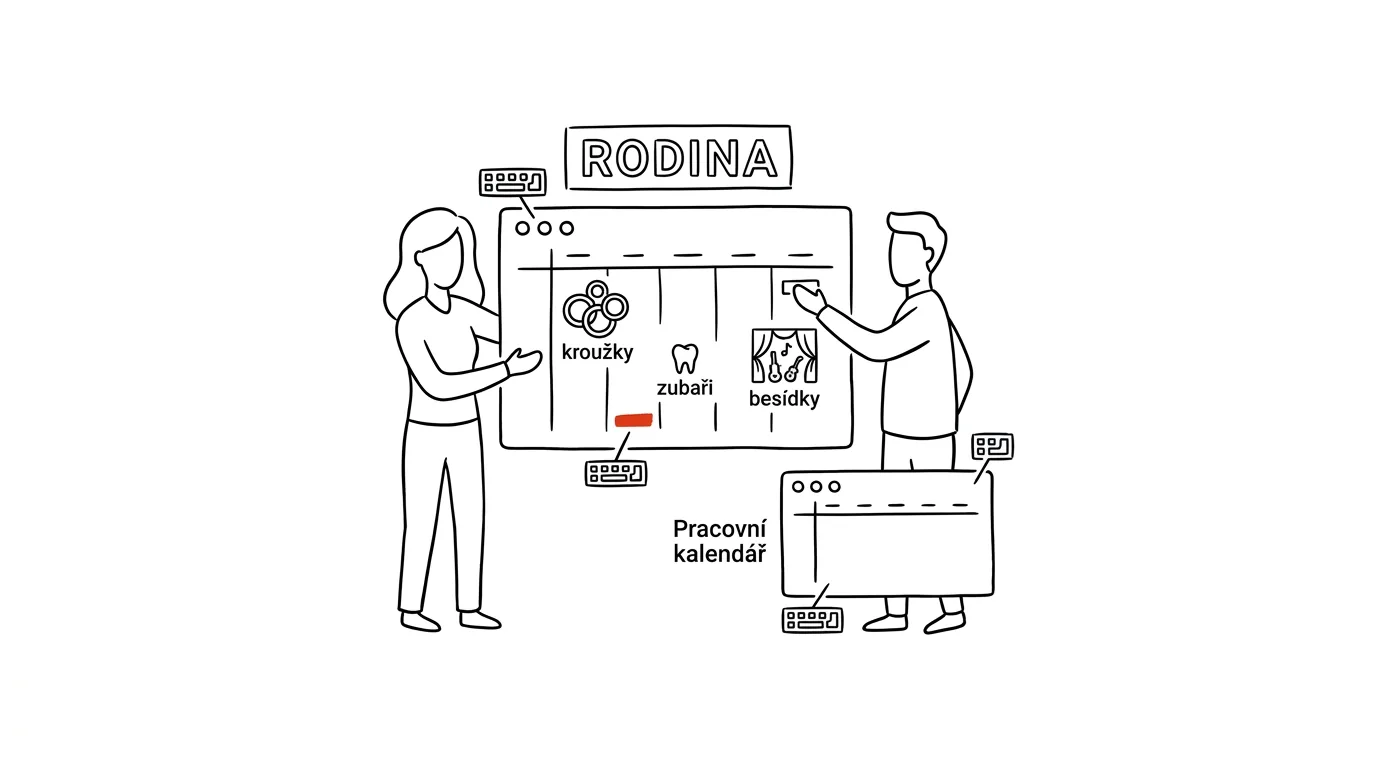
In plenty of families, the kids' schedule exists only in one parent's head — and that parent is then surprised the other one “forgot” about a school event they only heard about once, verbally, three weeks earlier. The fix isn't forwarding invitations or reciting dates over dinner, but creating a third calendar: alongside your work one and your partner's work one, one shared calendar called “Family.” Both of you add to it, both of you see it on your phone as another colored layer, and both of you get reminders from it.
How to do it
Google Calendar:
- On a computer, open calendar.google.com and click the plus next to Other calendars on the left → Create new calendar. Name it “Family.”
- In the calendar's settings, find Share with specific people, add your partner's email, and give them Make changes to events permission.
- Your partner accepts the invite, and in the mobile app's account settings checks that the calendar should sync and display.
- Give the calendar a bold color so you can tell family events from work ones at a glance.
iPhone and iCloud: in the Calendar app, create a new calendar, tap the info icon next to its name, and choose Add Person. The rest works the same way.
From that point, one rule applies: what's not in the Family calendar might as well not exist. The dentist, a club, a parent-teacher meeting, visiting grandma — all of it goes there, including a note on who's driving and who's picking up, right in the event title (“Swimming — Peter's driving”).
A typical scenario
An email arrives from school: parent-teacher meeting Thursday at 5:00pm. In the old days, one parent would read it, think to themselves “I'll remember that,” and at 4:50 on Thursday, panic would set in at work. Now they save the event straight into the Family calendar — and over dinner prep, they just briefly agree on who's going. The other parent had already seen it on their own, because it popped up in their day view that morning right next to their work meetings.
What you get out of it
An end to double bookings, forgotten clubs, and the role of “family dispatcher,” which one partner usually ends up doing unpaid. Weekend planning gets shorter, because both of you see the same thing. And once the kids get their own phone, you can just share the calendar with them as read-only — the family schedule keeps running unchanged. For pulling dates out of schedule photos and school PDFs into the calendar in bulk, see the guide AI in the Family.
Pro tip
The family calendar should also hold all-day events that aren't meetings but do change the logistics: school holidays, teacher in-service days, “grandma's watching the kids,” one parent's business trip. These are exactly the entries that cause the biggest collisions — and as an all-day bar at the top of the calendar, you'll both see them at every planning session without them taking up space in the daily schedule.
Want to go deeper? The handbook has a whole chapter on it — The app categories that matter.
Similar tips
A Kid's Account: Limits and App-Install Approval
A child's first phone doesn't have to be a battle. Family Link and Screen Time give parents install approval and time limits — set up in advance, not after the conflict.
Type by swiping: a third faster
Gliding your finger across the keyboard looks odd and works great. After a week you won't remember why you tapped.
A Forgotten Password? Your Browser Knows It
A password your browser once saved can be revealed anytime — uncovering a login you thought was lost for good.
Was this helpful?
Liked this tip?
I send one like it every week by email. Two minutes to read, hours saved.
The Top 30 tips e-book, free — it lands in your inbox right away.
Then 1 tip a week · no spam · unsubscribe in one click
Prefer a system to single tips? The free email course — seven days, seven emails, one skill a day.