Tips & tricks · Apps · Everywhere · ~5 min a day · 3 min read
Todoist: add a task in a single sentence
Last reviewed:
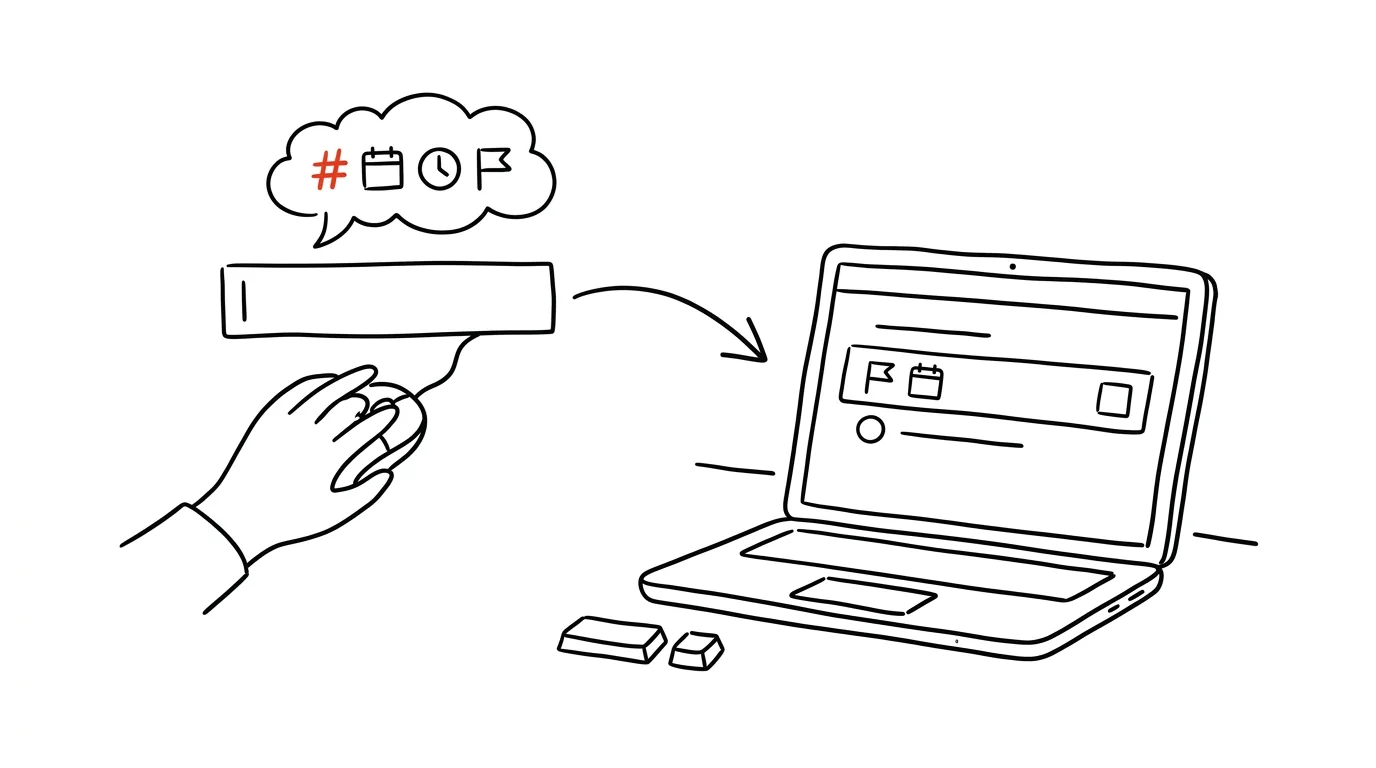
Adding a task shouldn't take longer than thinking of it — otherwise you lose exactly the speed that's the whole reason you use a task manager in the first place. That's why Todoist reads natural language: you type an ordinary sentence, the way you'd say it to a coworker, and the app pulls out the date, time, recurrence, project, and priority on its own, without you clicking anything by hand.
A typical scenario
You're adding a recurring meeting, a Christmas present, and an urgent phone call to your task manager — three different types of tasks with different properties. Without natural language understanding, that would mean going through the entire form three times: title, date, time, recurrence, project, priority — separately for each item.
With natural language, you write each task as one continuous sentence, exactly the way it occurs to you, and Todoist recognizes on its own which part of the sentence is the date, which is the project, and which is the priority.
How to do it
Type the whole sentence straight into the task name, not just a bare label:
tomorrow at 3pm call Peter p1— Todoist recognizes the due date (tomorrow), a specific time (3:00 p.m.), and the highest priority (p1).every Monday at 10 #meetings— recognizes a recurring due date (every Monday at 10:00) and assignment to the Meetings project (the#symbol).December 25 #family /gifts— recognizes a specific date, the main project Family, and a sub-project Gifts under it (the/symbol separates a sub-project from its parent).
The general principle: # introduces a project, / after a project introduces a sub-project, @ a label, p1 through p4 a priority (p1 highest), and dates with times are recognized automatically from common phrases like “tomorrow,” “next Tuesday,” “in two weeks,” or a specific date. All of these elements can be freely combined in a single sentence, and Todoist automatically parses them out and strips them from the visible task name when it's saved.
Before saving the task, glance at the preview under the text field — Todoist shows how it interpreted the sentence you just typed, so before you submit the task, you can see whether the date or project came out the way you intended.
The best tools
- Todoist's built-in natural language recognition — works in every language version of the app and needs no extra setup.
- Quick Add (the keyboard shortcut for a new task) — pairs naturally with writing in one sentence, letting you complete the whole entry without taking your hands off the keyboard.
- Templates for recurring phrasing (saved snippets in your phone's notes) for tasks you write the same way every time — helps keep your entries consistent.
- Todoist on mobile with voice input — a dictated sentence gets recognized the same way as a typed one, handy on the go.
What you get out of it
- Time: an estimated 3–7 minutes a day, since you skip manually clicking into separate fields for date, project, and priority on every task.
- More natural entry: you write the way you think, not the way a form demands — and the more natural the entry, the lower the barrier to actually writing the task down at all.
- Fewer mistakes: recognizing the date from text reduces the risk of accidentally clicking the wrong day in a calendar picker.
- Consistent task structure: the habit of writing project, priority, and due date directly into the sentence gives your tasks a uniform shape across the system, which makes later filtering and searching easier.
Pro tip
Learn Quick Add too, as a global shortcut that opens the entry box from anywhere in the system, not just inside the open Todoist app — you write down the idea in one sentence without switching windows, and without losing the context of whatever you were working on.
Want to go deeper? The handbook has a whole chapter on it — The app categories that matter.
Similar tips
Stop Correcting AI Forever: Edit Your Original Message Instead
Claude, ChatGPT, and Gemini can all edit a message you've already sent and answer again from a clean slate. A lesser-known button that rescues tangled conversations.
A Letter From an Agency: Have AI Translate It Into Plain English
Paste an official letter into AI and get four answers: what they want from you, by when, what happens if you don't, and exactly what to do. No legalese, no panic.
In-depth guide · 34 min
AI in the newsroom: a journalist's guide
The hub for the whole journalism section: research, public data, writing, graphics, social media, and source protection. Eighteen prompts, one hard line.
Was this helpful?
Liked this tip?
I send one like it every week by email. Two minutes to read, hours saved.
The Top 30 tips e-book, free — it lands in your inbox right away.
Then 1 tip a week · no spam · unsubscribe in one click
Prefer a system to single tips? The free email course — seven days, seven emails, one skill a day.