Tips & tricks · Communication · Mobile · ~5 min a day · 3 min read
WhatsApp to yourself: the fastest notepad you already have
Last reviewed:
In this article
You need to quickly save a house number, snap a photo of a receipt “so I don't lose it,” or get a link from your phone onto your computer. There's a dedicated app for all of it — except you already own the fastest tool: WhatsApp lets you message yourself. A chat only you can see works like any other — text, photos, voice messages, documents — and thanks to WhatsApp on the computer, it syncs automatically between devices. No hunting for “how do I send this to myself”: you just write it where you're typing all day anyway.
How to do it
- In WhatsApp, tap new chat, and right at the top of the contact list you'll find yourself — an entry marked “(You)” next to your name. Tap it and type as you would to anyone else.
- Pin the conversation to the top of your chat list (long-press the chat → pin), so it's always within reach.
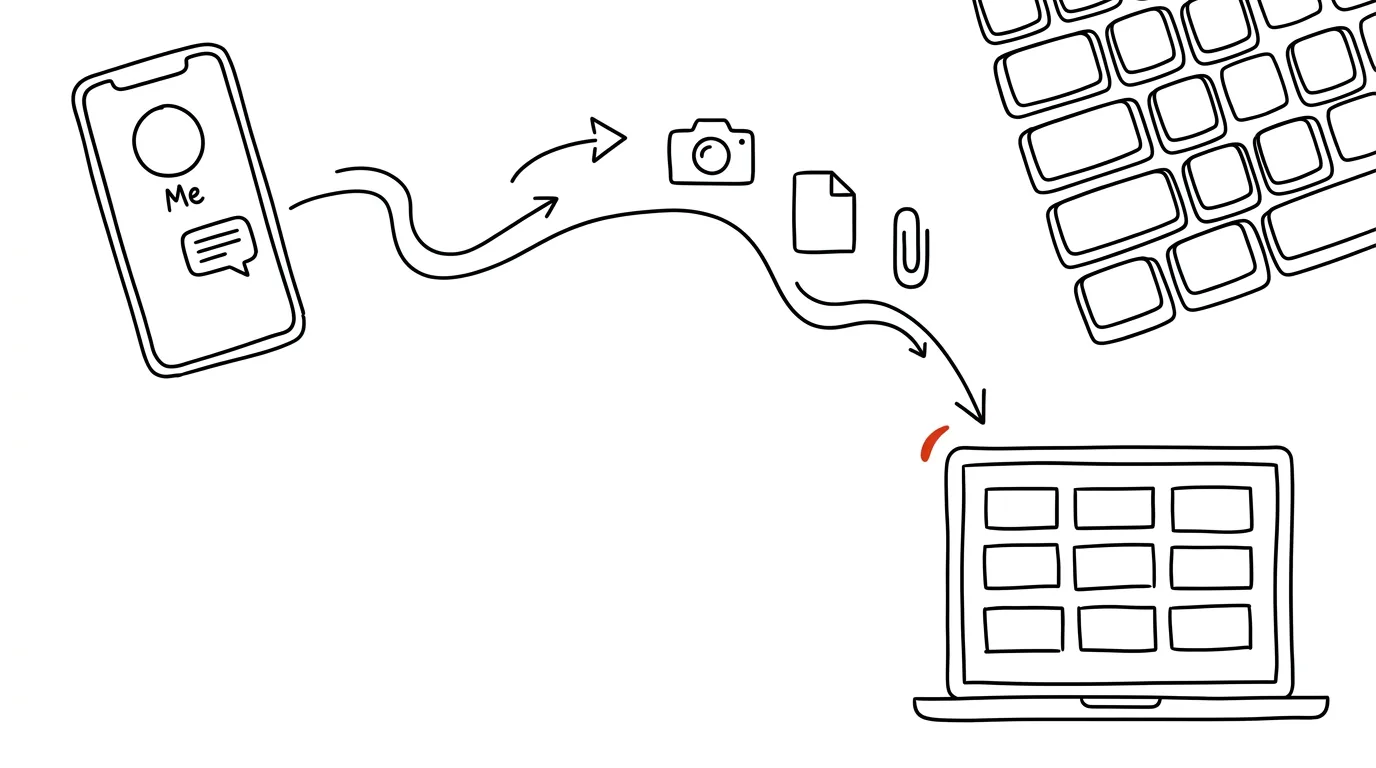
- On your computer, open WhatsApp (the app or web.whatsapp.com) — the same chat is waiting there, including everything you sent from your phone. It naturally works the other way too, from computer to pocket.
- You can also send yourself documents (the attachment icon) — a PDF or spreadsheet moves between devices with no cable and no email.
- In an older chat, search with the magnifying glass right inside the conversation — the same search works here as everywhere else in WhatsApp. For anything truly important, use the star (long-press a message → Star), so you can find it even six months later.
A typical scenario
A tradesman does his rounds: at a client's, he photographs the water meter and dictates a voice note with measurements into his self-chat; in the car, he adds the next site's address. In the evening at his computer, he opens WhatsApp and has everything laid out on the day's timeline — he pulls the photos for the job and turns the notes into a quote. A parent, meanwhile, collects things through the day: a screenshot of a class schedule, a link to shoes on sale, “buy Emma a present” — and reviews it all at a glance in the evening.
What you get out of it
One place for everything fleeting, with zero friction — a note is done in five seconds in an app you have open anyway. And moving between phone and computer stops being an operation: whatever you send yourself is on the other device within seconds. Compared to emailing yourself, the chat has one crucial advantage — it doesn't clutter your inbox, and there's nothing to “deal with”; it's simply a stream of notes ordered by time.
Pro tip
A self-chat is also an ideal testing ground: before sending a client a message with formatting, try it out there first to see how it will look. You'll find the same “chat with yourself” in Telegram (Saved Messages) and in Slack too — the principle works everywhere you spend time.
Want to go deeper? The handbook has a whole chapter on it — Professional email communication.
Similar tips
Paste the Error Message Into AI, Not a Search Engine
Instead of trawling ten-year-old forum threads, paste the error message — or a screenshot of it — into AI and ask three things: what it means, what to do, and what not to do.
In-depth guide · 19 min
Dictate your thoughts, let AI turn them into text
A complete guide with prompts: how to dictate a usable transcript, tidy it into an email or notes with one prompt, and turn commutes into writing time.
Text With Missing Accents? AI Restores Them
An email typed on the wrong keyboard layout or an export from an old system: paste the text into AI and get it back with the accents in the right place. It works in reverse too.
Was this helpful?
Liked this tip?
I send one like it every week by email. Two minutes to read, hours saved.
The Top 30 tips e-book, free — it lands in your inbox right away.
Then 1 tip a week · no spam · unsubscribe in one click
Prefer a system to single tips? The free email course — seven days, seven emails, one skill a day.