Tips & tricks · Workflow · Everywhere · ~45 min a day · 3 min read
Email three times a day in blocks, not sixty times in drips
Last reviewed:
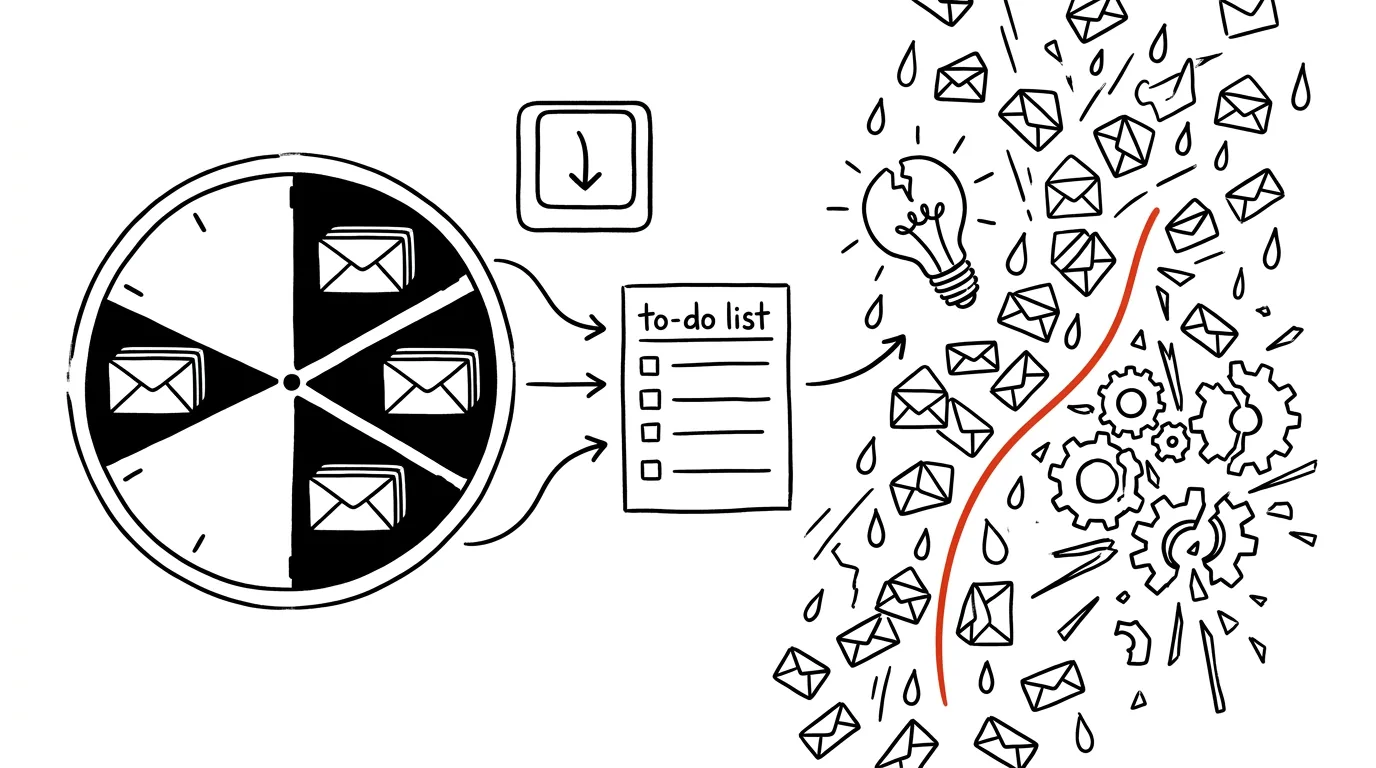
Every “just a quick check of my email” costs more than it looks like — it's not the one minute spent reading the message, it's the trip back. Your brain needs time to re-tune itself to the work in progress that your inbox just pulled it away from, and that return trip takes noticeably longer than reading the email itself.
A typical scenario
You're working on an important task, and your mail client keeps flashing a new notification in the corner of the screen. Without fixed email blocks, that means: interrupt your train of thought, read the message, maybe reply briefly, then painstakingly work your way back to where you left off in the task — and that might happen anywhere from twenty to sixty times a day. With three fixed blocks a day (say, morning, midday, and afternoon), email gets handled in batches, and the focused work in between stays uninterrupted for hours at a time.
How to do it
- Set three fixed time blocks for checking email, say at 9:00, 13:00, and 16:30, each about 20 to 30 minutes long — enough time to get through it, but not so much that the block stretches into the whole morning.
- Outside those blocks, keep your mail client closed (not just minimized) and turn off notifications on both your computer and your phone — a muted notification with the app still open in the background still tempts you to click.
- Within a block, work through messages in batches following a clear rule: anything you can handle in under two minutes, do right away; anything requiring longer work goes into your task system with a deadline; the rest gets archived or marked as read if it requires no action at all.
- If you need to let coworkers know you're not on email constantly, mention it once in your signature or a short note to the team — so they know a reply will come during the next block, not instantly.
- As a manager, be the first to adopt the blocks — if you keep replying to emails instantly in the evening and on weekends, your team unintentionally follows the same pace, no matter what the official rules say.
The best tools
- Built-in notification muting in your mail client (Outlook, Gmail) or directly in the system — a basic step that costs nothing and does half the work.
- A distraction blocker / focus timer (like the Focus feature in Windows or macOS) — automatically silences notifications outside your defined blocks, so you don't have to remember to do it manually.
- Rules and filters in your mail client — automatically sorting incoming mail by sender or subject makes fast batch processing within a block easier.
- A shared calendar or availability status — lets coworkers know when you're on email and when you're heads-down, without you having to explain it repeatedly.
What you get out of it
- Time: roughly three-quarters of an hour a day saved from constant attention-switching and returning to work in progress.
- Deeper focus: long, uninterrupted stretches let you get into a state where work goes faster and with fewer mistakes.
- Less end-of-day exhaustion: constant attention-switching is mentally draining on its own, even when it doesn't look like demanding work from the outside.
- A clearer inbox: batch processing with a clear rule (handle / schedule / archive) keeps your inbox tidier than constant, unsystematic reading.
Pro tip
Worried you'll miss something urgent between blocks? Genuinely urgent matters overwhelmingly come by phone or in person, not by email — email is, by its nature, a tool for asynchronous communication, not instant reaction. That worry usually resolves itself after the first week of trying the blocks.
Want to go deeper? The handbook has a whole chapter on it — Core systems: inbox, priorities, reviews.
Similar tips
Bold, italics, and lists: WhatsApp can format text
Asterisks around a word make it bold, underscores make it italic, a dash makes a bullet. A longer work message suddenly looks like a document.
Voice messages at double speed — and a check before you send
Tapping 1× switches a voice message to 1.5× and 2× — a three-minute monologue takes half the time. And you can listen to your own recording before it sends.
Pinning in WhatsApp: an important message stays on top
Long-press a message and pin it to the top of the chat — for 24 hours, a week, or a month. A meetup address or a door code never gets buried again.
Was this helpful?
Liked this tip?
I send one like it every week by email. Two minutes to read, hours saved.
The Top 30 tips e-book, free — it lands in your inbox right away.
Then 1 tip a week · no spam · unsubscribe in one click
Prefer a system to single tips? The free email course — seven days, seven emails, one skill a day.