Tips & tricks · Workflow · Everywhere · ~2 h a day · 3 min read
Answer clients in windows, not on demand
Last reviewed:
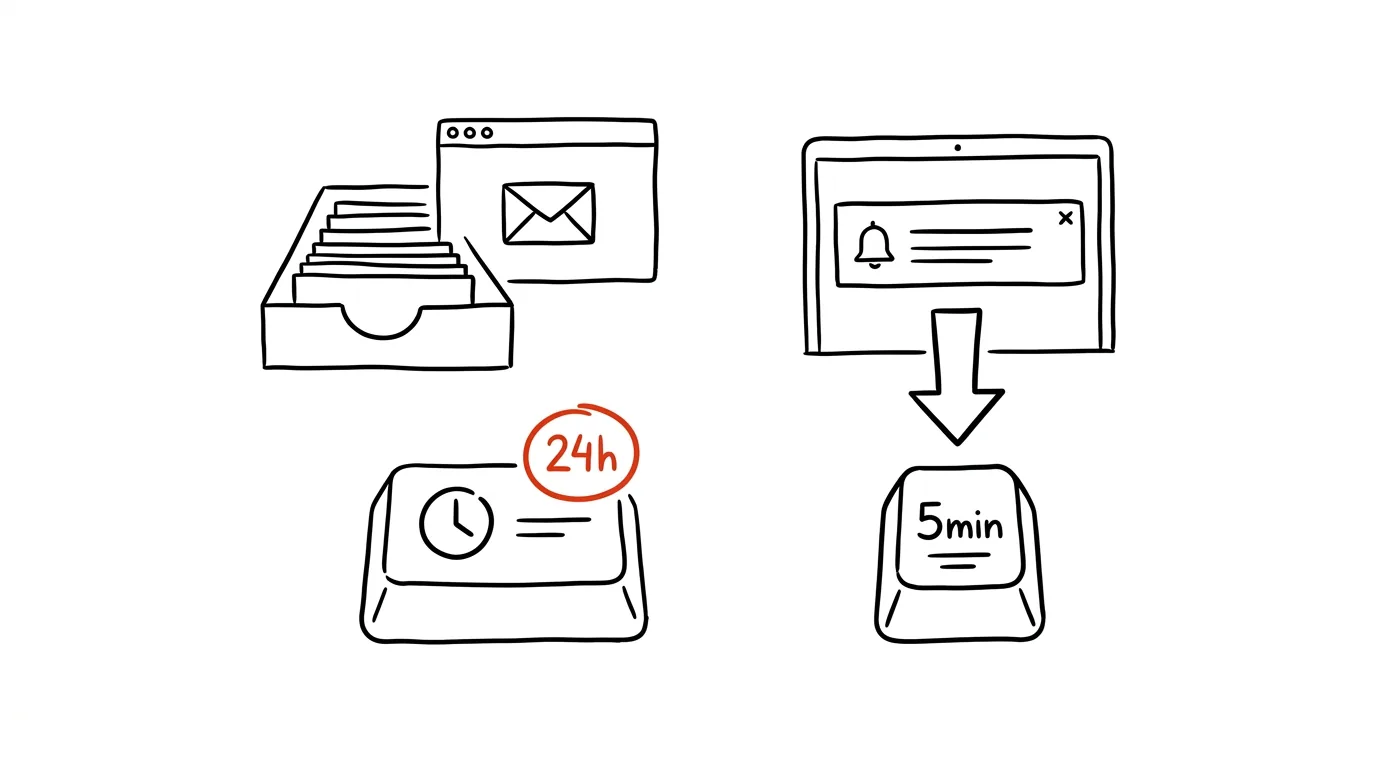
The response speed you set at the start of a working relationship becomes the expectation forever — and it quietly turns into a trap. Once you answer a client's message in five minutes, you can never again answer in an hour without it looking like a problem. Yet what a client actually needs is reliability, not instant response — and those are two different things.
A typical scenario
Freelancer Marek got into the habit, early in a new client relationship, of replying to messages almost instantly — he wanted to seem reliable. Three months later, the result was that he kept his phone on vibrate all day, checked every notification between other tasks, and had lost the ability to focus on anything for more than twenty minutes at a stretch. Meanwhile, the client got used to Marek "always being online" and would message him at ten at night expecting a quick reply.
Marek switched to two fixed windows a day — morning and afternoon. The first week, he worried the client would be unhappy. They weren't — because replies within 24 hours are a perfectly standard pace in business, and the only thing that changed was Marek's actual focus on his work between those windows.
How to do it
- Answer messages in 2–3 fixed daily windows (say, morning, after lunch, end of day), instead of checking them continuously throughout the workday.
- Set the expectation explicitly — in your email signature or in your first message to a new client, write something like: "I reply to messages within 24 hours on business days."
- For genuinely urgent matters, offer a different channel instead of constant chat availability: "For urgent matters, call me." That separates routine communication from the rare situations that truly deserve an immediate response.
- Outside those windows, don't open messages at all — not even "just to check." The moment you read a message, your brain partly reacts to it and your attention drifts away from whatever you were working on.
- If you're just starting out with a client, tell them your communication windows right away in the first call or intro email — it's far easier than changing an established expectation later.
- With long-term regular clients, you can adjust the windows to fit the nature of the project — sometimes one a day is enough, sometimes you need two because of time zones or the urgency of the work.
The best tools
- An email signature stating your response time — the simplest and most effective tool, nothing to install.
- Notifications turned off outside working windows (phone settings or apps like Slack or WhatsApp) — prevents impulsive checking between windows.
- An auto-reply or status message in email or chat, letting people know when you'll get back to them.
- Calendar blocks reserved for communication — you protect the windows visually the same way you'd protect a meeting.
- A shared availability calendar (Calendly or similar) — for urgent calls, it gives the client specific time slots instead of them messaging and waiting for a reply whenever it comes.
What you get out of it
- Time: up to 2 hours a day that would otherwise go to small interruptions and refocusing after every message.
- Deeper focus: work between windows runs uninterrupted, which shows in both quality and speed.
- Healthier client relationships: a professional 24-hour response pace is a standard that surprises no one and disappoints no one.
- Sustainability: constant availability is exhausting over the long run — fixed windows are a pace you can keep up for years, not weeks.
- Clearer boundaries between work and free time: a client who knows they'll get a reply within 24 hours has no reason to message you in the evening expecting an instant response.
Pro tip
Set up communication windows right at the start of a client relationship, not once you're already burned out — it's much easier to set the expectation from the first message than to change it halfway through a project.
Want to go deeper? The handbook has a whole chapter on it — Core systems: inbox, priorities, reviews.
Similar tips
Google Sheets: filtering that doesn't wreck your teammates' view
A filter view filters data just for you — everyone else in the shared sheet sees everything unchanged.
Version history: who changed what, and when
Ctrl+Alt+Shift+H
Google Sheets and Docs save every single change. Ctrl+Alt+Shift+H opens a timeline — and you can revert to any point.
IMPORTRANGE: connect two Google Sheets live
One function pulls data from another spreadsheet into yours — and keeps it current. No more manually copying numbers between files.
Was this helpful?
Liked this tip?
I send one like it every week by email. Two minutes to read, hours saved.
The Top 30 tips e-book, free — it lands in your inbox right away.
Then 1 tip a week · no spam · unsubscribe in one click
Prefer a system to single tips? The free email course — seven days, seven emails, one skill a day.