Tips & tricks · Workflow · Everywhere · ~30 min a month · 2 min read
git reflog: A Rescue When You've “Deleted” Commits
Last reviewed:
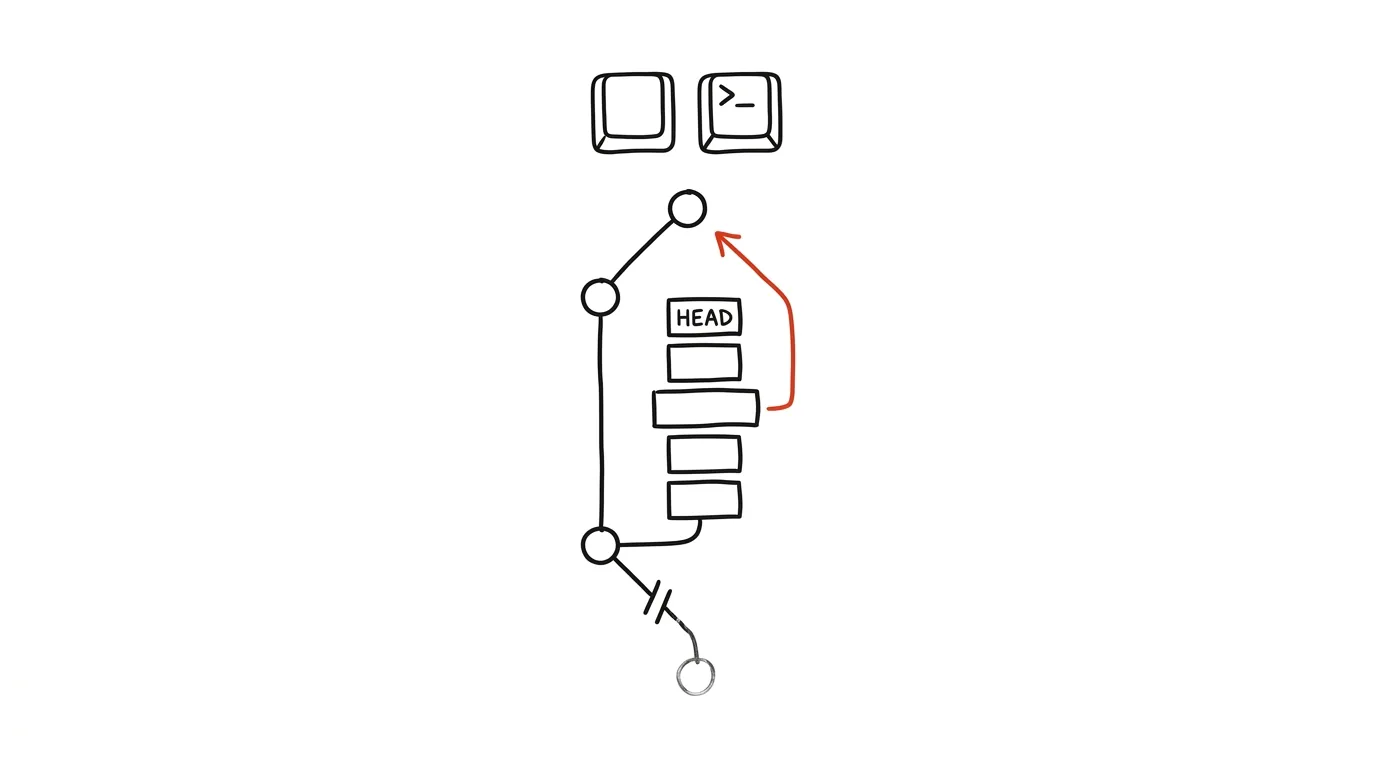
Everyone knows that sinking feeling: a git reset --hard in the wrong place, a deleted branch with uncommitted work, or a rebase that leaves the history looking completely different — and the commits seem to have vanished. Good news: git almost never actually deletes anything right away. The git reflog command keeps a log of every position the HEAD pointer has passed through — every commit, branch switch, reset, and rebase. Even a commit no branch points to anymore is still in this log and can be recovered. Reflog is the emergency brake you should know about before you need it.
How to do it
- Run
git reflog— it prints a list of entries from newest to oldest: a shortened commit hash, a label likeHEAD@{2}, and a description of the action ("commit: …", "reset: …", "checkout: …"). - Find the last state in the list where everything was fine — typically the entry right before the fateful command. The action descriptions help you get your bearings on what happened when.
- Inspect it:
git show HEAD@{2}(or the commit hash directly) shows what's in it — confirm it's really the right state. - The safest recovery:
git branch rescue HEAD@{2}creates a new branch at the lost commit without overwriting anything. Then switch to it and calmly look over what you rescued. - To restore the current branch, use
git reset --hard HEAD@{2}— but carefully: it overwrites wherever the branch stands right now. If you're not sure, stick with the new-branch approach.
A typical scenario
A developer is cleaning up branches in the evening and deletes the one with two days of work on it — she only notices the next morning, when the branch is nowhere to be found. It used to mean a lost weekend and starting over. Now: git reflog, find the last commit of the deleted branch in the list ("commit: validation form"), git branch rescue abc1234 — and the work is back, down to the last character. The whole rescue took two minutes.
One caveat: reflog is a local log on your own computer, and git purges old entries after a while (the default retention runs from weeks to months). So rescue soon — and reflog only saves what was committed at least once. Work that was never committed isn't in it; all the more reason it pays to commit often, even imperfectly — you can always tidy up the history on a working branch before sharing it. A commit is the cheapest insurance policy git offers, and reflog is the reason it pays off.
What you get out of it
The worst git accidents — a bad reset, a deleted branch, a botched rebase — stop being a catastrophe and become a two-minute fix. And most of all, you gain peace of mind: knowing reflog exists, you stop fearing destructive-sounding commands and start using git more boldly.
Want to go deeper? The handbook has a whole chapter on it — Core systems: inbox, priorities, reviews.
Similar tips
Free trial? Cancel it right away — it runs the full course anyway
For subscriptions through the App Store or Google Play, you can cancel the trial a minute after activating it: it still runs to the end, and nothing gets charged. Elsewhere, a reminder does the job.
Exam registration: a reminder for the exact minute it opens
Exam slots fill up within minutes. A reminder set to the exact moment registration opens decides whether you plan your exam period, or take whatever's left.
The shutdown ritual: close the day so it doesn't follow you
Five minutes at the end of work: write down loose ends, glance at tomorrow, close the laptop. Work stays at work — even in your head.
Was this helpful?
Liked this tip?
I send one like it every week by email. Two minutes to read, hours saved.
The Top 30 tips e-book, free — it lands in your inbox right away.
Then 1 tip a week · no spam · unsubscribe in one click
Prefer a system to single tips? The free email course — seven days, seven emails, one skill a day.