Tips & tricks · Workflow · Everywhere · a calm evening · 4 min read
The shutdown ritual: close the day so it doesn't follow you
Last reviewed:
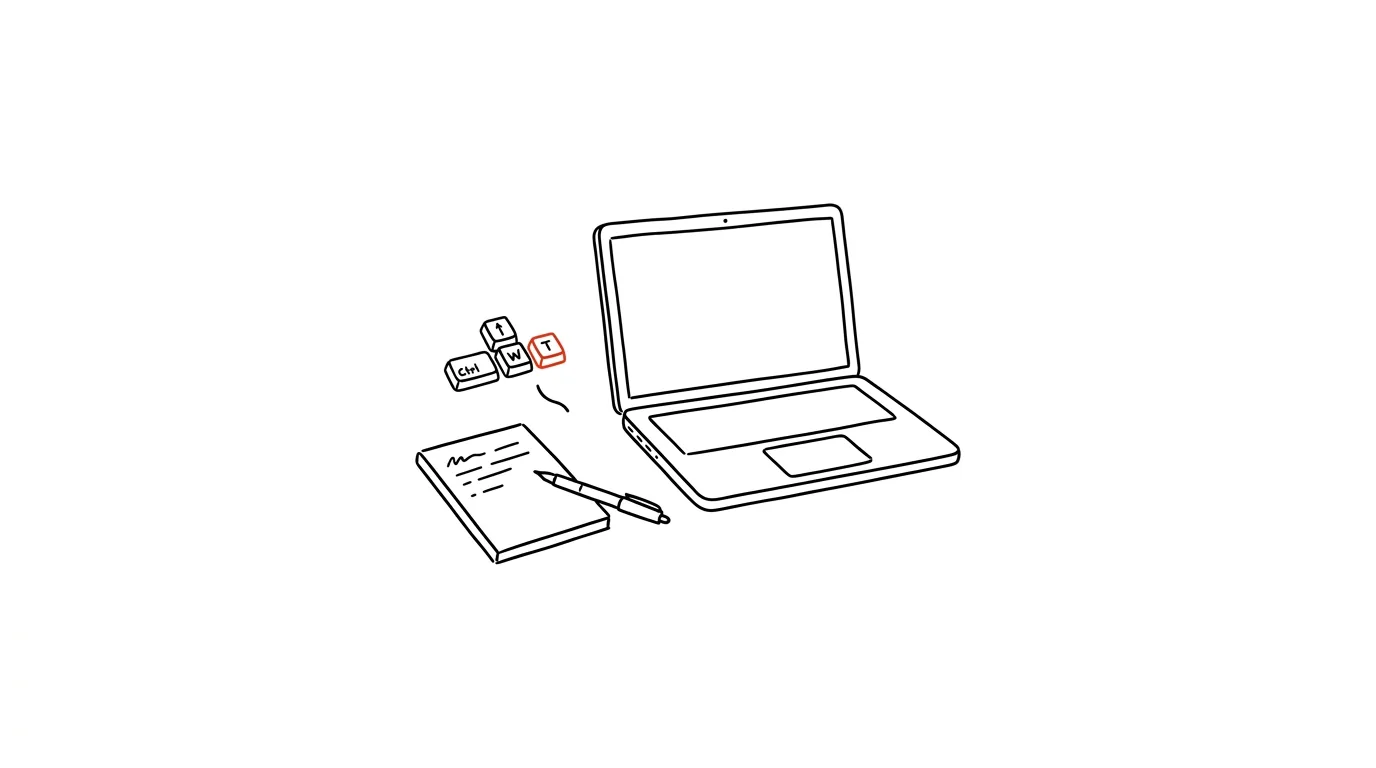
Unfinished tasks come back in the evening as mental noise — surfacing over dinner, on a walk, right as you're trying to fall asleep. The brain simply can't tell itself “stop thinking about that.” Psychologists call it the Zeigarnik effect: unfinished tasks stay more active in the mind and surface more easily than the ones that are clearly closed off. A simple ritual at the end of the workday helps: a few minutes that close the day out so it actually stops following you.
A typical scenario
Developer Tereza closes her laptop at five and heads home. Over dinner, though, she's still mentally chasing a bug she didn't finish, and in bed she remembers she has a call tomorrow she forgot to send materials for. There's no such thing as a clear head, because work never formally ended — it just got interrupted.
With a shutdown ritual, it's different: loose ends are written down, tomorrow is checked, the day has a clear end point. The brain gets the signal that it no longer has to remember anything on its own, and the evening actually belongs to the evening. The trick isn't that the ritual finishes the work for you — it only finishes the day, and that's enough.
How to do it
- In the last 5 minutes of your workday, write down every loose end in your task manager — not in your head. This includes small things like “reply to Peter” or “think through that idea for the presentation”; once they're written down, the brain stops guarding them.
- Glance at tomorrow's calendar. A look at the first meeting and whether anything needs prep is enough — the goal is to rule out a morning surprise like “oh right, I have a presentation at nine.”
- Close all your windows and say a closing phrase, out loud or in your head — something as simple as “done.” It sounds trivial, but it works as a trigger: over time the brain links this ritual to the end of work mode, the same way the body links turning off the lights with sleep.
- If it suits you, add a short physical transition — a few steps away from your desk, opening a window to air out the room, changing out of “work” clothes. The body needs just as clear a signal of the end as the mind does, and physical movement reinforces that signal.
The best tools
- A built-in notes or reminders app (Notes, Google Tasks) — enough to jot down a few loose ends, nothing else to install.
- Todoist or Notion — if you want loose ends filed directly into a broader system of tasks and projects, not just scribbled on paper.
- Whatever calendar app you already use (Google Calendar, Outlook) — a look at tomorrow takes ten seconds and is part of the ritual, not a separate extra step.
- A physical notepad on your desk — for some people paper works better than a phone precisely because it can be closed and physically set aside.
What you get out of it
- A calmer evening: fewer thoughts about work outside work hours, because loose ends are safely written down instead of held in your head.
- Better sleep: falling asleep without a “good thing I remembered that meeting” at one in the morning.
- A clear boundary between work and personal time: the ritual acts as both a physical and psychological transition, especially when working from home, where the desk otherwise blurs into the living room.
- A better start to the next day: in the morning you know exactly where you left off, instead of spending the first ten minutes figuring out what was even in progress.
- Less mental fatigue: a mind that doesn't have to hold dozens of loose ends at once has more capacity left for real focus when it's needed.
Pro tip
The ritual works best when it always follows the same sequence of steps and ends with the same closing phrase — the brain learns to respond to a repeating sequence faster than to a random “guess I'm done for today.” If you work from home, add one extra physical step, like closing the laptop or leaving your desk for another room — the body needs just as clear a signal of the end as the head does.
Want to go deeper? The handbook has a whole chapter on it — Core systems: inbox, priorities, reviews.
Similar tips
Study 5 times for an hour, not once for 5 hours
The same amount of time spread over more days means you remember multiples more. Your calendar is the strongest study tool you have.
cd - takes you back to the folder you came from
Jumping between two directories? You don't have to type the full paths back and forth — “cd -” always jumps to the previous folder.
From the terminal to File Explorer or Finder: open . and explorer.exe .
Open the current folder from the terminal in your graphical file manager with one command: “open .” on a Mac, “explorer.exe .” on Windows and in WSL.
Was this helpful?
Liked this tip?
I send one like it every week by email. Two minutes to read, hours saved.
The Top 30 tips e-book, free — it lands in your inbox right away.
Then 1 tip a week · no spam · unsubscribe in one click
Prefer a system to single tips? The free email course — seven days, seven emails, one skill a day.