Tips & tricks · Communication · Browser · ~5 min a week · 2 min read
Turn an Email Straight Into a Calendar Event
Last reviewed:
In this article
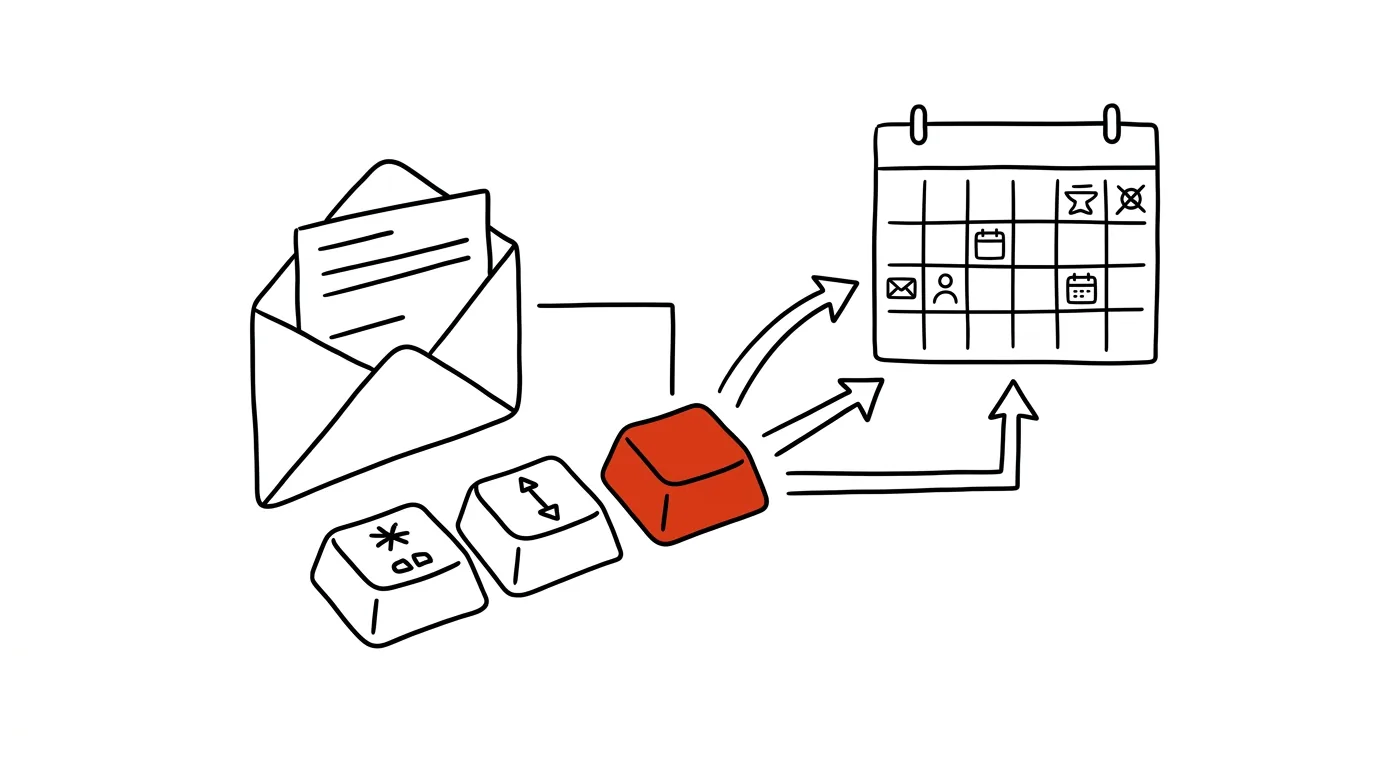
"Shall we meet next Tuesday at two?" You reply "works for me" — and then manually punch the meeting into your calendar: title, time, attendees, and you really should note down where the original email is too. Gmail can do the whole thing for you: from an open message it creates an event in Google Calendar, pre-fills the title from the subject line, and drops a link back to the conversation into the description. Come meeting time, you don't have to dig through your memory for what it was about — one click from the event takes you to the whole correspondence.
How to do it
- Open the email the meeting should come from.
- Click the three dots in the message's top bar and choose Create event.
- Google Calendar opens with a draft event: title from the subject, a link to the email in the description, and the conversation's participants suggested as guests. Check and adjust everything — especially the date and time, Gmail doesn't guess those from the text.
- Save and send the invitations. Done — the meeting is on your calendar and the other side's.
- The Add to Tasks icon above the message works similarly: it turns an email into a task in Google Tasks with a link back to the message. Handy when an email doesn't need a meeting but shouldn't fall through the cracks — and in Google Calendar, the task with its due date shows up right on the timeline next to your meetings.
A typical scenario
A client writes: "I'd like to go over the budget proposal, would Thursday afternoon work for you?" Instead of juggling three windows — email, calendar, back to email for the client's address — you open Create event from the conversation, set Thursday 2pm, the client is already among the guests, and save. On Thursday, before the meeting, you click the link in the event and have the whole request in front of you, budget attachment included.
What you get out of it
Every meeting arranged by email lands on your calendar in seconds, with context — a link to the conversation means you start prep from the complete materials, not from an empty event titled "meeting." And because guests are pre-filled, you won't forget to send the invite to the other side. But the main win is reliability: the meeting gets recorded the moment it's agreed, not "whenever I get to it" — exactly the gap where agreed-on times go to die.
Using Outlook? Dragging an email onto the calendar does the same thing there.
Pro tip
Flights, hotels, and tickets can pop into your calendar entirely on their own: in Google Calendar's settings, find Events from Gmail and turn on automatic adding. Confirmation emails with a recognizable structure (flight, hotel, restaurant bookings) then show up on your calendar without a single click — confirmation codes and times included.
Want to go deeper? The handbook has a whole chapter on it — Professional email communication.
Similar tips
“Cut and paste” files in Finder
Cmd+Option+V
The Mac has no Ctrl+X for files — instead, copy with Cmd+C and paste with Option: the file moves instead of copying.
Quick edits to PDFs and images without Photoshop
Preview handles arrows, boxes, text, and blurring sensitive info. For 90% of everyday edits, you don't need anything else.
Sign PDFs in Preview — no printer or scanner needed
The Preview app can drop your signature straight into a PDF. Capture it once, then sign in two clicks from then on.
Was this helpful?
Liked this tip?
I send one like it every week by email. Two minutes to read, hours saved.
The Top 30 tips e-book, free — it lands in your inbox right away.
Then 1 tip a week · no spam · unsubscribe in one click
Prefer a system to single tips? The free email course — seven days, seven emails, one skill a day.