Tips & tricks · Workflow · Everywhere · ~2 h a week · 3 min read
Block off calendar time for focused work
Last reviewed:
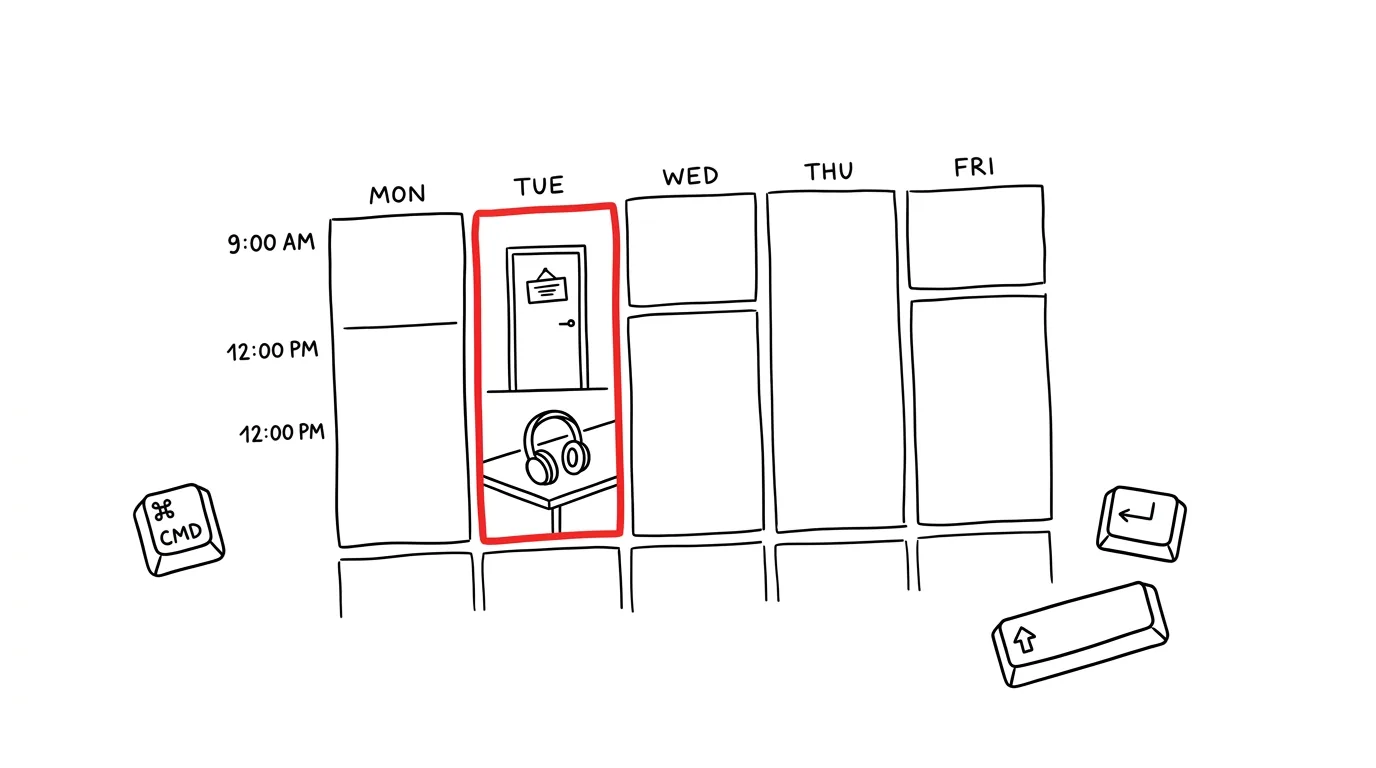
If it's not on the calendar, it might as well not exist — and that applies to your own work too, not just other people's meetings. An empty slot on your calendar is an automatic invitation to your colleagues: if there's nothing there, someone will schedule a meeting for you. Blocking off time for deep work is the only way to protect that space before someone else claims it.
A typical scenario
You have next quarter's budget ahead of you, and it needs at least two uninterrupted hours of focus. But your calendar is wide open, so colleagues book meetings one after another right into the hours you'd set aside for the work. The result: you end up writing the budget in the evening, tired, between emails. Block off those same hours ahead of time and mark them Busy, and your colleagues' scheduling assistants will automatically skip over them — the meeting simply never gets booked.
How to do it
- On Sunday evening or Monday morning, look at the week ahead and pick two or three 90-minute blocks for your most important work — work that will genuinely move something forward.
- Create them as real calendar events, not just a note off to the side.
- Name the block after the specific task you'll do in it — "Q4 Budget Draft," not a generic "Focus time." A specific name discourages you from moving the block "just this once."
- Set the event's status to Busy — that's what makes colleagues' scheduling tools automatically skip past it when looking for an open slot.
- Place blocks on days when you know things tend to be calmer — if you have a day that's always packed with meetings, find the space elsewhere in the week.
- Treat the block with the same seriousness as a client meeting — don't push it back at the last minute for something less important.
The best tools
- Blocking time in Google Calendar or Outlook — a built-in feature that works with the Busy/Free status everyone in your organization respects.
- Clockwise — automatically reshuffles colleagues' meetings to carve out continuous blocks for you to focus.
- Reclaim.ai — smart blocking that adjusts itself when someone tries to book a meeting into your block.
- A physical alarm clock or timer — a simple extra safeguard so the block actually ends in work, not in checking email.
What you get out of it
- Time for what actually matters: an estimated 3–4 hours a week that would otherwise be eaten up by small meetings and interruptions.
- Less evening and weekend work: deep work happens during business hours instead of being made up at home after hours.
- Better output: a budget, strategy, or proposal written in one uninterrupted block is more thought-through than one pieced together between meetings.
- Colleagues respecting your time: once they see you take the blocks seriously and don't move them, they stop trying to schedule over them.
Pro tip
Put blocks during your best energy window of the day — for most people that's the morning. Meetings can survive an afternoon slump; deep work can't — that's where you feel the difference between an hour of full attention and an hour of just sitting at the screen.
Want to go deeper? The handbook has a whole chapter on it — Core systems: inbox, priorities, reviews.
Similar tips
Flash Fill: Excel Finishes the Pattern for You
Ctrl+E
Type one example into the next column (say, a name pulled from an email address) and Ctrl+E fills in the rest to match. No formulas.
A PivotTable in Two Minutes
A revenue summary by month and category out of thousands of rows? Insert → PivotTable, then drag three fields.
New Window in Excel: Two Sheets of the Same Workbook, Side by Side
Switching back and forth between the sheet with source data and the sheet with results? View → New Window shows both at once.
Was this helpful?
Liked this tip?
I send one like it every week by email. Two minutes to read, hours saved.
The Top 30 tips e-book, free — it lands in your inbox right away.
Then 1 tip a week · no spam · unsubscribe in one click
Prefer a system to single tips? The free email course — seven days, seven emails, one skill a day.