Tips & tricks · Workflow · Everywhere · ~2 hours a day · 3 min read
Office hours: availability with boundaries
Last reviewed:
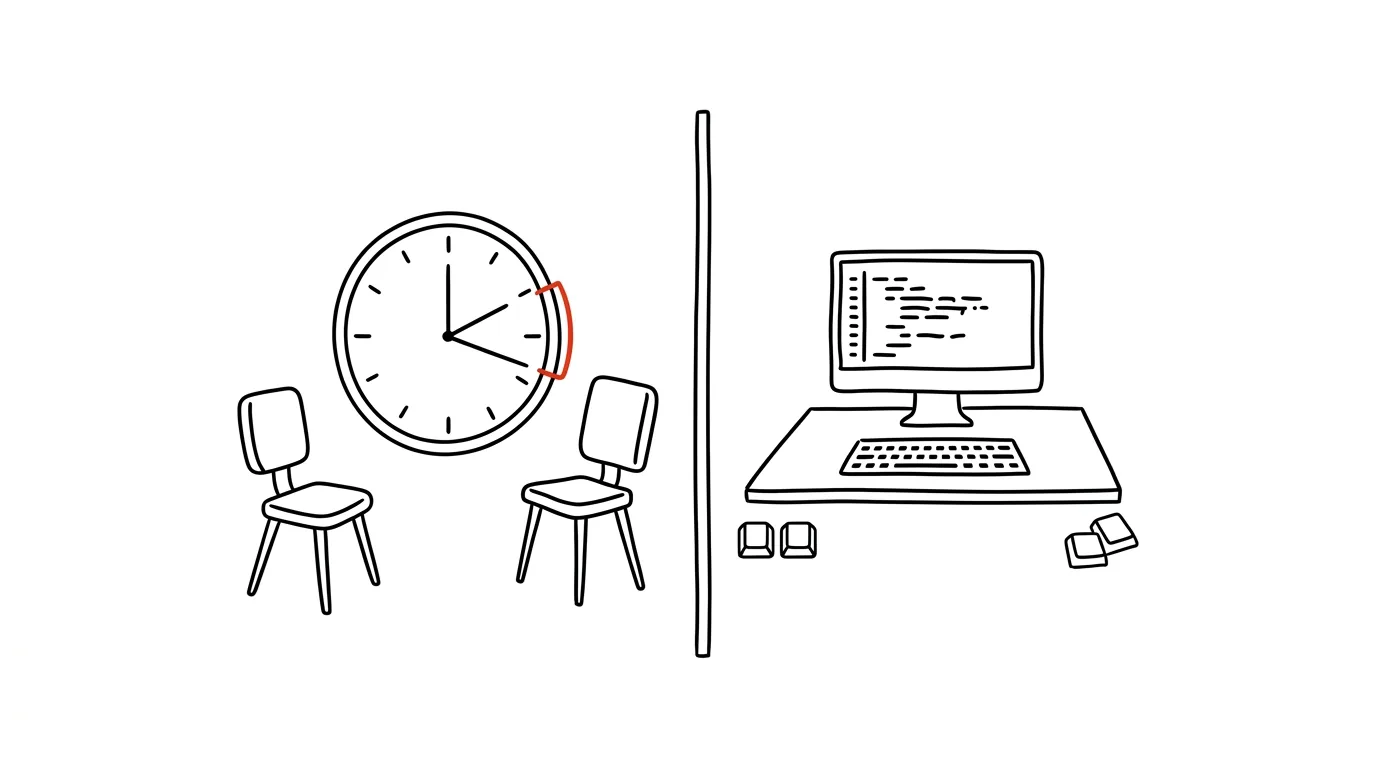
A manager with an “always-open door” has no time for their own work. It sounds welcoming, but in practice it means focused work gets chopped into fragments between interruptions — and after each one you have to re-orient to what you were doing. Office hours flip the logic: instead of “anytime, but fragmented,” you offer “two windows a day, but fully present.”
A typical scenario
Tomas leads a team of developers and had a reputation as a manager who was always available. In practice that meant people dropped by his office with anything — from a strategic decision to what the password on a shared account was. His day was chopped into fifteen-minute pieces, and his own tasks were left for the evenings.
After introducing office hours (11:00–12:00 and 15:30–16:30), nothing fundamentally changed about how many questions he gets — but when he gets them did change. Mornings and afternoons now have blocks when no one asks him anything, and the whole team — plus people outside the team — knows it, because the windows show up on his calendar. Small things that used to arrive immediately now wait an hour or two — and half of them resolve themselves by then.
How to do it
- Announce two fixed daily windows when you're available to anyone with anything, no appointment needed — say, 11:00–12:00 and 15:30–16:30. Two hours a day is enough, not the whole day.
- Outside these windows, a simple rule applies: things that aren't urgent go in writing (email, chat, a shared document) and get handled when you have room. Handle genuine emergencies by phone or in person anytime — office hours aren't about letting a fire burn until the afternoon.
- Put the windows on your calendar as a recurring event labeled “office hours — come with anything,” so colleagues' scheduling assistants can see them too when booking a meeting with you.
- In the first few days, a team used to constant availability will test the boundaries — that's normal. Hold the windows consistently but politely: “happy to go over that at 3, I'm finishing something with a deadline right now.”
- After a week or two, the team adjusts and starts sorting on its own what's urgent and what can wait for a window — a side effect that saves them time too.
The best tools
- Calendar (Google Calendar, Outlook) — a built-in recurring event is enough for the whole team, and people outside it, to see the windows.
- Status in Slack or Teams — set an automatic message outside the windows (“Focused work, I'll reply during office hours — for anything urgent, call”).
- Calendly or a similar booking tool — useful if a lot of people outside the company contact you and you want them to pick an open slot within a window themselves.
- A shared document for questions — a simple table or note where people jot down points for the next office hours between windows, so they don't forget them.
What you get out of it
- Time: roughly 2 hours a day of focused work that interruptions used to chop up — over 10 hours a week.
- Better decisions: you answer questions with full attention instead of in a doorway, which shows in the quality of the answer.
- A calmer team: people know exactly when they can reach you and don't have to guess whether they're interrupting.
- Your own productivity: the rest of the day is genuinely yours — planning, strategic work, things that otherwise never had room.
Pro tip
Questions that survive unresolved until office hours resolve themselves about half the time — a colleague figures it out in the meantime, or finds the answer elsewhere. That's a feature of the system, not a flaw in it.
Want to go deeper? The handbook has a whole chapter on it — Core systems: inbox, priorities, reviews.
Similar tips
iPhone search: swipe down to find anything
Swiping down on the home screen opens search — apps, contacts, messages, and calculations. Faster than hunting for icons.
Tap the clock to jump a long page back to the top
On iPhone, just tap the status bar with the clock and any long list, webpage, or chat snaps back to the top. No scrolling required.
In-depth guide · 18 min
One-on-one with AI: prep, delivery, continuity
A complete guide with prompts: a standing notebook per person, five-minute 1:1 prep, SBI feedback, and review material built from a year of history.
Was this helpful?
Liked this tip?
I send one like it every week by email. Two minutes to read, hours saved.
The Top 30 tips e-book, free — it lands in your inbox right away.
Then 1 tip a week · no spam · unsubscribe in one click
Prefer a system to single tips? The free email course — seven days, seven emails, one skill a day.