Tips & tricks · Workflow · Everywhere · ~3 hours a week · 3 min read
No agenda, no meeting
Last reviewed:
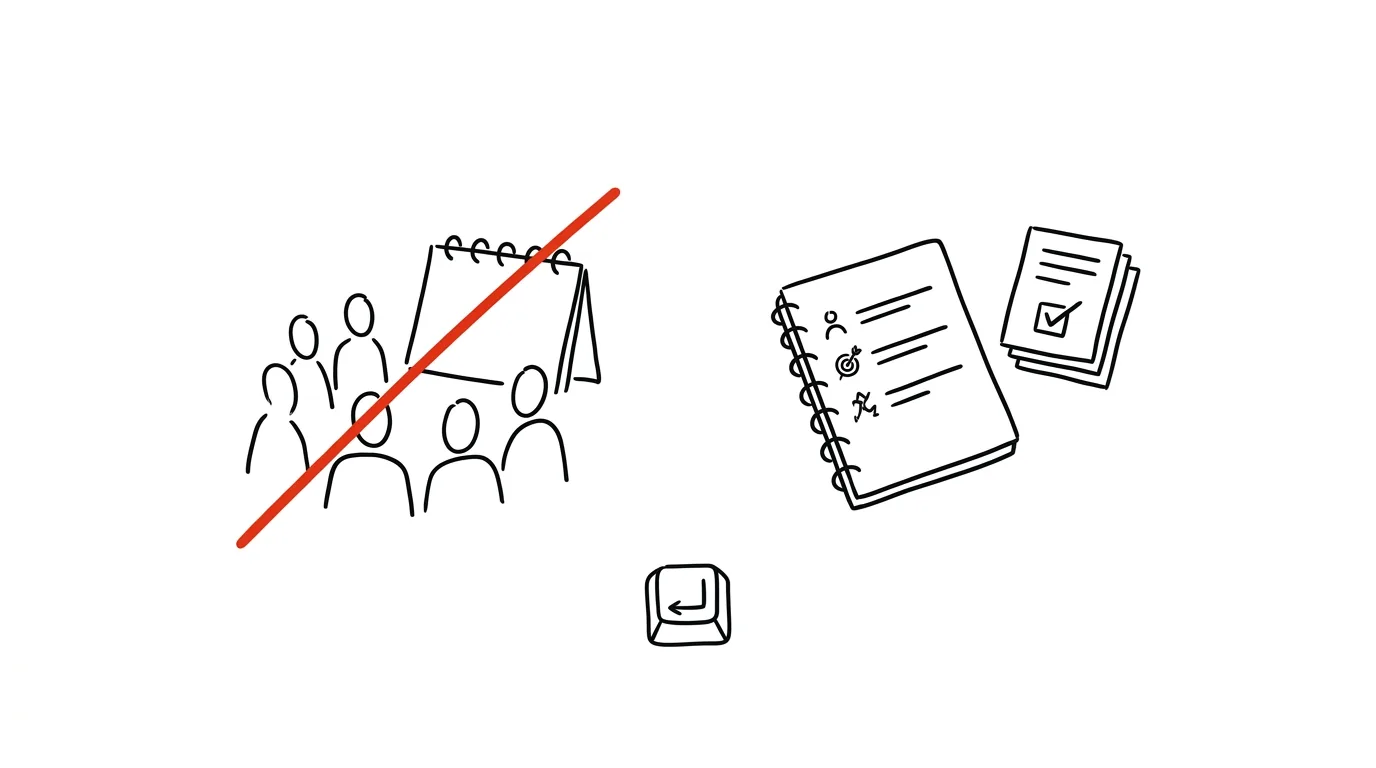
A meeting without an agenda is a conversation billed to seven people's time. An hour-long meeting with seven attendees doesn't cost one hour — it costs seven hours of human time — and without a clear goal, the whole thing is often wasted. One rule can erase half of those meetings before they even start.
A typical scenario
Ales's team had a recurring Monday “sync-up” meeting — an hour, eight people, because “they should be there.” Without an agenda, that meant: everyone said what they were working on, a few people cared because it concerned them, the rest scrolled on their phones waiting for their bit to come up. No decision got made, because nobody knew in advance that a decision was on the table.
After introducing the rule “an invite with no agenda gets canceled,” eight Monday meetings turned into three. The other five points, it turned out, were just information that could've been sent in writing in thirty seconds. The three that remain each have a concrete goal attached — “pick a vendor,” “decide the launch date” — and only people who bring something to the decision attend.
How to do it
- Introduce a simple team rule: whoever calls a meeting must attach an agenda with items and an expected outcome to the invite. An invite with no agenda automatically gets canceled or pushed back until the agenda arrives.
- The agenda can't be just a list of topics — each item needs to make clear what the outcome should be: “we'll decide X,” “we'll pick option A or B,” “we'll agree on a date.” If an item has no decision or discussion attached, it doesn't belong in the meeting.
- Things that are purely informational (“project status,” “what everyone's working on this week”) go out in writing — email, a shared document, or chat. A meeting is time for joint decisions and discussion, not reading statuses out loud.
- Send the agenda with enough lead time (a day or two before the meeting) so attendees can think the items through and come prepared, rather than encountering the topic for the first time on the spot.
- Try shortening the default meeting length from the usual 30 and 60 minutes to 25 and 50 — the remaining five or ten minutes are time to move between meetings and take a breath, not extra room to fill.
- After the meeting, write conclusions and action items straight into a shared document or task tool — so the outcome doesn't get lost in attendees' memories.
The best tools
- The team calendar (Google Calendar, Outlook) — the built-in invite description field is enough to include an agenda, no other tool required.
- A shared document with an agenda template — Notion or Google Docs with a “topic — outcome — presenter” template speeds up prep and standardizes the format across the team.
- Fellow.app — a specialized tool for agendas and meeting notes, connected directly to the calendar, good for teams with a lot of recurring meetings.
- A Slack or Teams status channel — move informational items that used to eat meeting time there instead, and let people respond asynchronously.
What you get out of it
- Time: roughly 2–4 hours a week in canceled or shortened meetings, multiplied for bigger teams.
- Better decisions: attendees show up prepared, because they know in advance what's being decided.
- Team discipline: the rule is simple and fair — it applies to everyone who calls a meeting, including you.
- Peace of mind: fewer meetings without a goal means more uninterrupted time for real work.
Pro tip
Try a default length of 25 and 50 minutes instead of 30 and 60 — a few minutes to move and breathe between meetings makes a surprisingly big difference in how fresh you are for the next one.
Want to go deeper? The handbook has a whole chapter on it — Core systems: inbox, priorities, reviews.
Similar tips
Inbox sections: to-do, awaiting reply, to read
Multiple Inboxes splits Gmail into sections by label — turning your inbox into a clear working desk.
Search Gmail like a pro: from:, has:attachment, older_than:
Search operators find in seconds an email you'd otherwise spend fifteen minutes hunting for by hand.
30 seconds to undo a sent email
Gmail can “hold” sending for up to 30 seconds. A typo in the recipient or a forgotten attachment stops being a disaster.
Was this helpful?
Liked this tip?
I send one like it every week by email. Two minutes to read, hours saved.
The Top 30 tips e-book, free — it lands in your inbox right away.
Then 1 tip a week · no spam · unsubscribe in one click
Prefer a system to single tips? The free email course — seven days, seven emails, one skill a day.