Tips & tricks · Communication · Browser · reputation · 2 min read
30 seconds to undo a sent email
Last reviewed:
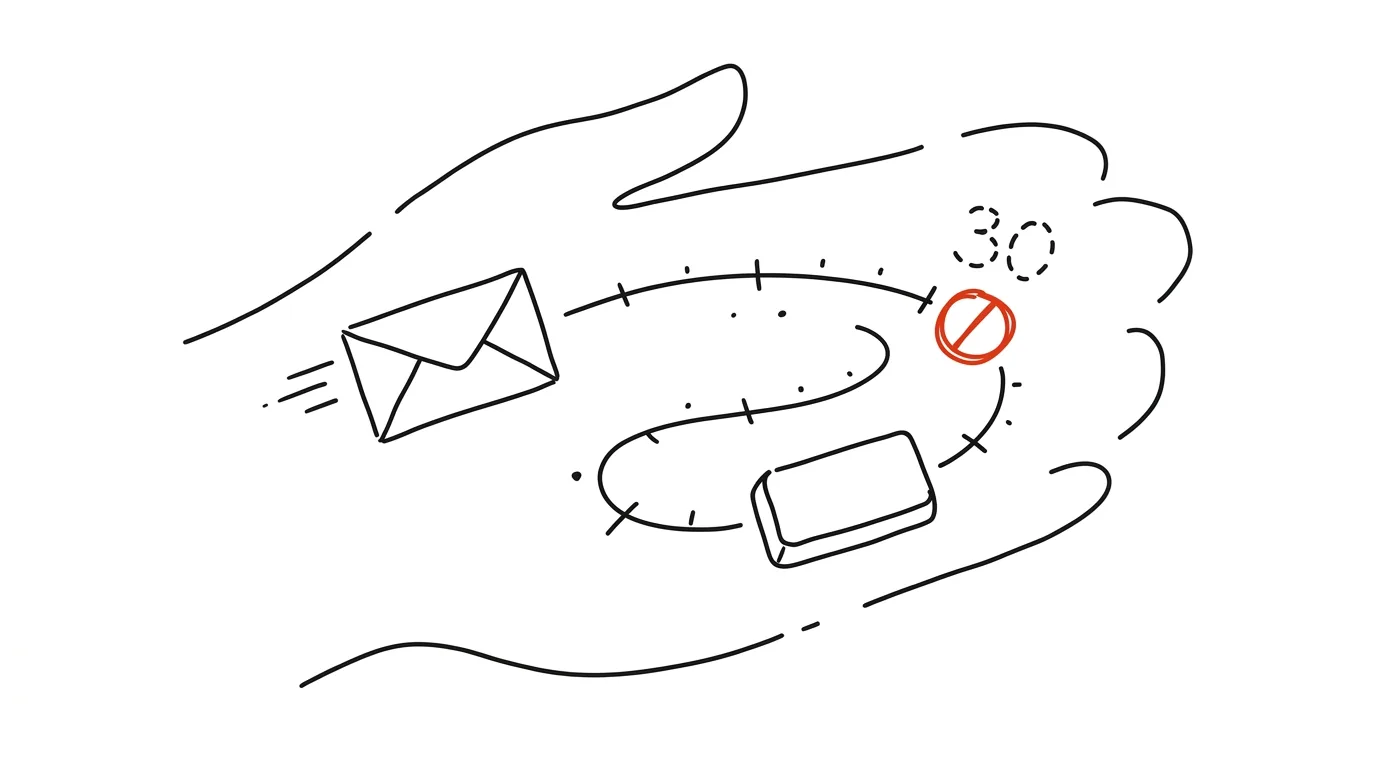
"Sent" doesn't have to mean "irreversibly gone." Gmail gives you a few seconds to reconsider even after clicking Send — you just need to know it and set a big enough buffer. By default it's only 5 seconds, which is too little time to react; it can be extended up to 30.
A typical scenario
You're writing a reply to an entire thread, hit Send, and right then notice you forgot to attach the document you're referencing in the email. Or worse: a message with sensitive content accidentally goes to the wrong address, because a similar name from your history got autofilled into the "To" field. Without a buffer to cancel sending, that means hastily typing an apologetic follow-up or hoping the recipient doesn't notice. With a thirty-second buffer set, you click Undo, the email goes back to drafts, and you fix the mistake before anyone ever sees it.
How to do it
- Open Settings → See all settings.
- In the General section, find Undo Send and set the time limit — the recommended value is 30 seconds, the maximum available.
- Save your changes with the button at the bottom of the page.
- From then on, a short bar with an Undo button appears in the bottom left after every send — clicking it returns the email to drafts so you can edit or delete it.
- If you miss the bar, once the time limit passes the email really has been sent and can't be pulled back.
The best tools
- Undo Send in Gmail — a built-in feature, set up once, works forever.
- Outlook — Recall Message — a similar feature, but only reliably works between mailboxes within the same organization.
- Scheduled send — combined with Undo Send, you can schedule an email with a multi-minute delay for even more time to intervene if needed.
What you get out of it
- Reputation: an embarrassing email with a typo in the recipient or a missing attachment never actually gets sent.
- Peace of mind: you don't have to nervously double-check an email after sending it — you have a guaranteed few seconds to fix it.
- Less damage: for sensitive information (contracts, personal data, internal figures), a few seconds is the difference between "nobody noticed" and "now I have to deal with a leak."
Pro tip
Set the full thirty-second buffer right away — the default five seconds is barely enough time to even notice your mistake. And if you're sending an important email, hold off on clicking anything else until the Undo bar disappears — only then is it truly gone.
Want to go deeper? The handbook has a whole chapter on it — Professional email communication.
Similar tips
Custom search shortcuts: “w query” searches Wikipedia
Teach your address bar to search specific sites directly — Wikipedia, Maps, your internal wiki. One letter, a space, your query.
Web clipper: save an article with one keystroke
Ctrl+Shift+K
Ctrl+Shift+K and the article is in your library, tags included. No more bookmarks you'll never find again.
In-depth guide · 19 min
Data Analysis with AI: From CSV to a Conclusion You Can Defend
A guide with prompts: why a language model must not do the math in chat, how to turn a table into a script that recalculates, and how not to overreach.
Was this helpful?
Liked this tip?
I send one like it every week by email. Two minutes to read, hours saved.
The Top 30 tips e-book, free — it lands in your inbox right away.
Then 1 tip a week · no spam · unsubscribe in one click
Prefer a system to single tips? The free email course — seven days, seven emails, one skill a day.