Tips & tricks · Apps · Everywhere · better priorities · 3 min read
The Notion formula that sorts your backlog for you
Last reviewed:
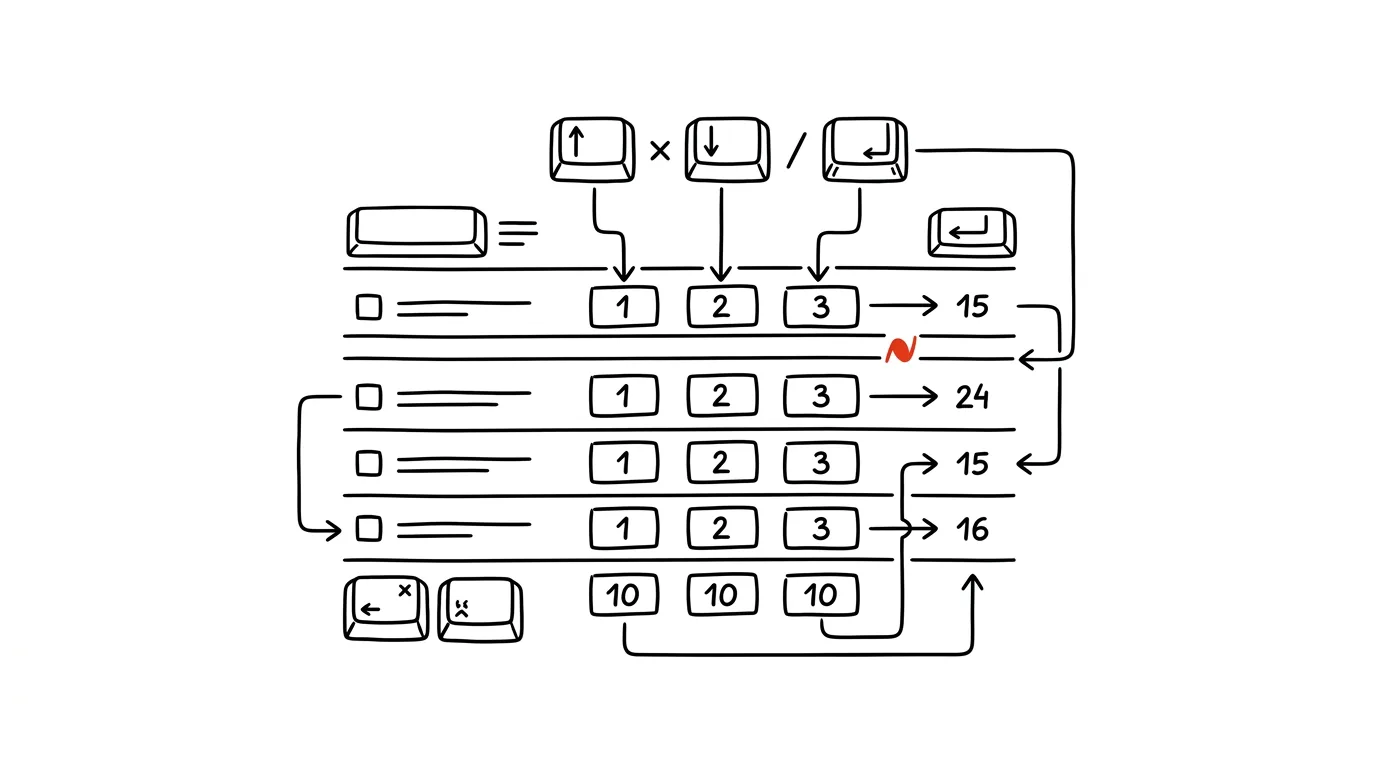
Manually ordering a backlog is guesswork by feel — today whatever shouted loudest ends up on top, tomorrow it's something else. A simple formula turns that into arithmetic: you assign each task three numbers, and the database sorts itself, based on what actually makes sense to do first.
A typical scenario
Product manager Kateřina has a Notion backlog with seventy-five items — ideas from colleagues, client requests, technical debt, small improvements. Without a system, she orders tasks by whoever mentioned their request most loudly most recently, which means genuinely important, low-effort items often get buried under loud but low-value ones. With a prioritization formula, she just estimates three numbers per task — impact, urgency, and effort — and the database reorders itself so that high-impact, low-effort items rise to the top. The priority debate at her team meeting shrinks from a half-hour argument to a five-minute check of the numbers.
How to do it
- In your Notion task database, add three number properties on a scale of one to five: Impact (how much the task will help), Urgency (how time-sensitive it is), and Effort (how much work the task takes).
- Add a fourth property of type formula with the expression
(prop("Impact") * prop("Urgency")) / prop("Effort"). The formula multiplies impact by urgency and divides by effort, producing a single combined priority score. - Sort the database view by that formula's result, descending — from the highest number to the lowest.
- Tasks with high impact, high urgency, and low effort land at the top — exactly the ones worth doing first. Tasks that someone wants but require a lot of effort for little payoff sink to the bottom.
- Revisit and adjust the numbers on individual tasks from time to time — the formula is only as good as the input estimates, so it's worth sitting down every few weeks and reassessing them together with the team.
The best tools
- Formulas in Notion databases — a built-in, free feature that works in any existing task database.
- Linear or Jira — if you manage a dev team, they have their own prioritization and estimation systems that can replace a manual formula.
- A simple spreadsheet in Google Sheets or Excel — works just as well if you don't keep your backlog directly in Notion.
- Scoring frameworks like RICE or ICE — if three numbers aren't enough for you, these extended prioritization methods add more variables, like reach or confidence in the estimate.
What you get out of it
- Better priorities: deciding what to do first stops being subjective and starts resting on comparable numbers.
- Faster meetings: discussions about task order get shorter, because the database is already sorted and the debate only covers edge cases.
- Less team frustration: it's clear and defensible why one thing gets done before another, which cuts down on the sense that priorities are set arbitrarily.
- Visibility into cost-benefit ratio: high effort paired with low impact is obvious at a glance, which makes it easier to push back on or postpone low-value work.
Pro tip
You can automate other things in the database the same way — say, the status of an approaching deadline using a formula that calculates the days remaining until it (dateSubtract(Deadline, now())), or an automatic “overdue” flag for tasks that need one.
Want to go deeper? The handbook has a whole chapter on it — The app categories that matter.
Similar tips
Ten Questions Your Audience Will Ask After Your Presentation
Before you present, have AI generate the audience's questions — curious, skeptical, and the one from your boss about money. You'll find out which ones you can't answer while there's still time.
Two Lists Side by Side: AI Finds What's Missing
Attendance against sign-ups, payments against orders: paste two lists and AI lists what's in one and missing from the other — even through typos.
In-depth guide · 18 min
AI translates with tone, not just words
A guide with prompts: steering translation with your own samples, translation versus localization, back-translation checks, and glossary workflows.
Was this helpful?
Liked this tip?
I send one like it every week by email. Two minutes to read, hours saved.
The Top 30 tips e-book, free — it lands in your inbox right away.
Then 1 tip a week · no spam · unsubscribe in one click
Prefer a system to single tips? The free email course — seven days, seven emails, one skill a day.