Tips & tricks · Apps · Mobile · ~15 min a week · 3 min read
A shared shopping list: whoever's in the store buys it
Last reviewed:
In this article
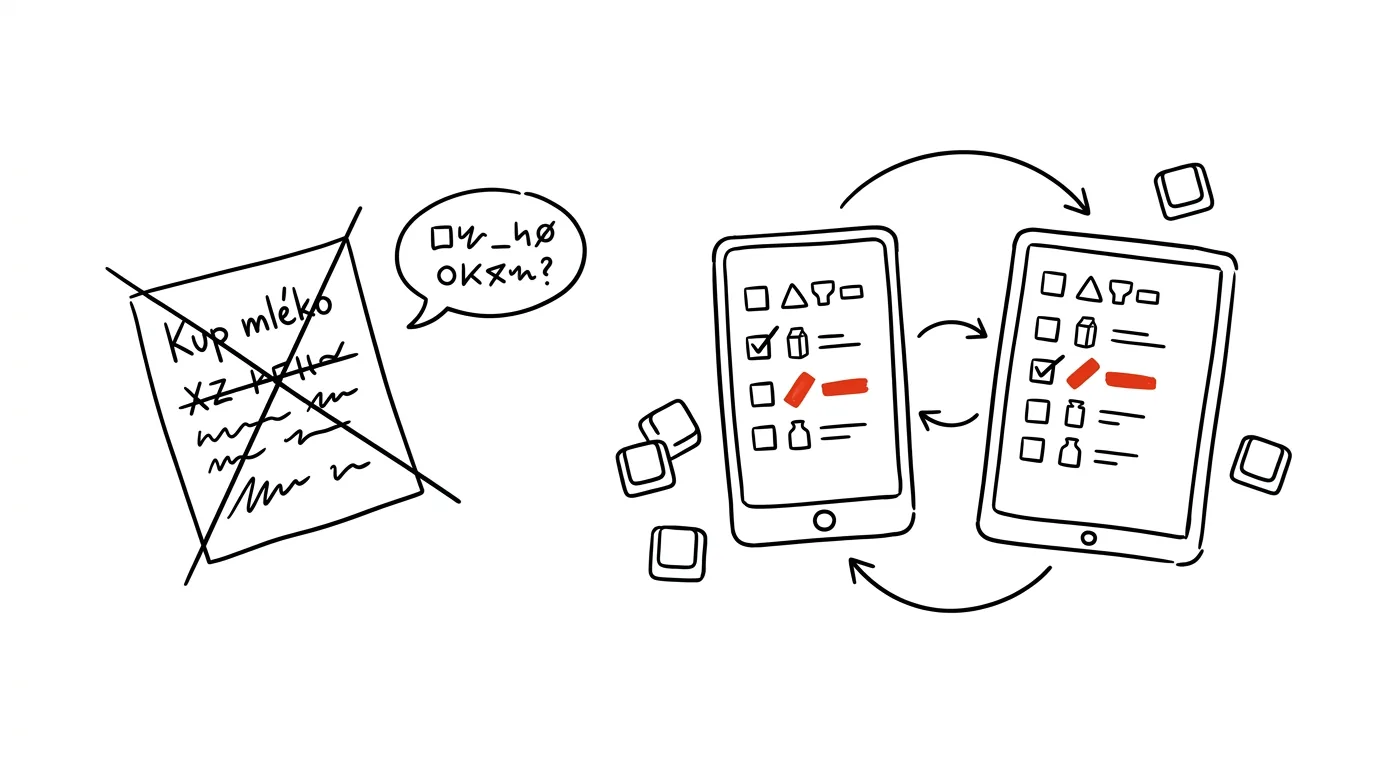
Most households handle groceries with a mix of a sticky note on the fridge, a “grab milk on your way” text, and a phone call from the store: “anything else we need?” Each of those channels fails differently: the note stays home, the text gets buried, and the call comes when the other person can't pick up. Yet both mobile platforms have shared lists built in for free that sync instantly — whatever one person adds by the fridge, the other sees a second later in the store. Just set the list up once and share it.
How to do it
Google Keep (Android and iPhone):
- Create a new note and in the three-dot menu choose Show checkboxes — the note turns into a checklist.
- Add your partner's email via the Collaborator icon (or three dots → Collaborator). From then on, both of you see and edit the list.
- Pin the note to the top of Keep on both accounts, so you never have to search for it.
Reminders on iPhone:
- Create a new list, name it “Shopping,” and invite your partner via the share button.
- Checked-off items disappear for both of you — the list cleans itself up.
It pays to keep one permanent list rather than starting a new one for every shopping trip. Either delete checked-off items, or leave them at the bottom as a stock of things you buy repeatedly — just check them again when needed.
A typical scenario
On a Thursday evening, the laundry detergent runs out. In the old days, that meant: remember it, mention it to your partner in the morning, they forget by the afternoon, and the detergent doesn't get bought until the third attempt. With a shared list, whoever threw out the empty box adds it in five seconds — and on Friday, whichever of the two happens to walk past the store buys it. No conversation needed, and none had to happen: the list is the conversation.
It works the other way too. You're standing in the store, not sure if there's butter at home — instead of calling, you check the list. If it's not on there, there's butter at home.
What you get out of it
Double purchases disappear (“I bought milk” — “so did I”), along with forgotten items and evening dashes to the corner store for one thing. And most of all, the negotiating over who was supposed to buy what disappears: the list is shared, so whoever it's convenient for does the shopping. It's about the smallest possible investment in family logistics with an immediate payoff.
Once you want to go a step further — planning meals ahead and generating the list from them — the guide A Weekly Menu with AI picks up from here.
Pro tip
Write items in the order you walk through your usual store: produce, bakery, dairy, household goods. The shopper then moves through the aisles in order without doubling back. And alongside the shopping list, a second shared list called “Household” works well for things that aren't urgent — batteries, a lightbulb, a gift for grandma. Whoever happens to be in the store that carries them picks those up.
Want to go deeper? The handbook has a whole chapter on it — The app categories that matter.
Similar tips
Do Not Disturb with exceptions: family gets through, everything else waits
Do Not Disturb doesn't have to be a gamble. Chosen people and repeated calls always get through — so you can finally turn it on without the guilt.
Batched notifications: a summary instead of a drip
iOS and Android can both hold non-urgent notifications and deliver them as a summary at times you choose. Your phone stops yanking at your attention.
Widgets: information without opening apps
Calendar, tasks, and weather on your home screen mean you open your phone, glance, and close it — instead of a tour through your apps.
Was this helpful?
Liked this tip?
I send one like it every week by email. Two minutes to read, hours saved.
The Top 30 tips e-book, free — it lands in your inbox right away.
Then 1 tip a week · no spam · unsubscribe in one click
Prefer a system to single tips? The free email course — seven days, seven emails, one skill a day.