Tips & tricks · Workflow · Everywhere · a wake-up call · 3 min read
Track your week: where your time actually goes
Last reviewed:
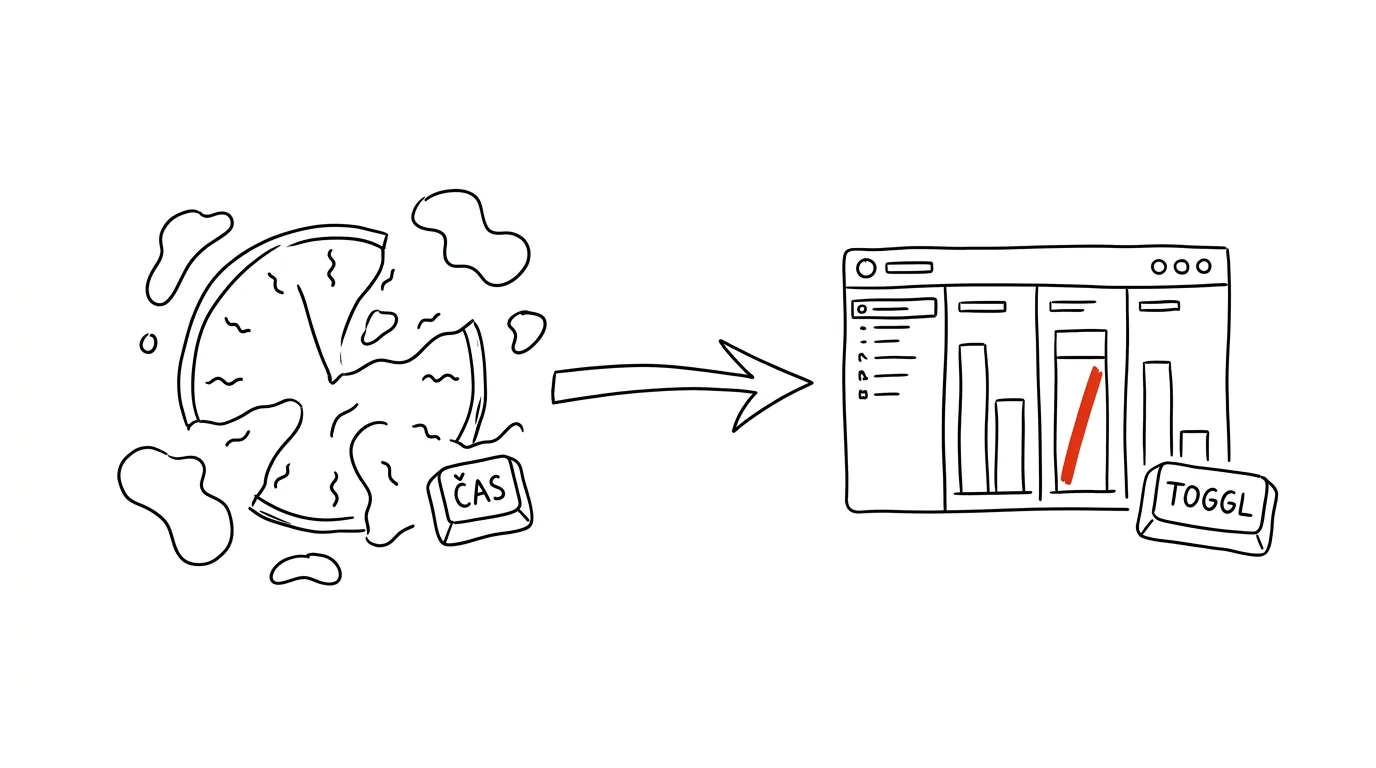
You can't manage what you don't measure. And estimates of your own time lie — almost everyone thinks they spend more hours on productive work and fewer on communication and admin than they actually do. The only reliable way to get from assumption to fact is to spend one week rigorously tracking where your time actually goes.
A typical scenario
A freelancer is convinced he spends six to seven hours a day on client work and the rest on admin and breaks. After a week with a time tracker, he finds something different: client work actually takes up four hours, communication (emails, messages, calls) almost two and a half hours, and the rest gets swallowed by small admin tasks and task-switching he never even noticed during the day. Without tracking, he'd never have found this out — the subjective feel of a day simply doesn't match reality.
With a week of data, he suddenly sees exactly where the room is: moving part of his communication into one fixed block instead of answering things continuously means an extra hour of billable work a day, without having to work any longer.
How to do it
- Turn on a time tracker (Toggl Track has a generous free tier that's more than enough for this one-time experiment) and track every activity longer than 10 minutes for a full week.
- Keep categories broad so tracking itself doesn't slow you down: client work, communication, admin, procrastination (or a softer “breaks,” if the word procrastination feels too harsh).
- Switch the timer with every change of activity — it's more about the habit than perfect precision; even an approximate record of the whole week gives a far better picture than none at all.
- On Friday, look at the summary report — most time trackers can generate one automatically with a visual breakdown by category or client.
- Pick just one thing from the report to change next week — trying to fix everything at once usually means nothing changes at all. One specific adjustment (say, batching email into two blocks a day) is manageable and measurable in the next round.
- Consider repeating the tracking after a month or two — it'll confirm whether the change actually stuck, or whether time quietly slid back into old habits.
The best tools
- Toggl Track — a simple time tracker with a one-button start/stop and clear reports, a good first step for anyone who's never tried this before.
- Clockify — a free alternative to Toggl with similar functionality, handy for comparing which tool fits you better.
- RescueTime — unlike manual timers, it tracks automatically in the background based on which apps and websites you have open — good for anyone who doesn't want to remember to switch a timer.
- Pen and paper with an hourly breakdown — the simplest option with no app at all; less precise, but good enough for a first exploratory week.
What you get out of it
- Accurate billing records: for client work, you get a precise, documentable record of hours worked instead of an end-of-month estimate.
- Your real hourly rate: once you factor in unpaid overhead (communication, admin), your actual hourly rate often turns out different than you calculated — and that's key information for setting your prices.
- A wake-up call instead of assumptions: the gap between what you think you do and what you actually do tends to be surprisingly large — and without data, you'd never find out.
- A specific, measurable change: instead of a vague “I need to be more productive,” you get one precise spot where an adjustment makes sense and where you can even verify afterward whether it worked.
Pro tip
For freelancers, tracking is doubly valuable: accurate records for client billing, and a real hourly rate once you account for all the unpaid overhead around the work itself. If you bill flat fees instead of hourly, tracking will also show you whether your set price still makes sense given the time actually spent — or whether it's time to reconsider it.
Want to go deeper? The handbook has a whole chapter on it — Core systems: inbox, priorities, reviews.
Similar tips
Three tasks for the day: pick in the morning, check in the evening
Not a list of twenty items, but three things that absolutely must get done today. Everything else is a bonus.
The weekly review: 30 minutes that run your whole week
On Friday or Sunday, go through your calendar, tasks, and notes — close out loose ends, plan three priorities. Monday starts with clarity.
Virtual desktops: keep work and communication apart
Win+Ctrl+→
Win+Ctrl+D creates a new desktop, Win+Ctrl+arrows switch between them. Slack on one, focused work on the other.
Was this helpful?
Liked this tip?
I send one like it every week by email. Two minutes to read, hours saved.
The Top 30 tips e-book, free — it lands in your inbox right away.
Then 1 tip a week · no spam · unsubscribe in one click
Prefer a system to single tips? The free email course — seven days, seven emails, one skill a day.