Tips & tricks · Apps · Browser · ~2 min a day · 3 min read
The Address Bar Is Also a Calculator
Last reviewed:
In this article
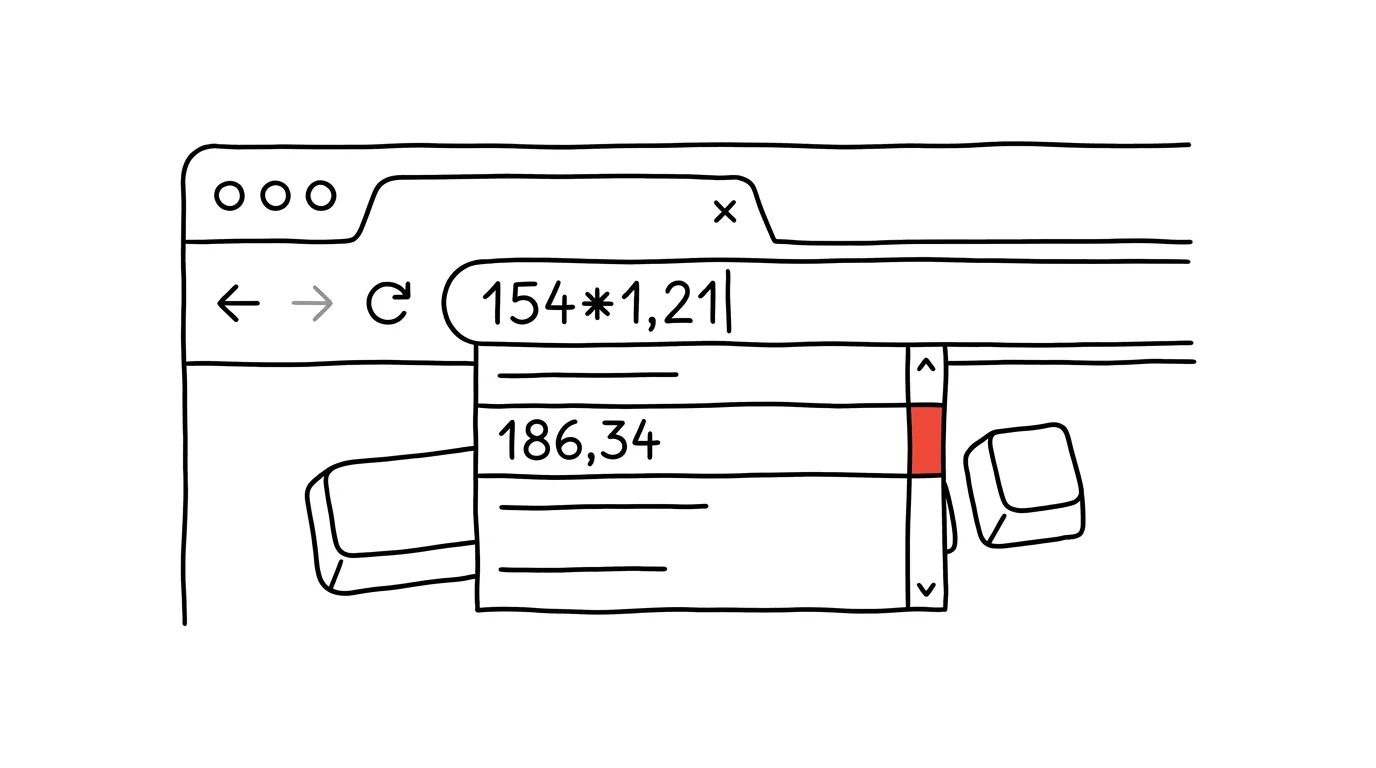
How many times a day do you need to quickly work something out — add sales tax, split a bill three ways, convert a percentage? Most people open the Calculator app for this, or reach for their phone. Yet you already have a calculator in front of you at all times: the browser's address bar. Just type the expression into it and the result appears right in the suggestions, before you even hit Enter. No switching windows, no hunting for an app.
How to do it
- Click into the address bar (or summon it with Ctrl + L, on a Mac Cmd + L).
- Type the calculation, say
12500*1.21or(89+134+56)/3. Write decimals with a period — the address bar expects that, not a comma. - The result shows up immediately in the expanded suggestions below the bar. In Chrome and Edge you see it right away as the first suggestion, no clicking required. Firefox has had a built-in calculator since version 137 and shows the result the same way.
- Addition, subtraction, multiplication, division, parentheses, and exponents (
2^10) all work. Just read the result and press Esc — there's no reason to hit Enter unless you want to jump into a search. - In Chrome with Google as the default search engine, the suggestions can even handle unit and currency conversions: type
100 eur to usdor5 km to milesand the answer shows up among the suggestions. Pressing Enter opens a full calculator or converter in the search results.
A typical scenario
You're invoicing a client and need to know what $18,500 plus 21% tax comes to. The usual routine: Alt+Tab to the desktop, search for Calculator in the Start menu, punch in the numbers, switch back to the browser. Or worse — doing it in your head and making a typo that ends up on the invoice.
With the address bar it's one motion: Ctrl+L, type 18500*1.21, read the result 22,385 from the suggestions, Esc, and get back to work. The whole thing takes three seconds and you never leave the window you're working in. You can just as quickly split a bill between roommates, work out a per-unit price, or figure out how many percentage points you need for an A.
What you get out of it
Small calculations stop interrupting your work — you don't need to leave the browser or hunt for a calculator. You'll save a few minutes a day at a rough guess, but more importantly a lot of micro-interruptions, after which people return to what they were doing worse than they'd expect.
Pro tip
When you need to paste the result somewhere else, you don't have to retype it: in Chrome, just click the suggestion with the result and the browser offers it up for copying. And if you calculate on a Mac outside the browser, Spotlight does the same trick — the principle of "type the expression wherever you already are" works across systems.
Want to go deeper? The handbook has a whole chapter on it — The app categories that matter.
Similar tips
Phone Link: photos and texts from your phone, right on your computer
Get a phone photo into a presentation without a cable, no emailing yourself: the Phone Link app shows photos, messages, and notifications right inside Windows.
Quake mode: a terminal that slides out from anywhere on Win+`
Win+`
Windows Terminal has a mode like an old game console: Win+` slides it down over the top half of the screen, press it again to hide it. Always at hand, never in the way.
winget: install and update programs with one command
No more hunting for installers across the web: winget install installs a program from a verified source, and winget upgrade --all updates everything at once.
Was this helpful?
Liked this tip?
I send one like it every week by email. Two minutes to read, hours saved.
The Top 30 tips e-book, free — it lands in your inbox right away.
Then 1 tip a week · no spam · unsubscribe in one click
Prefer a system to single tips? The free email course — seven days, seven emails, one skill a day.