Tips & tricks · Apps · Windows · ~5 min a day · 3 min read
PowerToys Run: a launcher like Spotlight on the Mac
Last reviewed:
Alt+Space
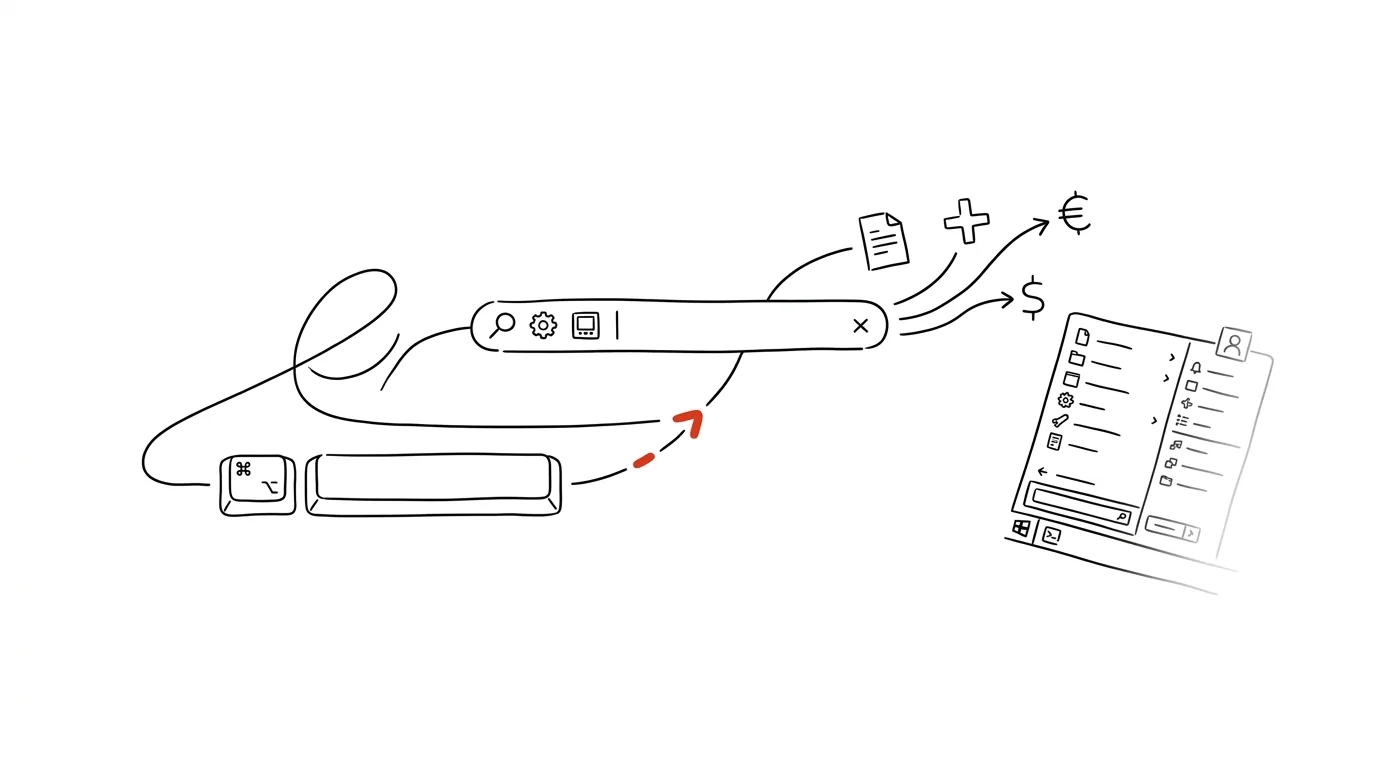
The fastest way to get to anything on Windows isn't the Start button — it's a launcher you open with a single shortcut from anywhere. PowerToys Run is a free module from Microsoft inspired by tools like Spotlight on the Mac — instead of clicking and searching an app list, you type a few letters and instantly have the program, file, or calculation result you need.
A typical scenario
You need to quickly open the calculator, work out a price with VAT added, and then open a specific file you were just editing. Without a quick launcher, that means opening the Start menu, finding the calculator with the mouse or by typing its full name, calculating, closing it, and then browsing File Explorer to find the document you need among dozens of others. With PowerToys Run, you press the shortcut, type the math expression directly, and get the result without opening a calculator at all, and you find the file you need just as quickly by name.
How to do it
- Install PowerToys (a free set of tools from Microsoft) and enable the PowerToys Run module in its settings if it isn't already on.
- Press Alt + Space anytime — a simple search bar appears on screen.
- Type: an app name (and the program launches right away with the first Enter), a file or folder name (searches your system), or a math expression — say "2490*0.79" for a quick calculation.
- PowerToys Run also handles unit conversions and other small calculations right in the bar, with no need to open a separate calculator.
- Cycle through results with the up/down arrows and confirm with Enter; the first result offered is usually the one you're after.
- PowerToys Run gradually remembers what you've searched for and launched before — frequently used apps work their way up to the top of the results over time, even before you finish typing the full name.
The best tools
- PowerToys Run — free, from Microsoft, the fastest way to reach apps and files on Windows without touching the mouse.
- The Start menu's built-in search — works similarly, but is slower to open and offers fewer features (no calculations or unit conversions).
- Wox or Flow Launcher — free, open-source alternatives with similar functionality, plus extendable with plugins for specific work tools.
What you get out of it
- Time: roughly 5 minutes a day saved on searching for apps and files you'd otherwise browse for with the mouse.
- Smoother workflow: you don't need to take your hands off the keyboard just to launch a program.
- Less distraction: a quick result without opening a separate calculator or browsing File Explorer means fewer chances to get sidetracked.
- A habit that sticks: once the shortcut becomes second nature, you reach for it even for small things you'd otherwise never bother opening a dedicated tool for.
Pro tip
You can set a custom shortcut for PowerToys Run instead of the default one if Alt + Space conflicts with another program you use (some IDEs and graphics editors typically claim this combination too).
Want to go deeper? The handbook has a whole chapter on it — The app categories that matter.
Similar tips
SSH config: type “ssh prod” instead of an IP address and flags
The file ~/.ssh/config remembers addresses, usernames, ports, and keys for you. Connecting to a server shrinks down to two words.
ssh-copy-id: log in to a server without typing a password
One command uploads your public key to a server — from then on you log in without a password, faster and more securely.
A height-adjustable desk: alternate, don't just stand
The trick isn't standing all day — it's alternating positions, plus a bit of movement that fits into your work without interrupting it.
Was this helpful?
Liked this tip?
I send one like it every week by email. Two minutes to read, hours saved.
The Top 30 tips e-book, free — it lands in your inbox right away.
Then 1 tip a week · no spam · unsubscribe in one click
Prefer a system to single tips? The free email course — seven days, seven emails, one skill a day.