Tips & tricks · Gear · Everywhere · a healthier back · 3 min read
A height-adjustable desk: alternate, don't just stand
Last reviewed:
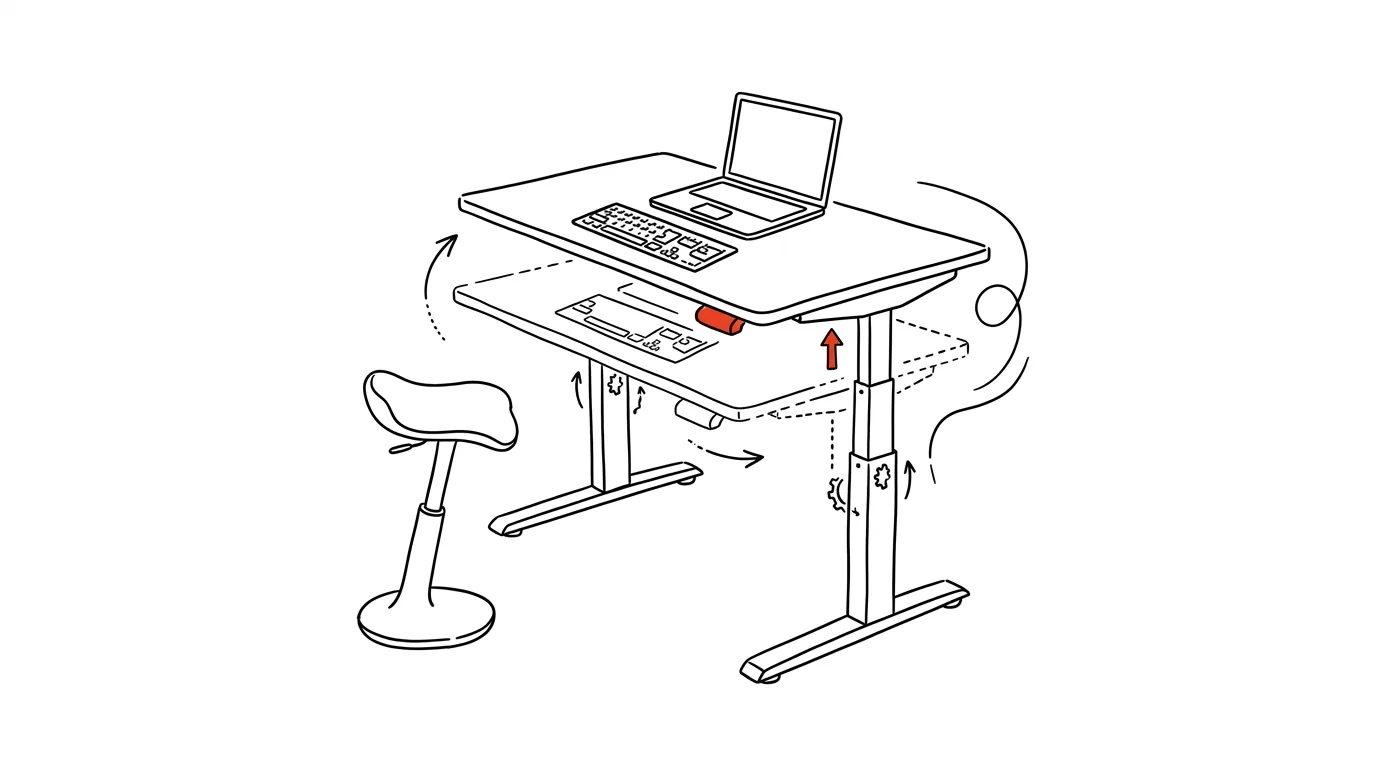
Sitting all day is bad for you. Standing all day is too — just in a different way. Your ankles and back hurt from a different direction, and the fatigue shows up just as reliably, only a few hours later. Only one thing actually works: alternating positions on a regular rhythm, combined with small movement built into the workday without interrupting your work.
A typical scenario
An office worker buys an electric height-adjustable desk with big expectations — finally, they'll stand all day and give their back a break. The first week they manage to stand from eight to five. The second week their feet and calves hurt more than their back ever did sitting down, and the desk ends up permanently in the sitting position — right back where the problem started.
A working approach looks different: the desk has two saved positions, and it switches between them on a regular rhythm set by a timer, not by mood. The body keeps adapting to a different kind of load, fatigue doesn't build up in one spot, and the desk suddenly becomes a tool that actually gets used, not an expensive piece of office decor.
How to do it
- Get an electric height-adjustable desk with position memory — save an exact height for sitting and one for standing, and switch between them with a single press, without having to adjust the height manually every time.
- Aim for a rhythm of roughly 45 minutes sitting / 15 minutes standing. It's not a rule carved in stone, but it works as a solid starting point — adjust the ratio over time based on comfort and the type of work you're doing.
- When standing, put an anti-fatigue mat under your feet — the soft surface encourages small shifts of weight between your feet and reduces joint strain compared to standing on a hard floor.
- When sitting, stick to basic ergonomics: feet flat on the floor (or on a footrest), knees at roughly a right angle, the top of your monitor at eye level so your neck doesn't tilt forward.
- Add micro-movement to both sitting and standing — a balance board or a mini stepper under the desk is handy for phone calls, meetings without screen sharing, or reading documents, whenever your hands don't need to be on the keyboard.
The best tools
- An electric height-adjustable desk with position memory — the foundation of the whole system; without saved positions, switching between sitting and standing becomes one more hassle you'll keep putting off.
- An anti-fatigue mat for standing — noticeably extends how long standing stays comfortable.
- A smartwatch or fitness tracker with movement reminders — nudges you when you've been sitting (or standing) too long in one stretch.
- A balance board or mini stepper under the desk — extra micro-movement for moments when your feet don't need to be planted firmly on the ground.
- An app or phone timer as a backup, if neither your desk nor your watch has a built-in reminder — a simple repeating alarm is enough.
What you get out of it
- A healthier back and joints: distributing the load between sitting and standing reduces one-sided strain on your lower back and ankles.
- Less afternoon fatigue: regularly alternating position keeps blood flow and focus up throughout the day, not just until lunch.
- Prevention for the future: prolonged sitting is a known risk factor for a range of modern health issues — regular movement built into your workday is one of the few counterweights actually within your control.
- Better use of your investment: a desk that genuinely switches positions several times a day earns its keep; a desk stuck permanently in one position is just a pricier version of an ordinary desk.
Pro tip
Set up an automatic reminder on your desk (or watch) to change position — without it, an expensive adjustable desk very quickly turns back into an ordinary one, because switching in the middle of focused work will always find an excuse to be put off “for a bit.”
Want to go deeper? The handbook has a whole chapter on it — The complete guide to an effective home office.
Similar tips
Three tasks for the day: pick in the morning, check in the evening
Not a list of twenty items, but three things that absolutely must get done today. Everything else is a bonus.
Page behaving strangely? Try a hard refresh with Ctrl+F5
Ctrl+F5
Broken layout, an old version, a button that doesn't respond — Ctrl+F5 forces the browser to download the page again, from scratch.
The weekly review: 30 minutes that run your whole week
On Friday or Sunday, go through your calendar, tasks, and notes — close out loose ends, plan three priorities. Monday starts with clarity.
Was this helpful?
Liked this tip?
I send one like it every week by email. Two minutes to read, hours saved.
The Top 30 tips e-book, free — it lands in your inbox right away.
Then 1 tip a week · no spam · unsubscribe in one click
Prefer a system to single tips? The free email course — seven days, seven emails, one skill a day.