Tips & tricks · AI · Everywhere · ~20 min per text · 8 min read
Text to an exact character count
Last reviewed:
In this article
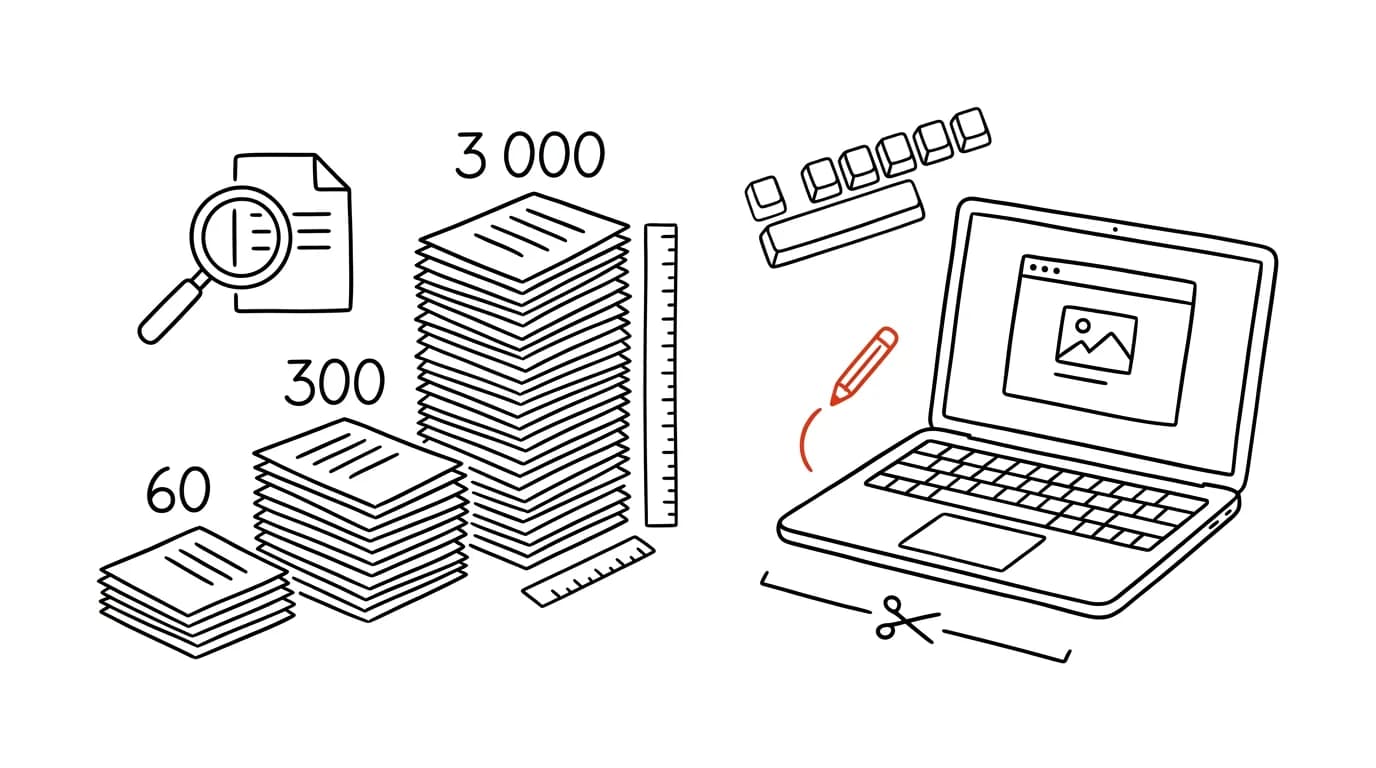
Deadline's in twenty minutes, the column runs 3,400 characters, and the template has room for 3,000. The headline has to stay under sixty so it doesn't wrap, the teaser under three hundred so it clears the system. Cutting to an exact length is one of the few pieces of editorial work you do every single day and never get faster at — and also one of the first that AI looks made for. It works, but not the way you'd expect: the model is excellent at deciding what to cut and lousy at knowing how much it cut.
Why models count characters unreliably
A language model doesn't see letters. It splits text into tokens — chunks ranging from a single character to a whole word — and works with those. How many characters a given token holds isn't something you can read directly off its representation, so when you ask the model for a character count, it's estimating based on what similar text looked like during training. For languages with heavy diacritics the estimate gets worse still, since accented characters often split into more tokens and the token-to-character ratio shifts away from what the model saw most during training — English fares somewhat better than Czech here, but the same underlying problem applies.
The practical effect: you ask for 300 characters and get 247 or 361. The model will confidently print “(298 characters)” right above it, because that number is also an estimate, not a measurement. If the model has a code-execution tool available — standard in paid tiers for data analysis — it can actually compute the length and then it's accurate. Without a tool, you're on your own to check it.
One rule follows from this: set the limit as a hard constraint, but always measure the result yourself. It takes five seconds and it's the one part of the process that can't be delegated.
One more thing worth knowing before you cut: English words average shorter than Czech words, so the same character limit buys you noticeably more words in English than in Czech. That doesn't make the count itself any more reliable — the model still has to be told and still has to be checked — but it changes how far a given limit actually squeezes you, and it's worth keeping in mind when you're deciding what can survive a cut.
Checking the count in five seconds
- Word: the status bar at the bottom — click the word count to open a window with a “Characters (with spaces)” line. Select a paragraph and it counts just the selection.
- Google Docs: Tools → Word count, or the shortcut directly. Check “Display word count while typing” for a live counter in the corner.
- CMS: most content management systems show a counter next to the headline and teaser fields right in the editor — if yours has one, that's the most reliable place to check, since it measures exactly the field you care about.
- Terminal:
wc -m file.txt. Watch out for a common mix-up —wc -ccounts bytes, not characters, and an accented letter takes two bytes in UTF-8. On text full of diacritics,wc -cwill overcount by a fifth or more.
If you're cutting text daily, it pays to have one place where you always measure the same way. The differences between tools are small (line wraps, non-breaking spaces), but at a 60-character limit they're the ones that decide it.
Cutting: what goes first
The model cuts very well, but without instructions it cuts based on what it thinks is “less important” — and for journalistic text that's often exactly backwards. You definitely don't want “according to the investigation report” to be the first thing to disappear, because it can look like padding. So the order in which text gets thinned belongs right in the prompt:
- Modifiers and adverbs that carry no information — “significantly,” “fairly,” “entirely new.”
- Repeated context, already covered in the teaser or the previous paragraph.
- Subordinate clauses that just restate the main clause in other words.
- A second example, when the first one makes the point. Three illustrations of the same phenomenon are a luxury, not an argument.
- Descriptive framing around a quote — “speaking to our reporter on Monday afternoon, she said” can shrink to “she said.”
- Numbers that aren't the point. When the piece hangs on one figure, the rest is context and can go.
And what never comes out, even when you're fifty characters short: attribution (who's making the claim), caveats and hedging language (“allegedly,” “according to police,” “pending appeal”), the names and numbers the piece stands on, and the other side's response. When the limit can't be hit without reaching into that group, the problem isn't the text — it's short one paragraph that has to stay, and that gets solved with an editor, not a cut.
Prompt: cutting to a hard limit
The key is to state the limit as a condition, not a wish, and to require a log of what came out. That log is the whole point — you read it faster than the full text and immediately see whether anything you wanted to keep is missing.
Cut the following text to a maximum of 3,000 characters including spaces.
The limit is hard, not approximate.

Order in which you may cut:
1. modifiers and adverbs that carry no information
2. context repeated from the teaser
3. subordinate clauses restating the main point
4. a second or further example of the same thing
5. descriptive framing around quotes

NEVER cut: who is making the claim (attribution), hedges like
“allegedly,” “according to,” “pending appeal,” names, numbers
that carry the point, and the other side's response. Do not add
any information that isn't in the original text.

Return, in this order:
1. the cut text
2. a line “Character count including spaces: N”
3. a log: an itemized list of what you removed
4. a list titled CAVEATS: what you had to trim right up to the
   edge of clarity

Text:
[paste the text here]
Once the model returns a result, measure it. If it's over the limit, send it back for another pass — and notice that the second round tends to be more accurate, because the model now has a specific number in front of it for how far it overshot:
The text is 3,180 characters, the limit is 3,000. Cut another
180 characters following the same rules. Don't cut a whole
paragraph — trim words and subordinate clauses so the structure
of the piece doesn't change.
List what came out again.
Prompt: one text in three lengths
Usually you don't need one length, you need a set: headline, teaser, web blurb, and full text. It pays to have them generated together from the same source — independently produced versions tend to diverge in emphasis, and a reader who sees two of them will notice.
Make four versions of the same message from the following text.
For each, keep to the limit including spaces and note the actual
character count:

A) headline, max 60 characters — no colon, no question mark,
   a verb in the main clause, no promise the piece doesn't deliver on
B) teaser, max 300 characters — first sentence says what happened,
   second says who it matters to
C) web blurb, max 800 characters — the teaser plus one more
   concrete detail
D) section summary, max 1,200 characters

Keep the same facts and the same attributions across all versions.
Add nothing. For each version, note which detail from the text
you left out because of the limit.
For headlines, it's worth asking for several options at once. Eight versions take half a minute to read and the contrast between them teaches you more than one “best” answer:
Suggest 8 headlines for this text, each under 60 characters
including spaces, with the character count noted for each. Rules:
a concrete subject, an active verb, no questions, no superlatives,
no detail that isn't in the text. For each headline, note which
sentence in the text it's based on.
When the text falls short: add, don't pad
The opposite situation is more dangerous. You're eight hundred characters short of the target length and the model will fill it in without blinking — except in journalistic text there's nothing to fill it with, so it produces sentences that either say nothing or say something nobody actually claimed. Padded text is also easy to spot: phrases like “it's worth emphasizing that” start showing up, and paragraphs begin repeating what's already been said.
Safe padding draws exclusively on material you already have — notes, an interview transcript, a document. The model should be looking for what you left out, not inventing what would fit:
This text is 2,200 characters, the target length is 3,000.
You may not add any information that isn't in the attached
source material. Instead of writing new text, do this:

1. List 10 concrete details from the source material that
   aren't in the article and would fill it out (a number, a
   name, a date, a quote).
2. For each, note where in the text it belongs and why.
3. Only then propose the expanded text, and mark every new
   sentence in it with an asterisk.

If the source material doesn't have enough for 3,000 characters,
say so directly and don't pad it out with filler.

Source material:
[paste your notes and transcripts here]
The last paragraph of that prompt is the most important one. A model given permission to say “I don't have material for this” surprisingly often uses it — and now you know a phone call is missing, not just words.
Checking what got lost along the way
After any significant cut, it's worth one minute comparing facts. This isn't about style — it's about whether the shortened version claims something different from the original:
Compare the original and the cut text. I'm not asking about style.
Return a three-column table:

- claim in the original text
- how it reads in the cut text
- shift: UNCHANGED / WEAKENED / STRENGTHENED / DROPPED / NEW

List separately every case where attribution or a hedge got lost
(“according to police, apparently” became “police confirmed”).
Don't fix anything, just report it.
Pay special attention to lines marked STRENGTHENED. Cutting most often damages facts not by deleting them but by turning a careful phrasing into a flat statement — and that's exactly the kind of mistake that gets a correction printed.
A typical scenario
Editor Hana has to send a 3,000-character column to print at five o'clock. The writer sent 3,900 characters and is unreachable. Hana feeds the text into the prompt with a hard limit and a cutting order, gets back a version at 3,070 characters and a log of twelve items. In the log she spots that a sentence with the ministry's response has dropped out — that's the one item she puts back by hand, cutting a second example in its place instead. She measures the result in the CMS: 2,986. Then she runs the shift-check and finds one line marked STRENGTHENED in the table — “the proposal, according to the document, provides for” had become “the proposal provides for.” She fixes it back. The whole thing took eight minutes instead of twenty-five, and the byline underneath is still the writer's, not the model's.
What you get out of it
Cutting stops being the part of the day you put off until the last minute. The real saving is roughly twenty minutes on a longer piece, and more on a headline–teaser–blurb set, because the versions get produced together and stay consistent. But the bigger win isn't the time — it's the log of what was cut, a record manual trimming never produces, and it's how you catch a lost caveat before a reader does.
For text that needs to stay in your own voice, minus the errors, a different approach fits better: proofreading that doesn't rewrite you. When a piece needs a different register entirely, move on to changing the tone of a text. And the typographic details that break most often during cutting are covered in an AI-assisted style guide for your language's typography.
Pro tip
Only upload unpublished source material and material from sources somewhere you know exactly how it's handled — and strip out names, contact details, and anything that would identify a source before you paste it in. For cutting text, the model doesn't need to know who gave you the document; it just needs the text. A free personal account is not the place for a story still in progress.
Want to go deeper? The handbook has a whole chapter on it — AI and automation.
Similar tips
In-depth guide · 76 min
AI in the company: the complete rollout guide — from data to measurable results
Our most comprehensive guide: AI rollout from the data foundation through tools and policy to self-monitoring meetings. 50+ prompts and a 90-day plan.
In-depth guide · 18 min
AI in the Classroom: Teaching Students Who Have ChatGPT in Their Pocket
A complete guide with prompts: assignments AI can't do for a student, simple class rules, defending your own text instead of a witch hunt, and AI in class.
In-depth guide · 21 min
AI search engines with citations: research with verifiable sources
A complete guide with prompts: when to use AI search instead of Google, how to ask so the answer rests on sources — and where the tool reliably fails.
Was this helpful?
Liked this tip?
I send one like it every week by email. Two minutes to read, hours saved.
The Top 30 tips e-book, free — it lands in your inbox right away.
Then 1 tip a week · no spam · unsubscribe in one click
Prefer a system to single tips? The free email course — seven days, seven emails, one skill a day.