Tips & tricks · AI · Everywhere · ~10 min per text · 2 min read
Proofreading That Doesn't Rewrite You: Fix Only the Errors
Last reviewed:
In this article
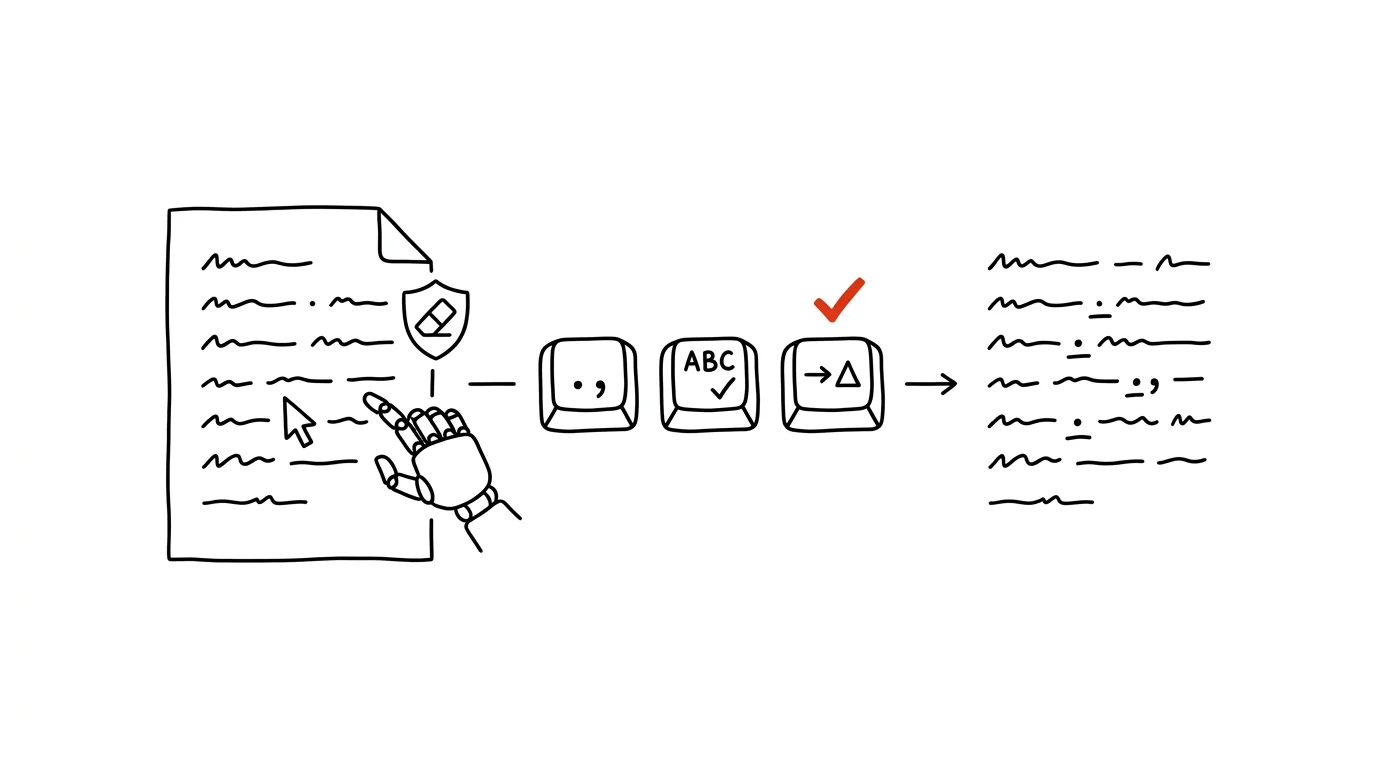
You ask AI to check your spelling and get back someone else's text: commas fixed, but sentences also rearranged, your go-to words swapped for smoother ones, and little of your original tone left. Models are trained to improve things, so "check this for me" gets read as "rewrite this for me." Yet often you want the exact opposite: the text is yours and should stay yours, it just shouldn't be embarrassed by a missing comma. The fix is to specify the minimum possible intervention — and, crucially, to ask for a list of changes, so every fix stays something you approve.
This term she has made exceptionel progress, particularily in maths — the test results speak for themselfs.
How to do it
- Paste the text with this prompt:
Proofread this text. Fix ONLY:
- spelling errors and typos,
- punctuation (commas, spacing, quotation marks),
- subject-verb agreement and wrong word forms.

DO NOT change: word order, word choice, sentence length,
style, or tone. If a sentence is awkward but grammatically
correct, leave it alone.

Return:
1. the corrected text,
2. a list of changes in the format "original → corrected"
   with a brief reason,
3. a separate DISPUTED list: spots where the rule allows
   either option, or you're not sure.
- Go through the change list — it's short and reads in a minute. You see the reason behind every fix, so along the way you pick up on the rules you keep tripping over.
- The DISPUTED section is your call: comma placement around free modifiers or capitalization in names sometimes has more than one correct answer.
- Read the final text yourself — AI proposes, the human approves, and that goes double for text with your name on it.
A typical scenario
Teacher Pavel is writing mid-term reports for parents — forty short evaluations, each in its own words, because parents spot a template at a glance. When he first ran the texts through AI with a plain "improve this," he got back forty polished, interchangeable paragraphs; not at all what he wanted.
With a strict prompt he gets back his own sentences, just minus three typos and with the commas fixed — plus a change list that shows him he's been misspelling one particular word his whole life. Two disputed spots, both resolved in seconds. The reports go out in his own voice, error-free.
What you get out of it
Proofreading at the level of a careful colleague, but without the side effect of you disappearing from the text. The change list does two things at once: it keeps control in your hands and doubles as a micro-lesson in spelling tailored to your actual mistakes. When you do want AI to actively rewrite a text — shorten it, retune the tone — that's a different discipline, covered by the guide to iteration; this trick is for the times the text needs to stay yours.
Pro tip
Hang on to your change lists: after a few weeks, ask the model to compile your personal cheat sheet from them — the five rules you keep tripping over. It's worth adding those to your custom instructions, so proofreading watches for your specific weak spots first.
Want to go deeper? The handbook has a whole chapter on it — AI and automation.
Similar tips
Hidden formatting marks: why a document behaves strangely
Ctrl+Shift+8
The ¶ button reveals spaces, tabs, and page breaks. Suddenly you can see exactly why text jumps where it shouldn't — and what to delete.
Comparing two versions of a document: see the changes in color
Word and Google Docs can both compare two versions of a file and highlight every difference. No more reading contracts line by line.
Word without distractions: Focus mode
View → Focus hides the ribbons and leaves just the page. Writing without visual noise.
Was this helpful?
Liked this tip?
I send one like it every week by email. Two minutes to read, hours saved.
The Top 30 tips e-book, free — it lands in your inbox right away.
Then 1 tip a week · no spam · unsubscribe in one click
Prefer a system to single tips? The free email course — seven days, seven emails, one skill a day.