Tips & tricks · Apps · Mobile · caught unnecessary charges · 2 min read
Turn on a notification for every card payment
Last reviewed:
In this article
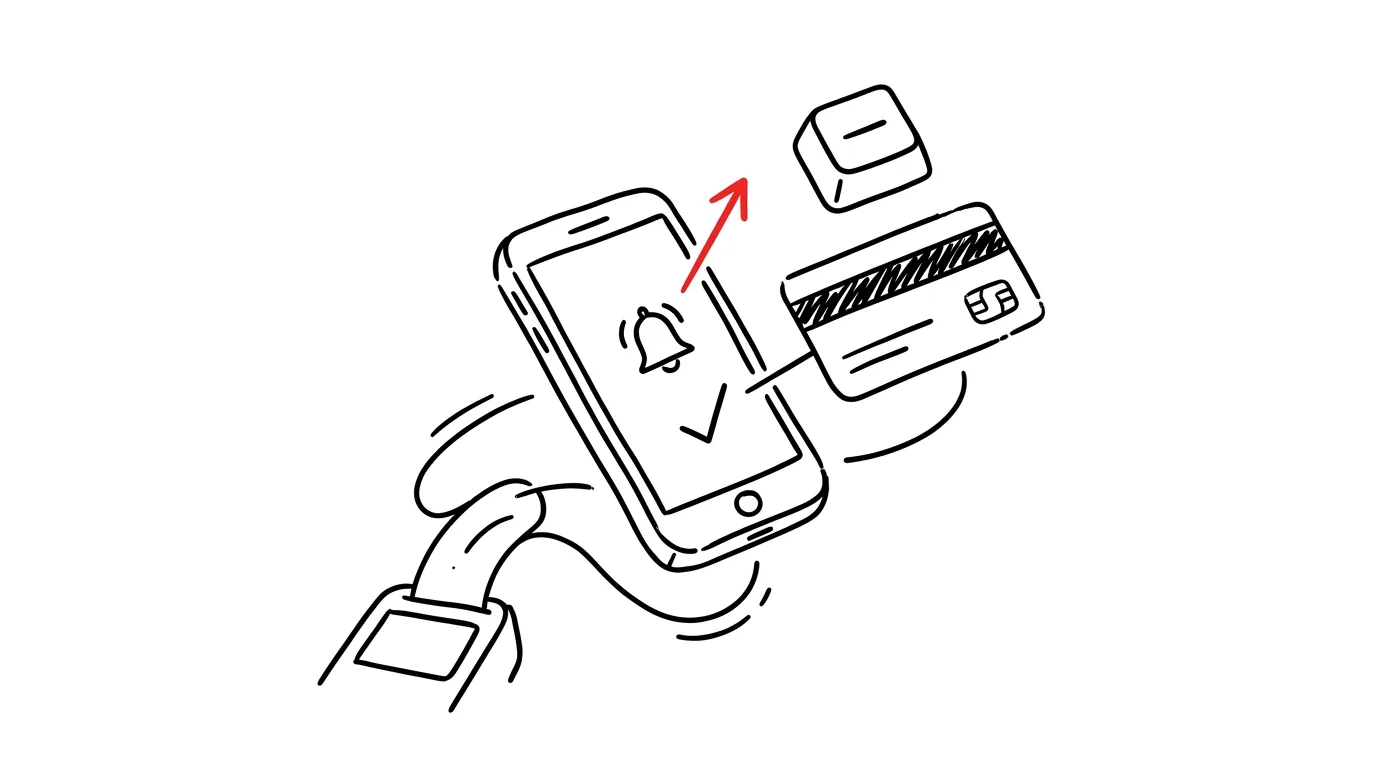
Most people have notifications in their banking app either turned off, or set to trigger only for larger amounts — “so it doesn't keep beeping.” But it's exactly the small, recurring charges that slip through: a subscription you meant to cancel six months ago, a trial that quietly rolled into a paid plan, or a fraudster's first cautious test (criminals typically start with a small amount to verify a stolen card works). A notification for every payment is the cheapest financial audit there is: it runs constantly and reports on its own.
How to do it
- In your banking app, find Settings → Notifications (sometimes “Alerts”) and turn on push notifications for all card transactions and outgoing payments — with no minimum amount.
- If you have multiple accounts or cards (personal, business), go through the settings for each one. A rarely used card is the most common blind spot.
- When a notification arrives that you don't recognize, act right away: for an unfamiliar charge, lock the card in the app (one tap, and just as easy to undo) and call the bank; for a forgotten subscription, take two minutes right then and cancel it while it's on your mind.
- Make sure alerts don't get buried: grant the banking app an exception if you use focus mode or notification summaries.
The first few days it might beep unusually often — that's not a bug, that's information. Most people have no idea how many recurring charges they actually have.
A typical scenario
At 9:14 on a Tuesday, a phone beeps: a charge for a streaming service the whole family stopped using back in the spring. Without the notification, the payment would have gone through quietly — like the five before it that nobody noticed on the statement. This way, dad cancels it right in his phone while waiting for coffee. A month later, a payment beeps in from an online store nobody in the family shopped at: the card can be locked instantly, and the damage stops at the one charge the bank disputes — not a drained account at the end of the month.
What you get out of it
Forgotten subscriptions stop living off your inattention — every charge reminds you of itself once a month. You catch card fraud within minutes, which dramatically improves your chance of getting the money back. And incidentally, you get a real feel for how much you spend day to day — no spreadsheets, no extra work. Anyone who wants to go further can follow up with Personal budgeting from your bank statement.
Pro tip
Turn on notifications for incoming payments too. A freelancer knows instantly that a client paid an invoice — without having to open online banking every other day or send a reminder to someone who paid ages ago. In a family, it also kills the “has your paycheck landed yet?” question: the phone announces it before anyone has to ask.
Want to go deeper? The handbook has a whole chapter on it — The app categories that matter.
Similar tips
Delete an annoying suggestion from the address bar: Shift+Delete
Shift+Delete
Does your browser keep offering a typo or an old site? Select the suggestion with the arrow key and press Shift+Delete — it's gone for good.
The shutdown ritual: close the day so it doesn't follow you
Five minutes at the end of work: write down loose ends, glance at tomorrow, close the laptop. Work stays at work — even in your head.
Get school emails to both parents: a filter with forwarding
The school only writes to one address — and the other parent hears about meetings secondhand. A Gmail filter can auto-forward school emails to your partner.
Was this helpful?
Liked this tip?
I send one like it every week by email. Two minutes to read, hours saved.
The Top 30 tips e-book, free — it lands in your inbox right away.
Then 1 tip a week · no spam · unsubscribe in one click
Prefer a system to single tips? The free email course — seven days, seven emails, one skill a day.