Tips & tricks · Apps · Mac · ~5 min a day · 3 min read
Copy on your iPhone, paste on your Mac
Last reviewed:
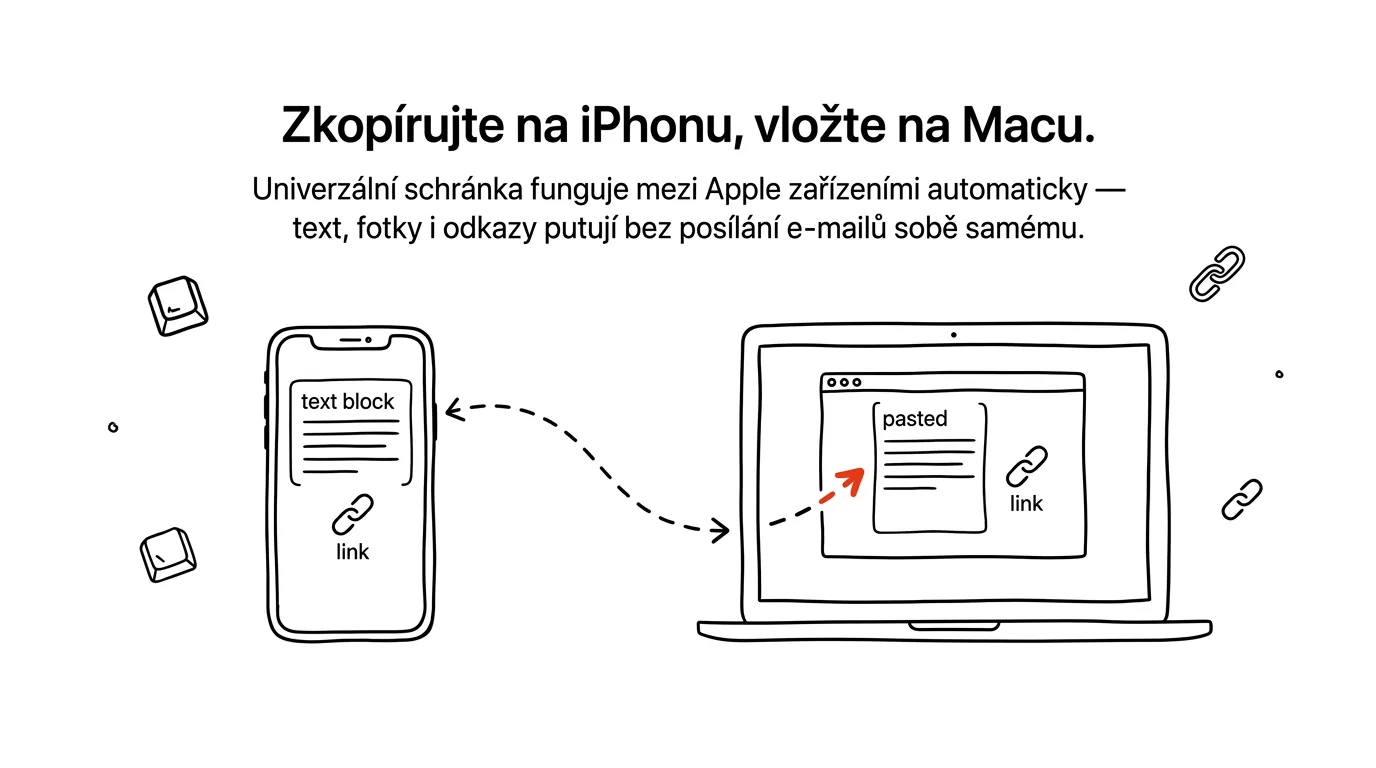
Emailing yourself links between phone and computer is pointless. Yet plenty of people still do it — they find an interesting article on their phone, want to open it on the big screen, and the only way that comes to mind is emailing the link to themselves or sending it through a chat app. Universal Clipboard skips that step entirely.
A typical scenario
On the tram, you spot an interesting recipe or article on your phone that you want to open later at home on your Mac, where it's easier to read and, if needed, print. Without Universal Clipboard, that means emailing the link to yourself, or to your own chat conversation, and then hunting it down again at home among other messages.
With Universal Clipboard, you just copy the link on your phone exactly the way you copy anything else. At home, you press the paste shortcut on your Mac and the link appears as if it had been copied right there on the computer — no email, no digging through messages.
How to do it
- Make sure both devices — iPhone and Mac — are signed in to the same Apple ID.
- Bluetooth, Wi-Fi, and Handoff must be turned on on both devices (under Settings → General → AirPlay & Handoff on iPhone, and System Settings → General → AirDrop & Handoff on Mac).
- The devices also need to be within Bluetooth range, meaning roughly the same room or home.
- On iPhone, copy text, a link, or a photo the usual way — press and hold, then choose Copy.
- On your Mac, within a few seconds, press Cmd + V — it pastes the content copied on your phone, exactly where you need it.
- It works the other way too: copy on your Mac, paste on iPhone or iPad the same way.
- Besides text and links, photos and short video clips travel the same way — a photo copied on your phone can be pasted straight into a document or presentation on your Mac without first having to export and upload the file.
The best tools
- Universal Clipboard — free, built into every newer Apple device, works automatically with nothing to install.
- AirDrop — for transferring whole files, photos, or documents, not just a short bit of text or a link from the clipboard.
- Handoff — a related feature that lets you carry unfinished work (like a half-written email) between devices and pick up right where you left off.
- KDE Connect or similar tools — an alternative for people pairing a Mac with an Android phone, where Apple's Universal Clipboard doesn't work.
What you get out of it
- Time: no more tediously emailing links to yourself and hunting them down in your inbox or chat.
- Flow: an idea or link that occurs to you on your phone reaches your computer within a few seconds, while you still remember the context.
- Less digital clutter: the clipboard leaves no trail of “to self” emails or messages in a personal conversation that you'd otherwise have to delete.
- No extra tools: works automatically between devices signed in to the same Apple ID — nothing to install or configure.
Pro tip
Universal Clipboard only holds content for a short while after copying — if you don't paste right away, copy again. It works more reliably when both devices are unlocked and actively in use, not asleep in a pocket. If pasting doesn't work, the first fix to check is that Bluetooth and Wi-Fi are on on both devices and that you're signed in to the same Apple ID.
Want to go deeper? The handbook has a whole chapter on it — The app categories that matter.
Similar tips
A new folder without the right-click: Ctrl+Shift+N
Ctrl+Shift+N
You create folders all the time — and every time via right-click and a menu. Ctrl+Shift+N creates a new folder instantly, already primed for naming.
Ctrl+Z works on files too: undoes a move, rename, or delete
Ctrl+Z
Accidentally dragged a file who-knows-where? Ctrl+Z in File Explorer undoes the last file operation — move, copy, rename, and delete to the recycle bin.
F2 renames a file — and Tab jumps straight to the next one
F2
Renaming without a mouse: F2 opens the name for editing, Tab saves it and skips to the next file. Select several files, and they all get renamed at once.
Was this helpful?
Liked this tip?
I send one like it every week by email. Two minutes to read, hours saved.
The Top 30 tips e-book, free — it lands in your inbox right away.
Then 1 tip a week · no spam · unsubscribe in one click
Prefer a system to single tips? The free email course — seven days, seven emails, one skill a day.