Handbook · Tools · 14 min read
Briefing AI is a skill, not a trick
Last reviewed:
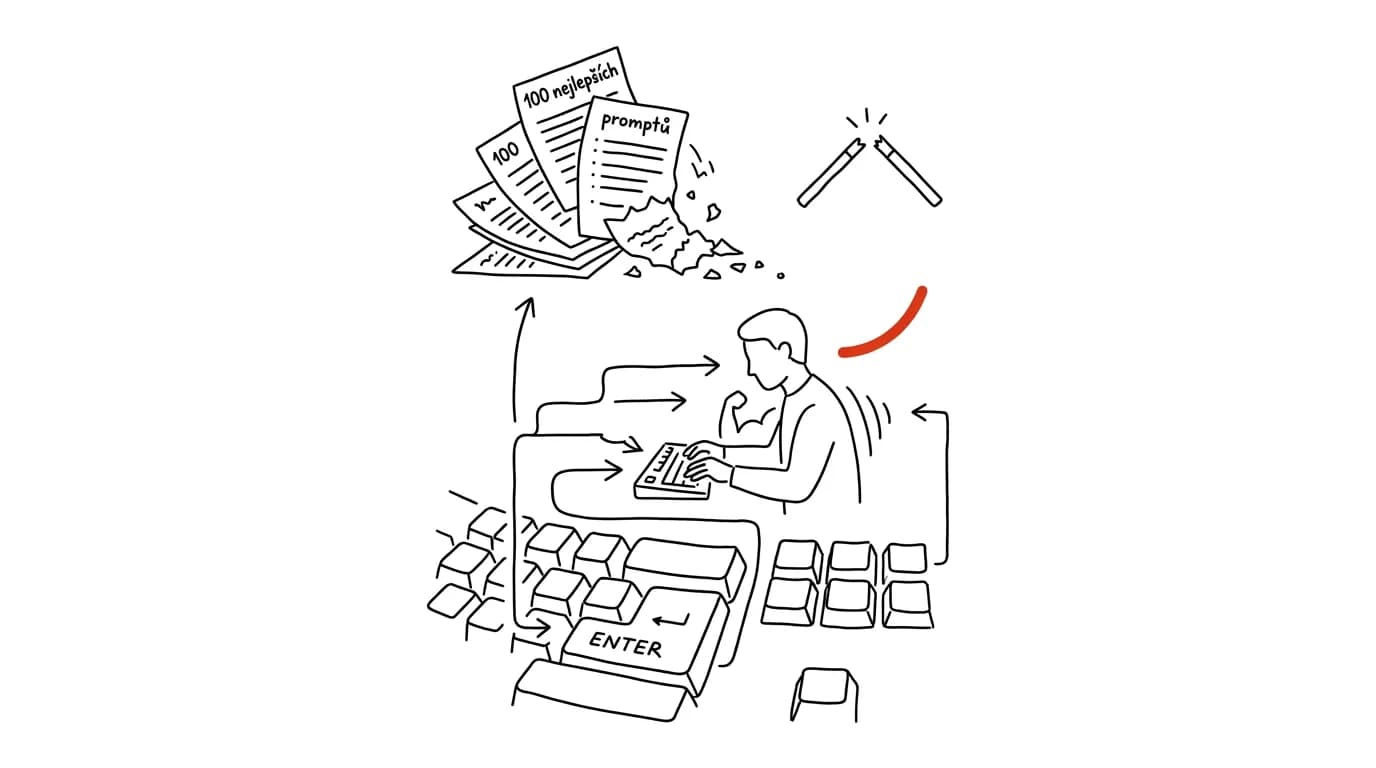
Magic phrases don't work, and lists of the “100 best prompts” go stale before you can try them all. What lasts is the ability to state work clearly — and that can be trained like any other skill.
In this article
Ask two people to do the same thing and you'll get two very different answers. The first writes “write my client an email that the delivery will be late” and gets polite filler he has to rewrite entirely. The second writes who the client is, how long they've worked together, how much the delivery will be delayed, whose fault it is, what she wants to offer as compensation, and that the email should be no more than eight sentences and shouldn't sound like a legal document. She gets text where she fixes one word. Same model, same second, different result.
The easy explanation is that the second person knows a better prompt. But that explanation is wrong, and fairly harmful, because it sends people hunting for magic phrases. What the second person actually did was a piece of thinking the first one skipped: she decided what she actually wanted, who it was for, and how she'd know it was done. AI just wrote it down for her. If she'd given the same brief to a colleague, she'd have gotten a better result out of him too, compared to a one-line request.
The overview chapter AI and automation shows everything AI can be put to work on. This chapter is about the skill that all of it falls apart without — at every level of the ladder from the chapter Five levels of working with AI, someone still has to say clearly what counts as done. Prompting isn't knowledge of secret phrases. It's the ability to turn a vague idea in your own head into a brief someone else can actually fulfill — and like any skill, it improves through repetition and feedback, not memorization.
Why it isn't a trick
The case for “trick” sounds logical: models vary, each reacts a little differently, so you find a phrasing that works. But this approach fails for three reasons.
First, tricks go stale. Phrasings like “you are a world-renowned expert” or “take a breath and think step by step” had a measurable effect on older generations of models, because they compensated for weaknesses those models had. Newer models handle much of what those crutches used to do on their own. Anyone who built their practice on a collection of tricks has to rebuild it every year. Anyone who built their practice on a clear brief just keeps harvesting.
Second, a trick doesn't fix the real issue. The most common cause of a bad output isn't bad phrasing, it's missing information. The model doesn't know who you're writing to, what happened last time, how long the reply should be, or what you absolutely can't afford to write. No magic word fills that gap.
Third, a skill transfers, a trick doesn't. Whoever knows how to brief work briefs it well in any tool, in an automation platform, and to a colleague. Whoever knows fifteen prompts knows fifteen prompts in one tool.
The fact that this is a skill, not knowledge, shows in one telling way: it can't be learned by reading. You can read twenty articles about prompting and then write just as mediocre a brief as before, because the decisive part happens in the moment you're facing a real task and have to figure out what you actually want from it. It trains the way every skill trains: repetition with conscious feedback. For every output that disappointed you, ask yourself one question — what didn't I write down that the model had no way of knowing? After twenty such questions, you'll start writing briefs differently without having to remind yourself.
A useful shortcut for the whole chapter: write a brief the way you'd write it for a capable person who knows their field but doesn't know you, your company, or your past week. No more, no less. Most bad briefs violate one of those two sides — either explaining something the other party already knows better than you do, or leaving out everything they have no way of knowing.
The anatomy of a brief: five parts
A good brief has five parts. You don't have to write them in this order, or fill in all of them every time, but it's worth checking whether any are missing. A detailed breakdown with examples is in the tip Role, context, task, format; here the point is why these parts exist at all.
- 1RoleWhat position should it look at this from. Not a title for effect — a choice of perspective and vocabulary.
- 2ContextWhat the model can't know: the situation, history, audience, constraints, what to avoid.
- 3TaskOne specific verb. Write, summarize, compare, find contradictions, rewrite.
- 4FormatLength, structure, tone, language. The more specific, the fewer edits you'll make after.
- 5CriteriaHow you'll know it's done and good. The most commonly skipped part.
Role isn't a magic word, it's a choice of vantage point. “You're an experienced HR professional” and “you're a lawyer specializing in labor law” pull different text out of the same brief, because each solves for different risks and speaks a different vocabulary. Role is useful precisely when you're choosing between several perspectives. When perspective doesn't matter, skip it.
Context is the most valuable part, and the one most often skimped on. This is everything the model has no way of guessing: that the client is price-sensitive, that this is going into a presentation for leadership, that you sent something similar last year and have it on hand. At higher levels of the ladder, part of the context gets handled by persistent instructions and connected data, so you're not typing it out again every time.
Task should contain one verb. A brief like “go through this, fix it, shorten it, and suggest a headline” is four tasks, and the result tends to be four times mediocre. Split them up.
Format decides how much cleanup work is left for you afterward. “A table with three columns,” “eight sentences max,” “no marketing superlatives,” “in English, casual tone.” Every sentence like that saves one round of edits.
Criteria are what most people never write down — and they're the strongest part of all. “A good output is one a person outside the field can understand.” “It has to include a specific date and the name of the person responsible.” “It contains no claim that isn't in my source material.” Criteria do two things at once: they steer the model, and they force you to clarify what you actually want. That's often the harder half of the work, and people subconsciously put it off — which is exactly why it's so tempting to write one sentence and hope for the best.
Iteration instead of one shot
The most widespread misconception is that a good prompt is one that returns a finished output on the first try. That's not even how it works between people. When you hand a colleague an assignment, you also expect the first draft to need comments — and you don't treat that as a failure on either side.
The practical consequence is simple: don't judge the first output as the result — judge it as a question. It shows you how the model understood your brief, and in doing so, reveals what was missing from it. If the text is too formal, tone was undefined. If it's generic, context was missing. If it addresses the wrong thing, the task or criteria weren't defined.
- Round 1The brief and a rough outputrole, context, task, format — then see what the model actually understood from it
- Round 2Course-correct“cut this in half, drop the third paragraph, add a specific date” — not rewriting from scratch
- Round 3Fine-tune and savefinal tweaks and, above all: whatever worked gets added to the brief and saved to the library
The key technique is not starting over every time. When an output is seventy percent good, fix it inside the conversation, because the model already has all the context loaded and your corrections are additional information to it. Starting fresh throws that head start away. Rewriting the brief from scratch only pays off once the conversation has gotten tangled and the model keeps clinging to the wrong direction despite corrections — then a clean start is faster. Concrete techniques are in the tip Iteration.
And one thing worth doing on purpose: the last round of iteration belongs back in the brief. If you've said “no superlatives” three times, that doesn't belong in the conversation — it belongs in persistent instructions or a saved prompt. Otherwise the same correction comes back next week.
An example beats a description
Of all the tools available when briefing AI, the most effective one is the least used: show a finished example. Describing tone of voice in words is hard even for a copywriter. Attaching two emails that turned out well and writing “this is how it should sound” takes ten seconds and works more reliably than a paragraph of adjectives.
The reason is simple. A description is an abstraction the model has to translate back into concrete text, and that translation is where misunderstanding creeps in. An example needs no translation. It also contains dozens of small details you'd never think to spell out in a description: paragraph length, degree of politeness, whether you use bullet points, how you open, how you close.
Examples work in three forms. A model to imitate — the most common and most powerful. A counter-example, i.e. “definitely not like this,” which is surprisingly effective for text with a specific tic that bothers you. And a before-and-after pair, which shows not just the target but the type of edit you want from AI. For recurring work, it's worth keeping two or three examples saved permanently; the tip Format examples shows the practical setup.
Examples, by the way, don't only work for tone. They just as effectively carry structure — an attached meeting note that turned out well communicates more about the desired breakdown than five bullet points describing it. And they carry level of detail, the one property that's hardest to describe in words: what still belongs in a summary and what's already a detail nobody cares about.
A small trap: an example is powerful even when it's a bad one. Attach text full of clichés and you get text full of clichés back. Choose examples that genuinely represent the best of what you do, not whatever's closest at hand.
Meta-questions: let the model ask
There's a simple move that raises output quality more than most techniques combined, and it goes: “What's missing from this brief for you to do this really well? Ask me before you start.”
It works because it flips the roles. Instead of you guessing what the model needs, it tells you — and the questions it asks are, at the same time, a fairly precise diagnosis of your brief. If it asks about the audience, you forgot the audience. If it asks what the goal of the message is, maybe you don't know that yet either. That second one is an uncomfortable realization, and also the single most useful thing AI will tell you all day.
A few other moves belong in the same family. “Before you write the text, tell me in five bullet points how you understand it” surfaces misunderstandings before they become five paragraphs. “Write three versions with different approaches, and one sentence each for why it might be the best one” is a faster route to a decision than one supposedly perfect version. And “find the three weakest points in what you just wrote” pulls out weaknesses you'd otherwise spend a long time hunting for yourself — the model isn't playing defense attorney for its own text.
Meta-questions have one more side effect that pays off long-term: they teach you how to brief. After the twentieth time you answer “who's this for,” you start writing the audience down without being asked.
A prompt library as personal capital
Once a skill shows results, it pays to save it. A brief you spent three rounds of iteration polishing is a small asset — and most people throw it away the moment they close the browser window. A month later they're solving the same thing again, from scratch.
A prompt library doesn't need to be anything sophisticated; one note or document is enough, where each entry has the prompt, what it's for, and a note on what didn't work with it. The value doesn't come from quantity, it comes from maintenance: a good library has twenty entries that actually get used, not two hundred downloaded off the internet. The tip A prompt library covers how to maintain one and version prompts.
Within a team, a library becomes something more valuable — a shared definition of quality. A prompt for meeting notes isn't just a technical template; it's an agreement about what meeting notes should contain. A prompt for evaluating a proposal is an agreement about what criteria proposals get judged on. This is how a piece of company know-how that used to live only in people's heads gets smuggled into the library. At a larger scale, this is one of the tracks along which AI gets rolled out across a company — the process is covered in the tip AI at your company.
And one more connection worth making: a library is the step before automation. A prompt you use every week at the same time on the same type of input is already a finished routine — you're just still running it by hand. By the time you read the chapter Routines and agents, treat your library as a shortlist of candidates.
Why the skill outlives the model
The last, and maybe most important, reason it's worth investing in briefing: it's one of the few AI-related skills that doesn't go stale with the next version.
Specific knowledge ages fast. Which tool handles documents better, what a given setting is called, what models still can't do — none of that holds for more than a few months. The ability to say what you want, who it's for, what it should look like, and how to recognize a good result, by contrast, is as old as dividing work between people, and will be exactly as old ten years from now.
The transferability shows up immediately. Anyone who can brief one model can brief another; the differences between tools, covered in the tip Comparing Claude, ChatGPT and Gemini, are in the details, not the principle. The same skill also spills over outside of AI: people who get in the habit of writing down context, task and criteria write better briefs for colleagues, clearer tickets and sharper project outlines. More than one team has found that the biggest benefit of AI wasn't the hours it saved, but that the team finally learned to name what it wanted from each other.
One thing worth adding: what the skill of briefing doesn't replace is responsibility for the result. A brilliantly briefed task can still return confident-sounding nonsense, and the signature under it is still yours. Verification, and where AI should be allowed near your data at all, is covered in the chapter AI, ethically and safely and the tip AI makes things up with total confidence.
What to take away
- Output quality isn't decided by a magic phrase — it's decided by whether you clarified what you want, who it's for, and how you'll know it's done.
- A brief has five parts: role, context, task, format, and criteria. Context and criteria are the two most commonly missing — and they're exactly the two that decide the outcome.
- The first output isn't the result, it's feedback on your brief. Fix it inside the conversation; don't start from scratch every time.
- An example beats a description. Two sample texts say more about tone than a paragraph of adjectives.
- The question “what's missing from this brief” is the cheapest quality check there is — and it teaches you to brief better over time.
- Save briefs that work. A prompt library is personal and team capital, and also a shortlist of candidates for future routines.
- The skill of briefing transfers between tools and to people, and outlives every generation of models. Specific tricks don't.
Want to keep the momentum?
One tip from the handbook by email each week — in an order that makes sense.
The Top 30 tips e-book, free — it lands in your inbox right away.
Then 1 tip a week · no spam · unsubscribe in one click
Prefer a system to single tips? The free email course — seven days, seven emails, one skill a day.